Tutora
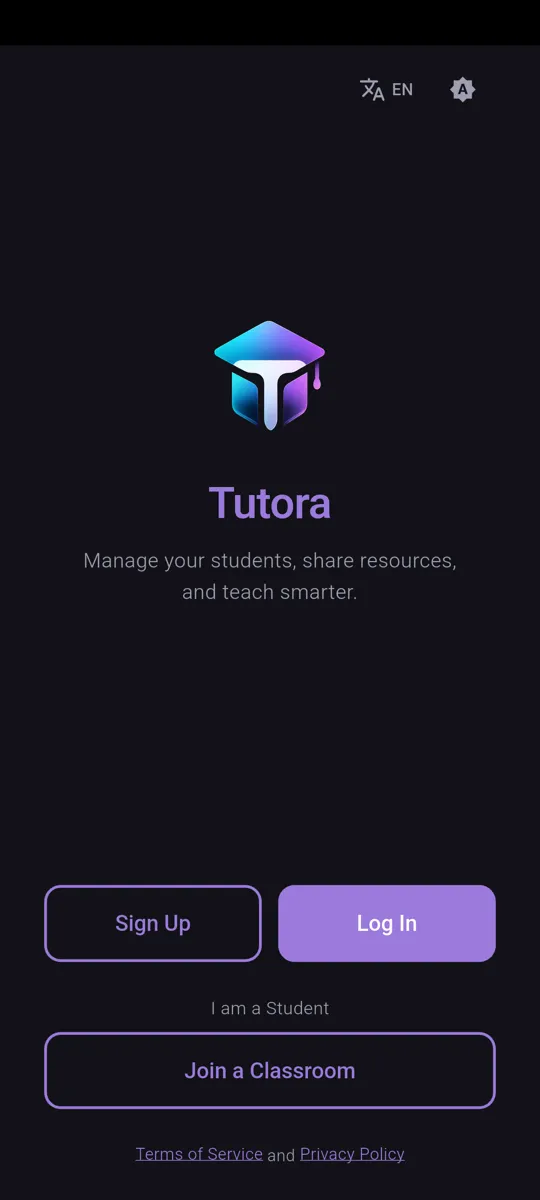
Manage students, share resources, teach smarter
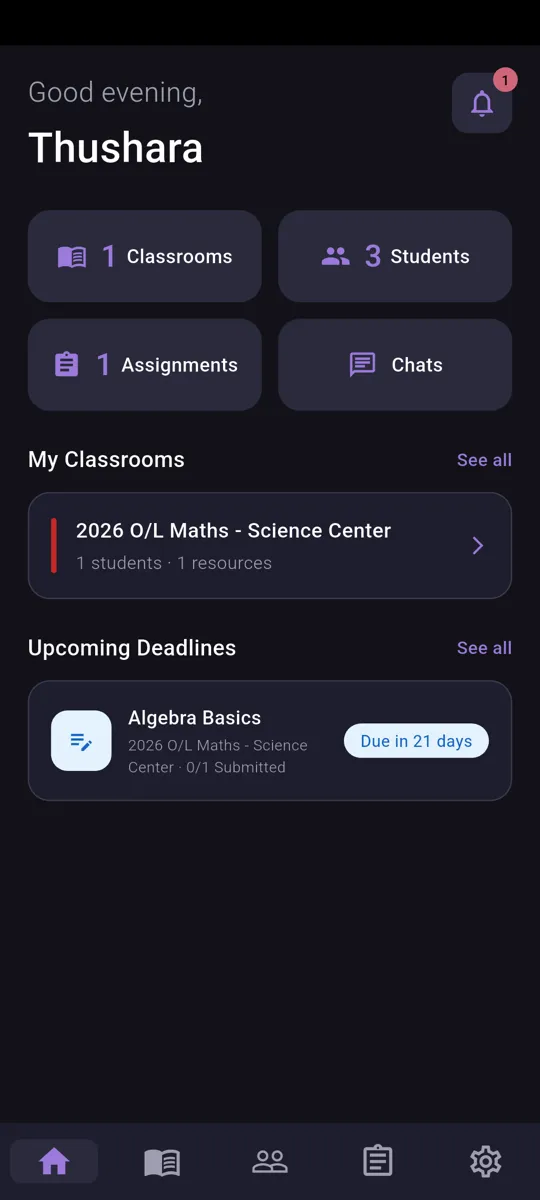
Tutora is built for tutors who want to spend less time on admin and more time teaching. Create classrooms, invite students, share resources, set assignments, and chat with your class — all in one place.
What Tutora Offers
Classrooms
Create classes to organize students by subject or grade, and manage everything in one place.
Student Invitations
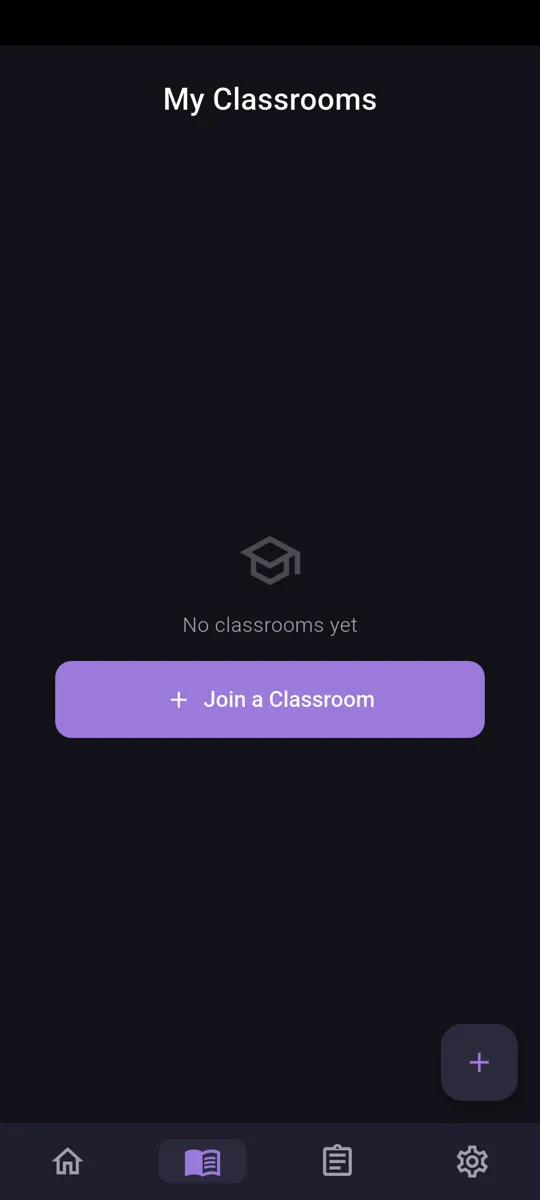
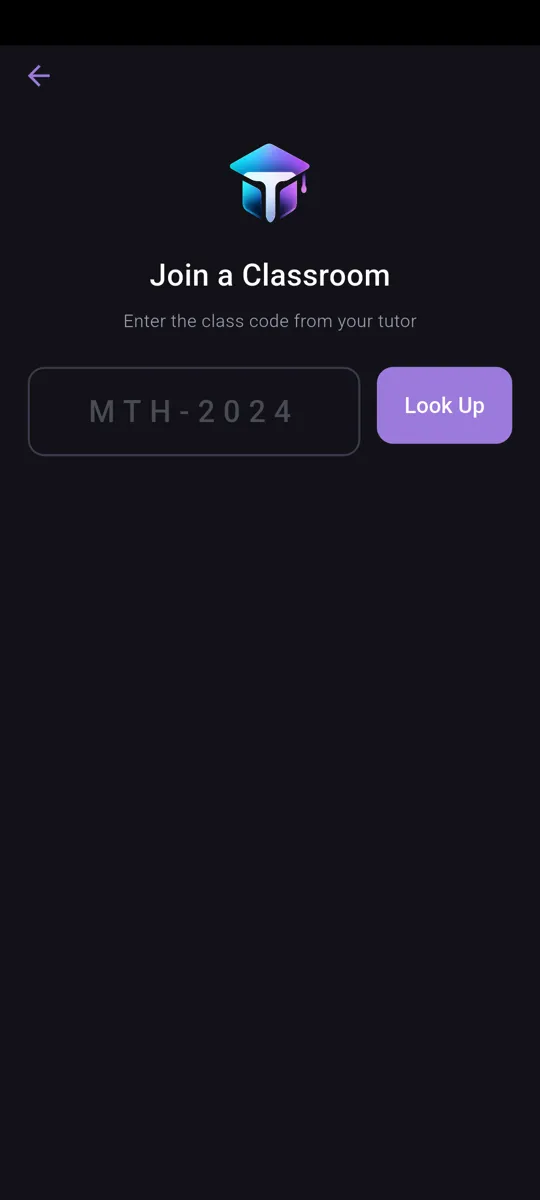
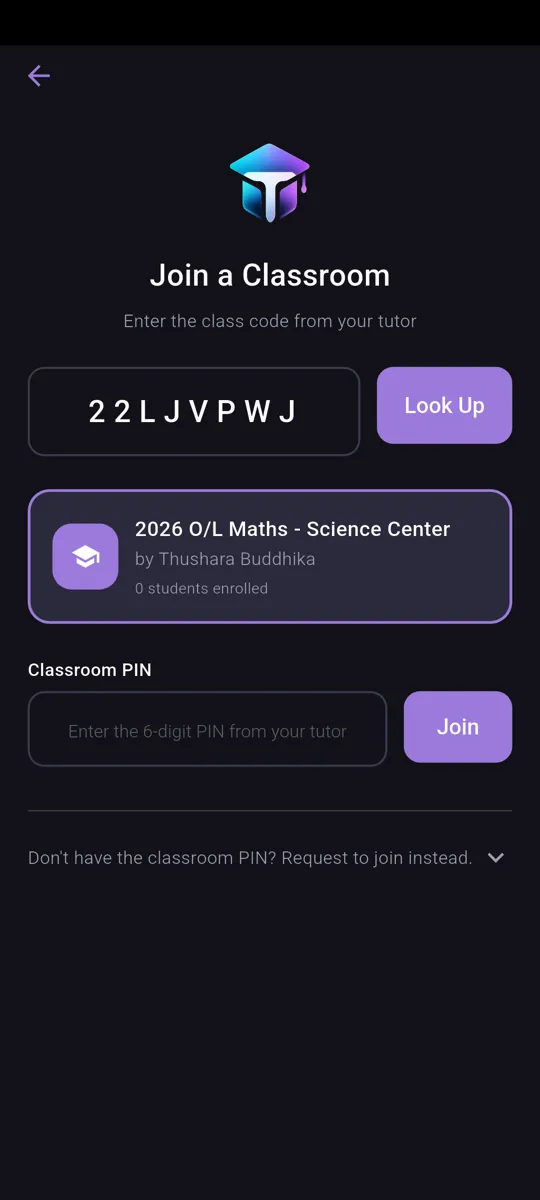
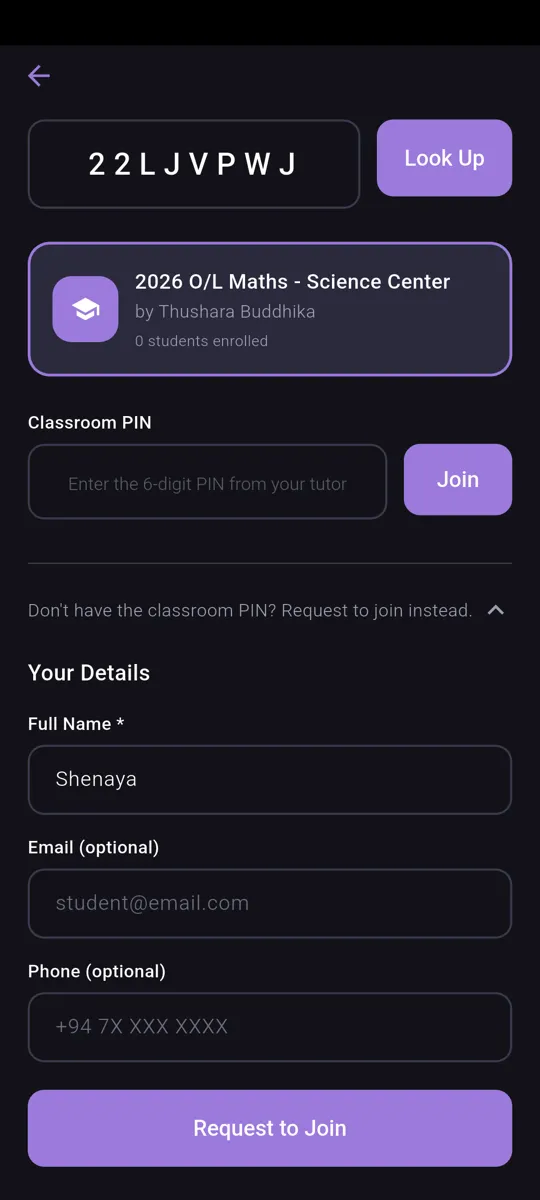
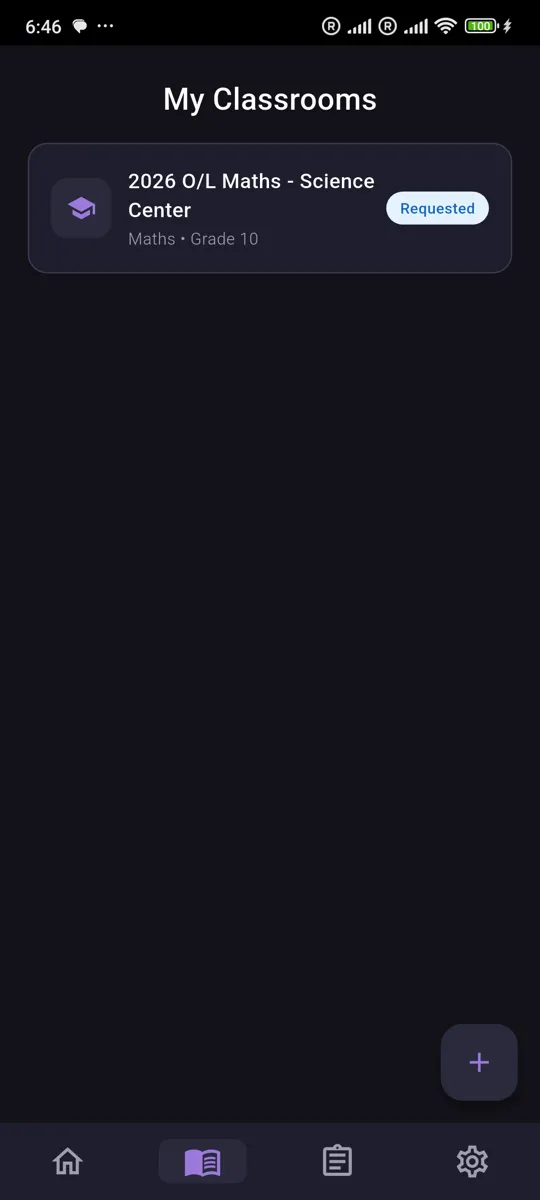
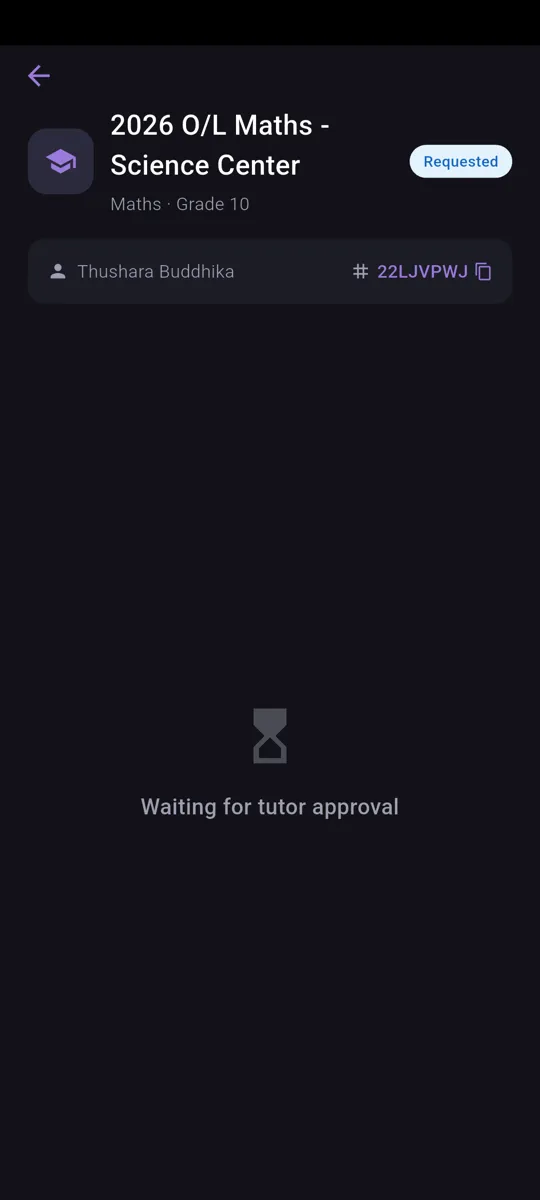
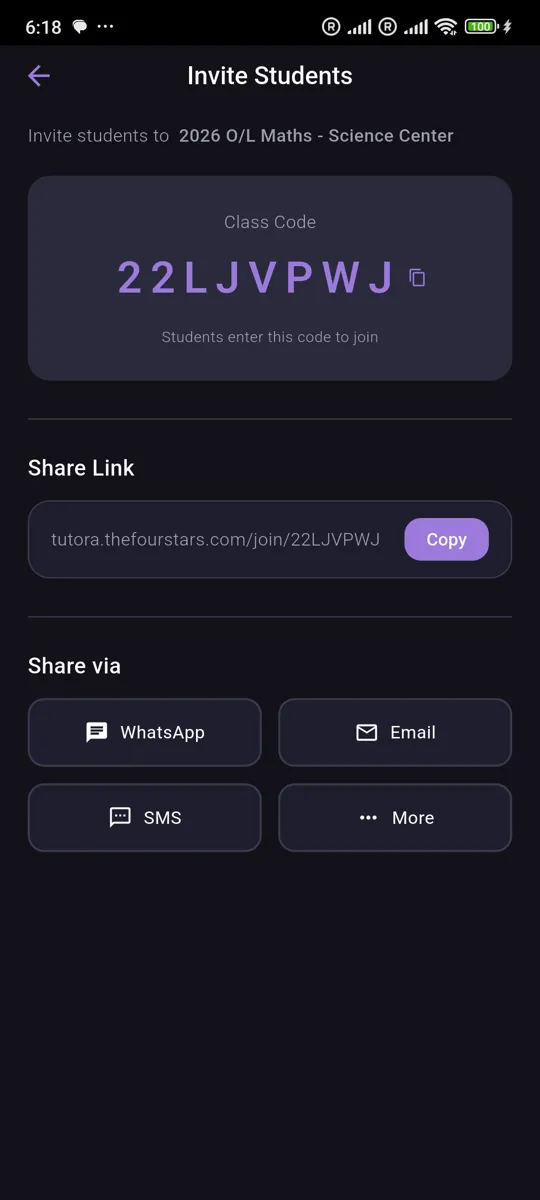
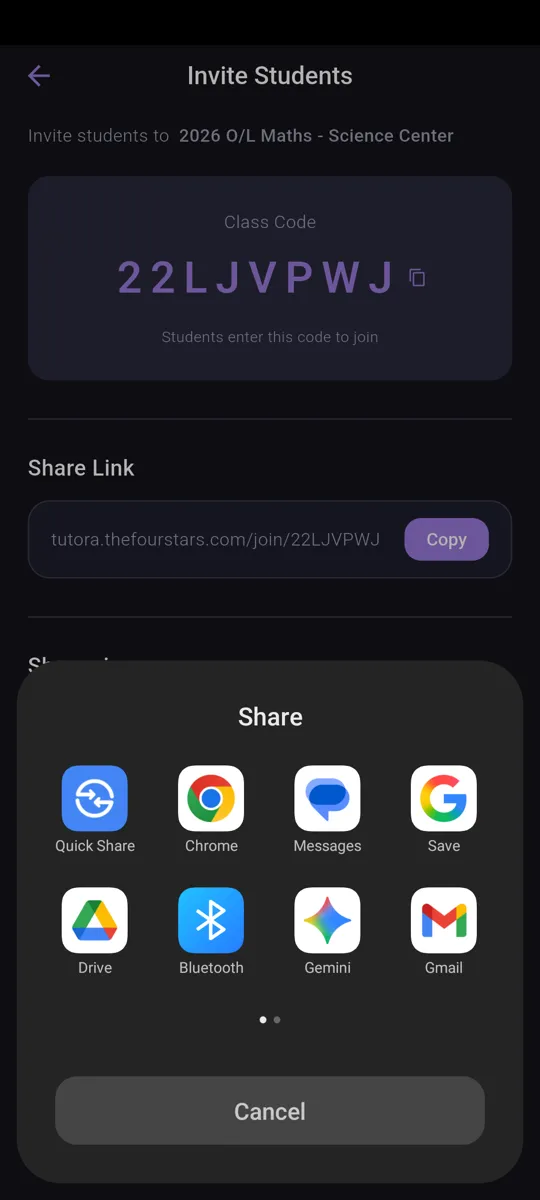
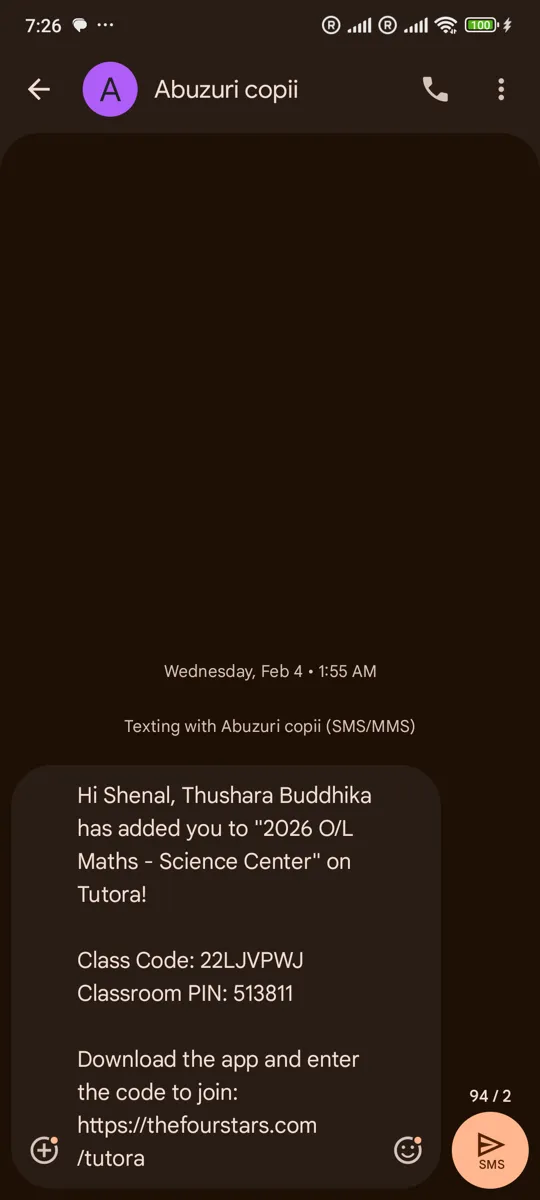
Invite students via code or link with approval-based joining to keep your classes secure.
Resource Library
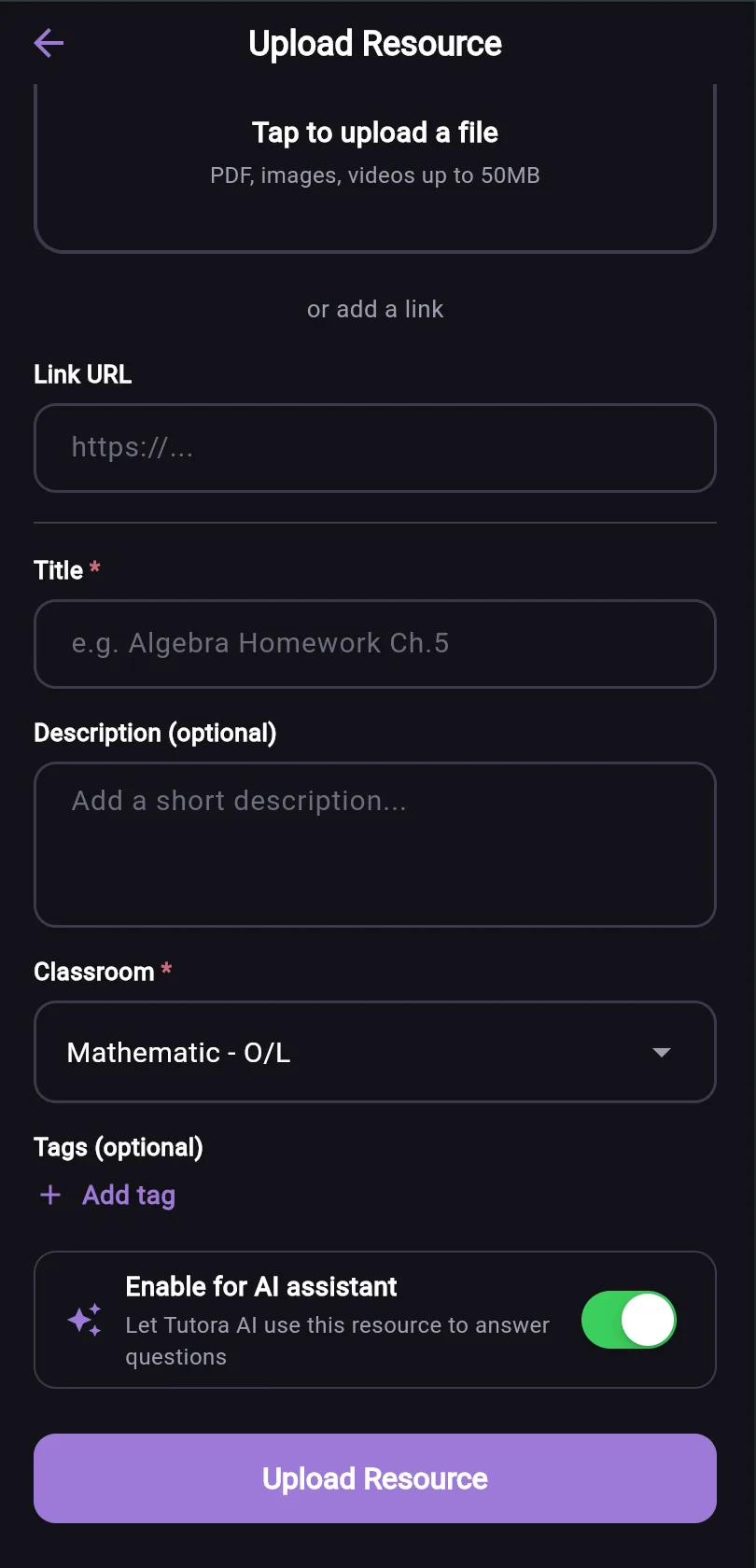
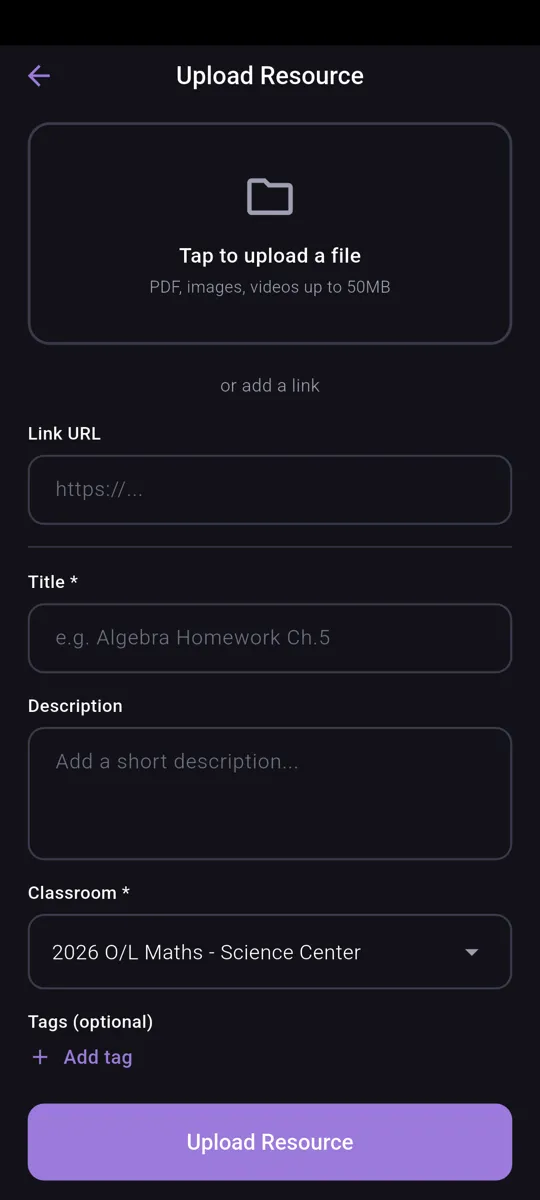
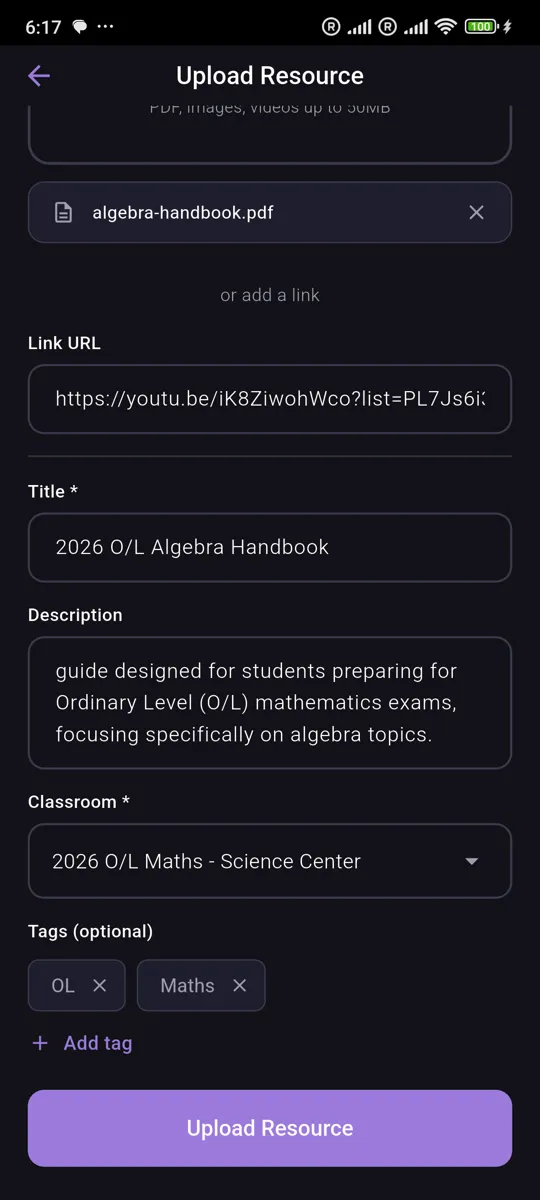
Upload PDFs, images, videos, and links for instant student access from any device.
Assignments
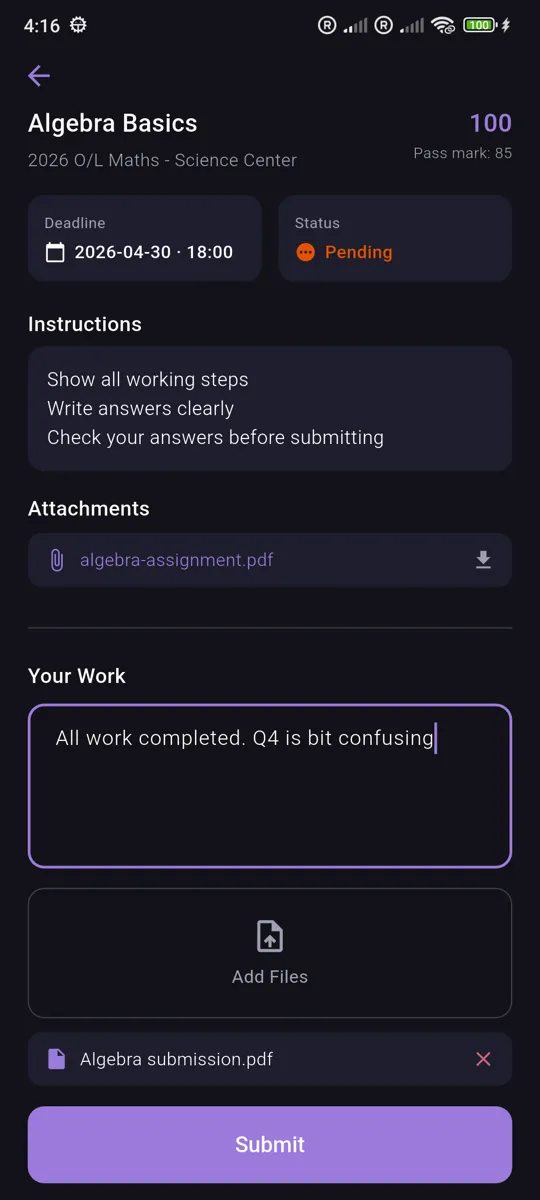
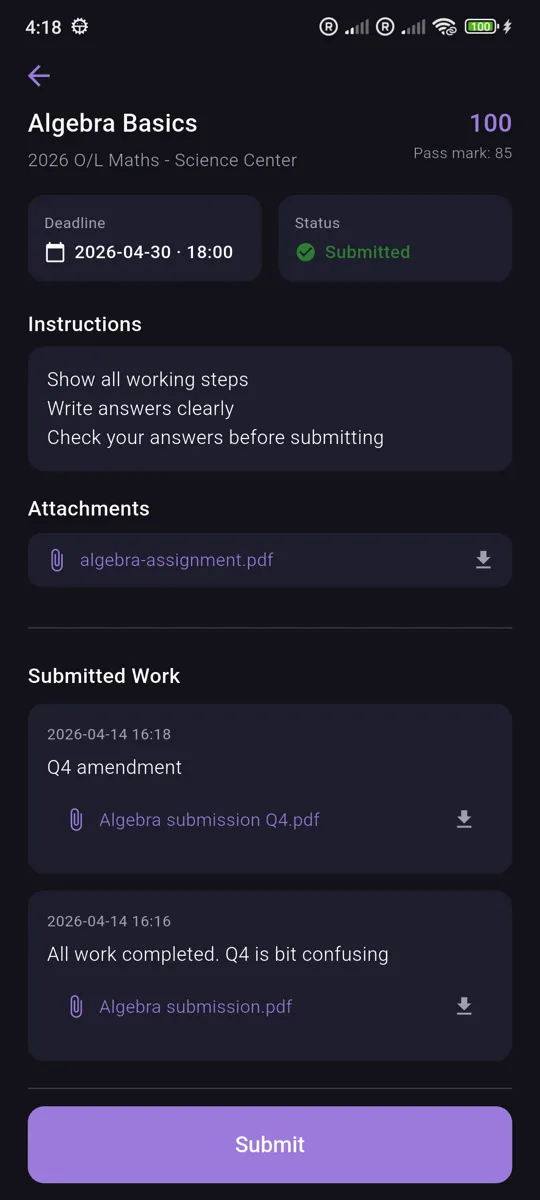
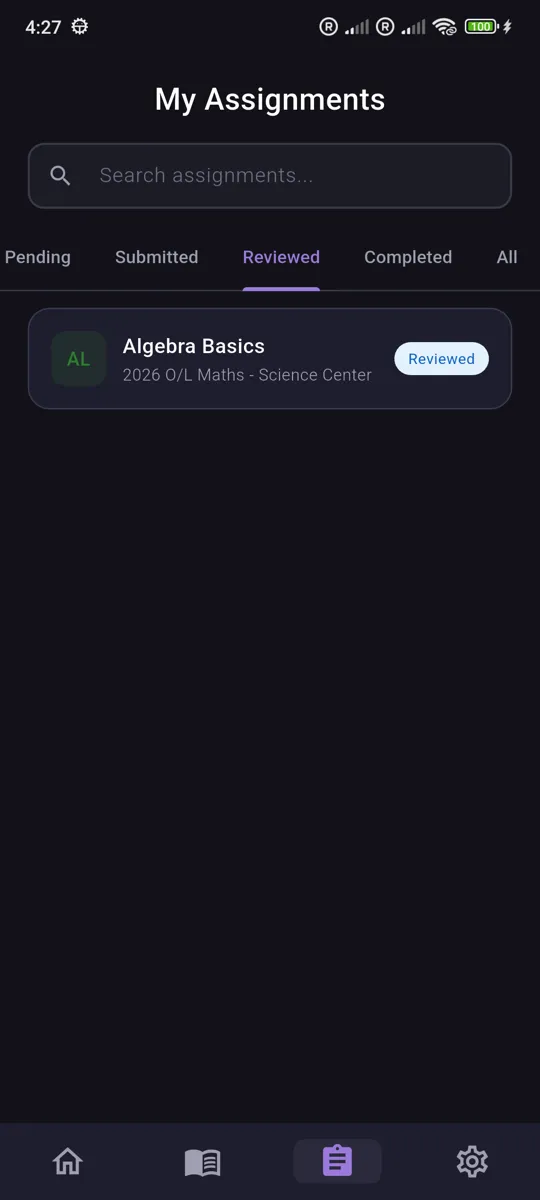
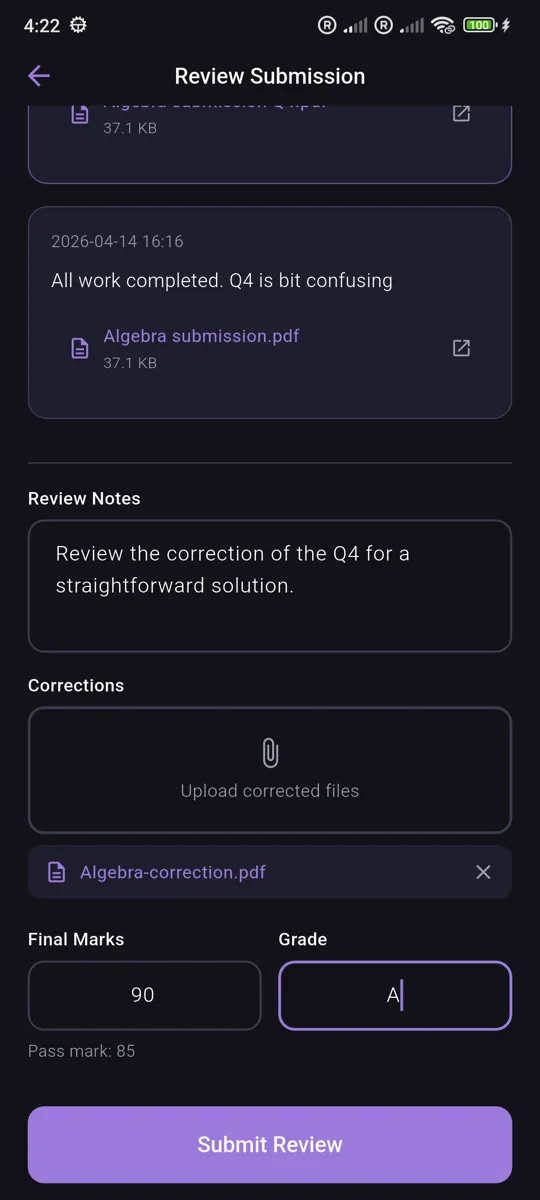
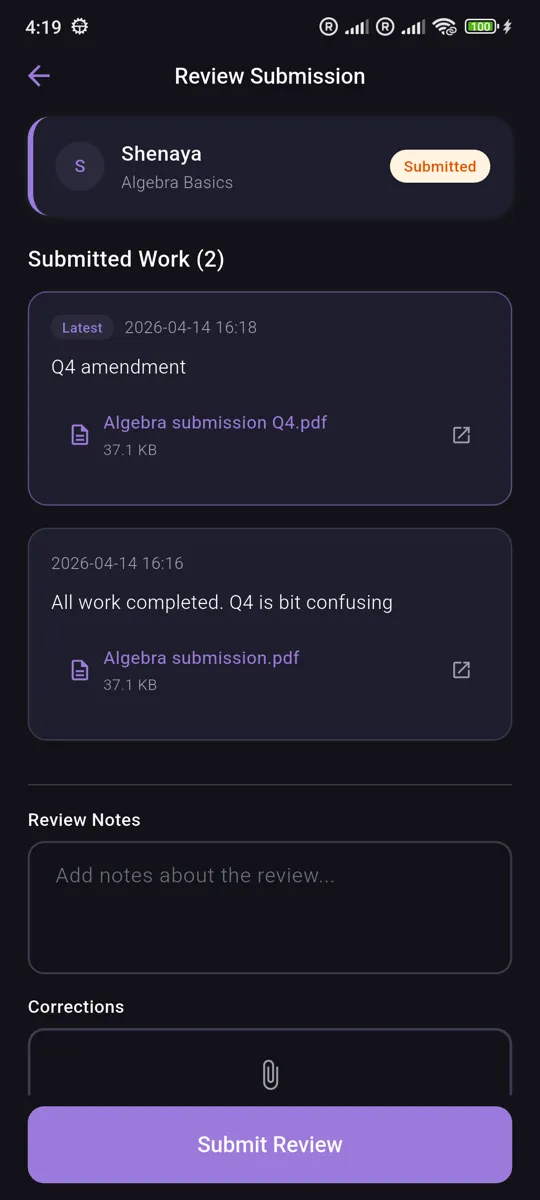
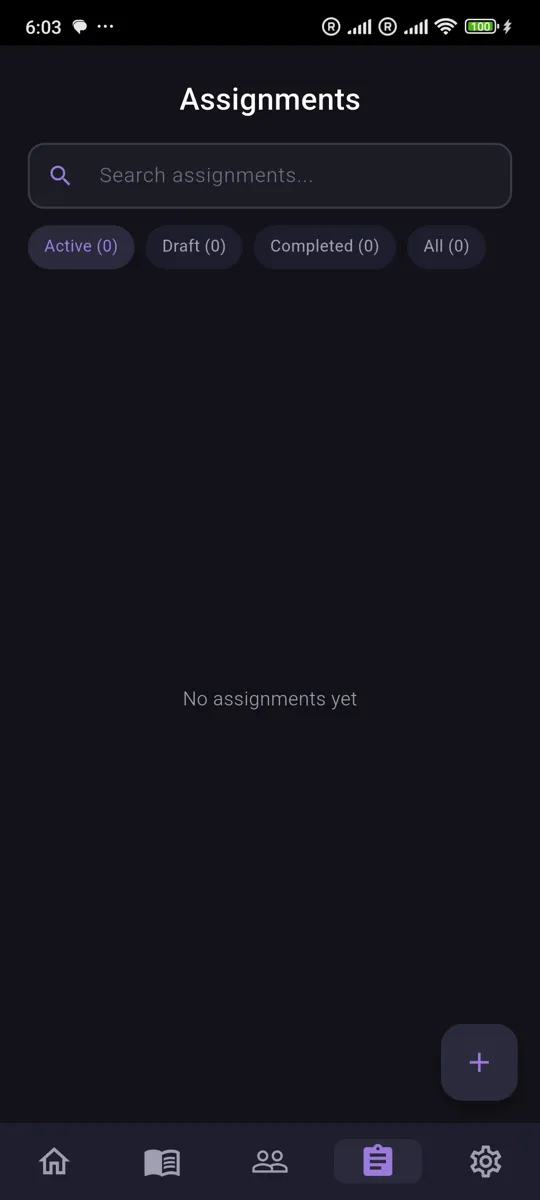
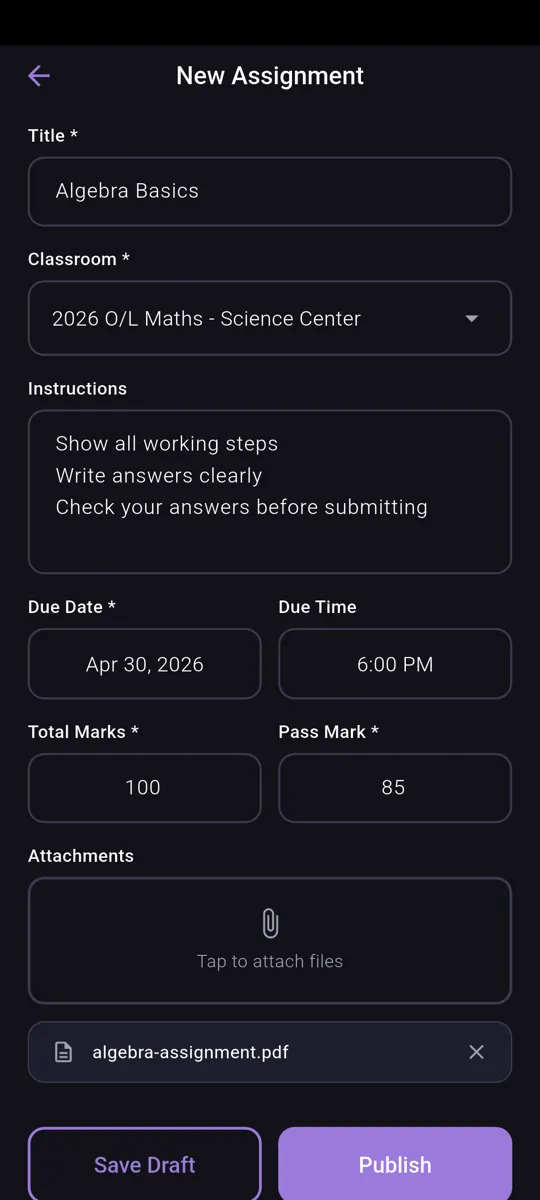
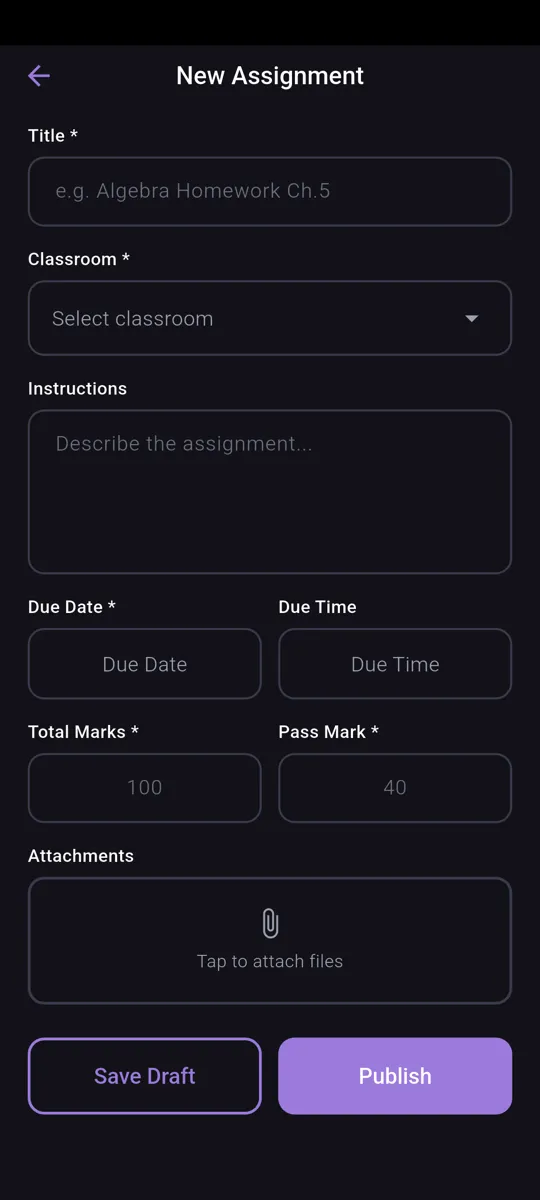
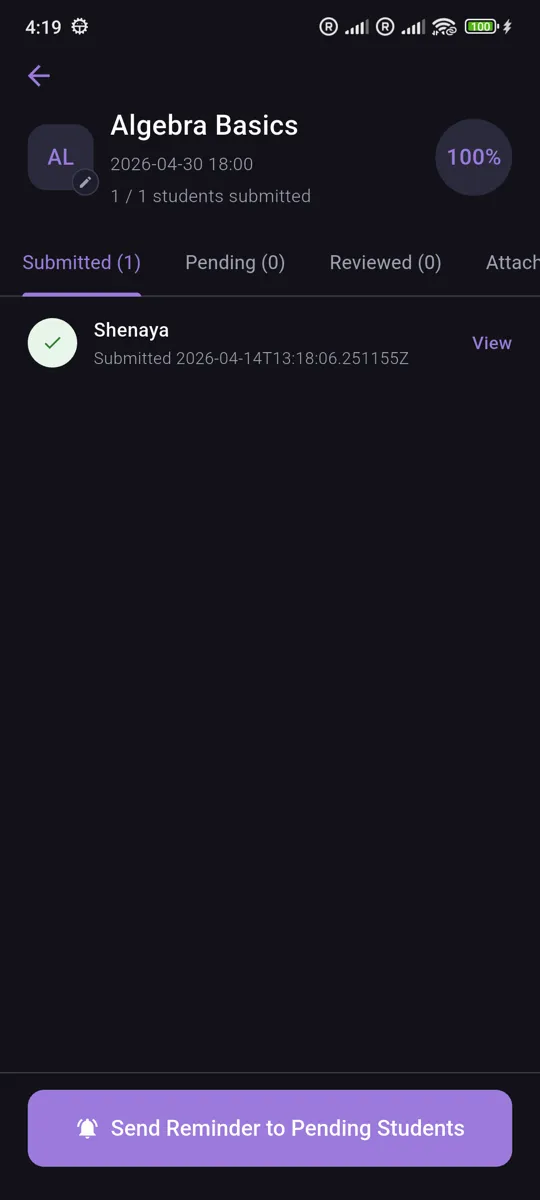
Create assignments with deadlines and attachments, and review submissions as they come in.
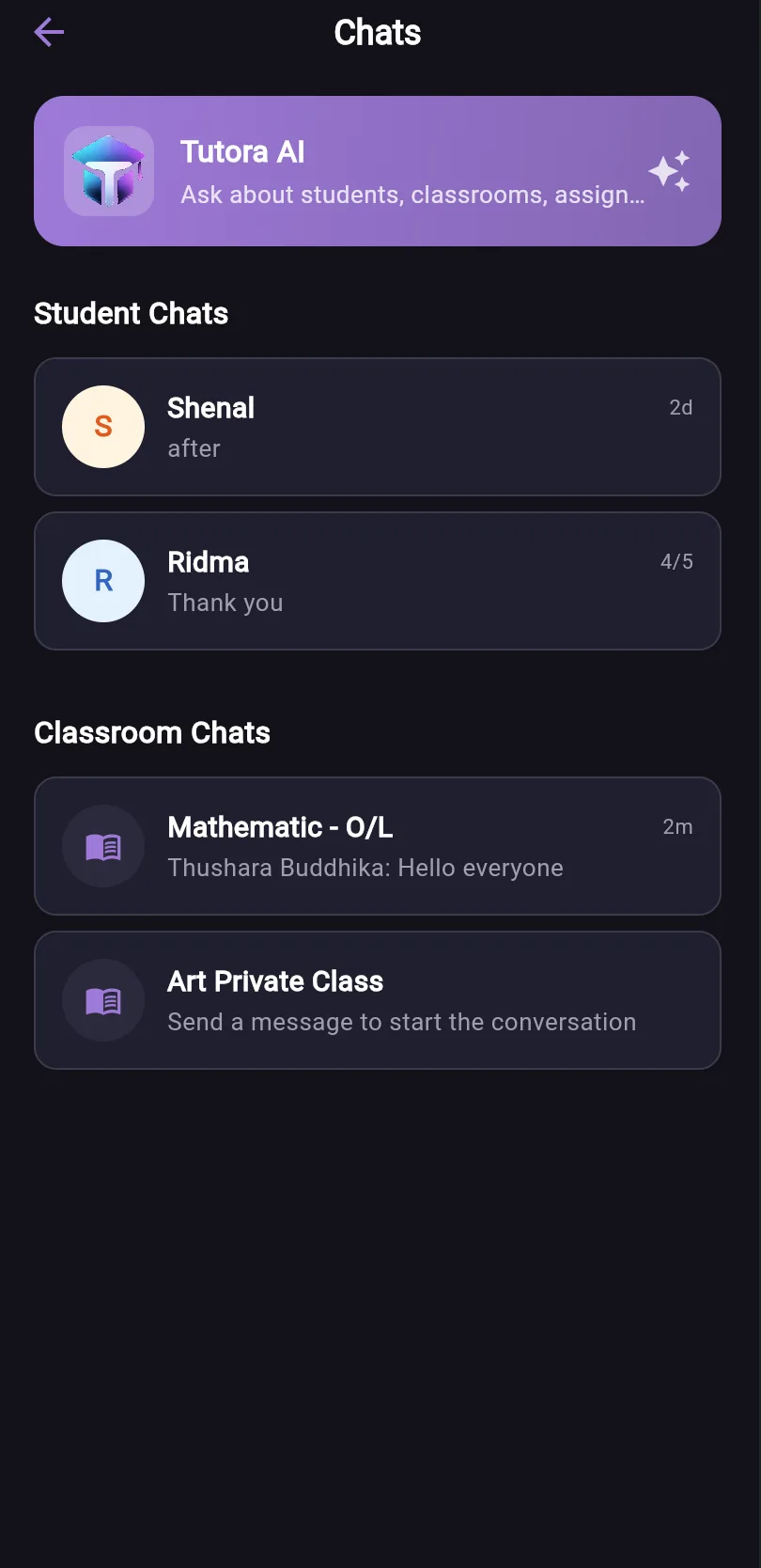
In-app Chat
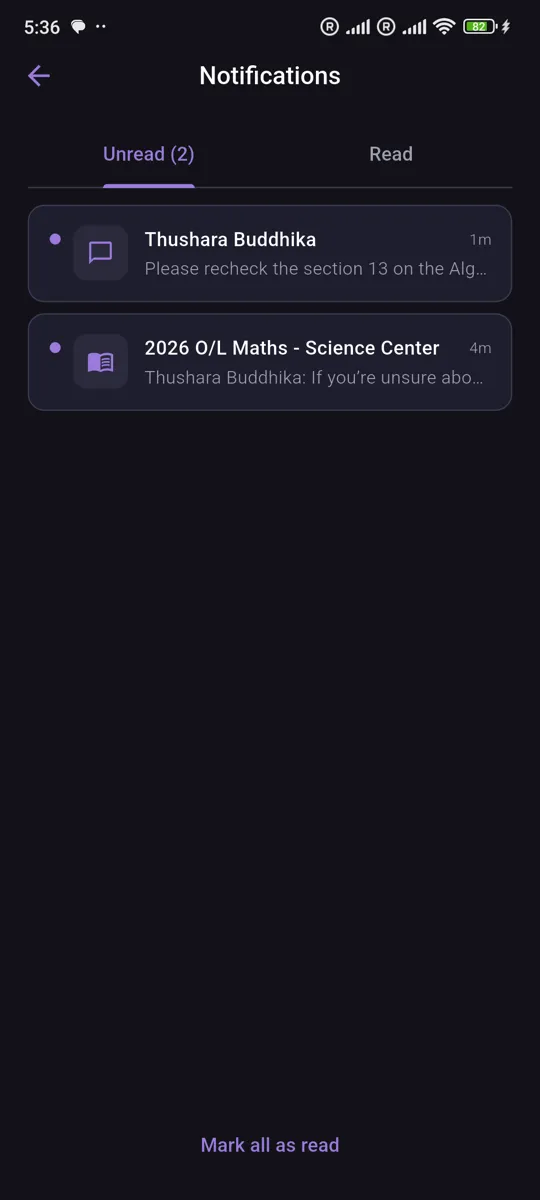
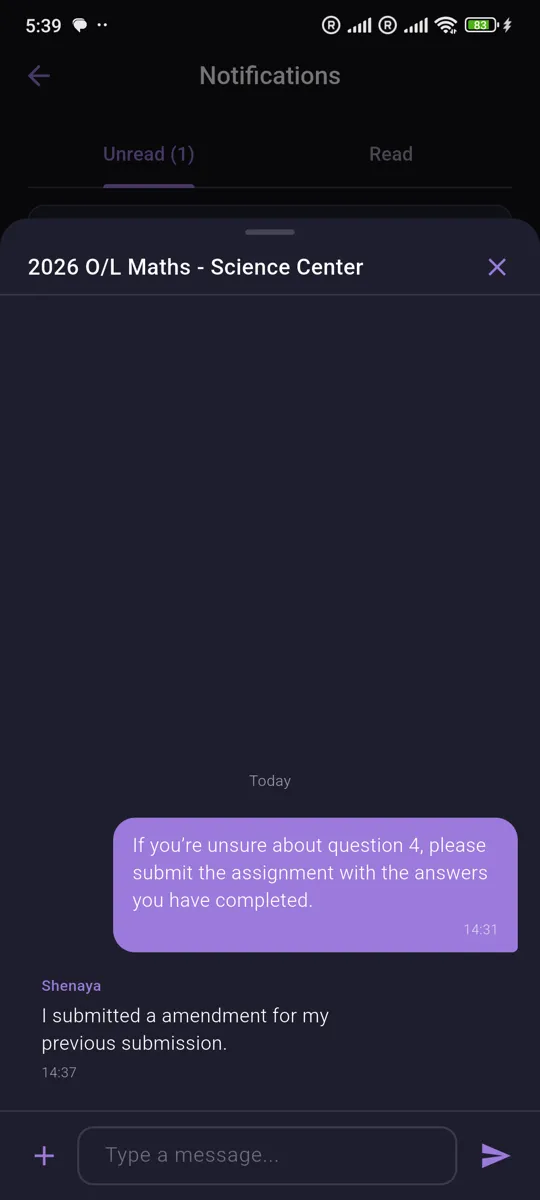
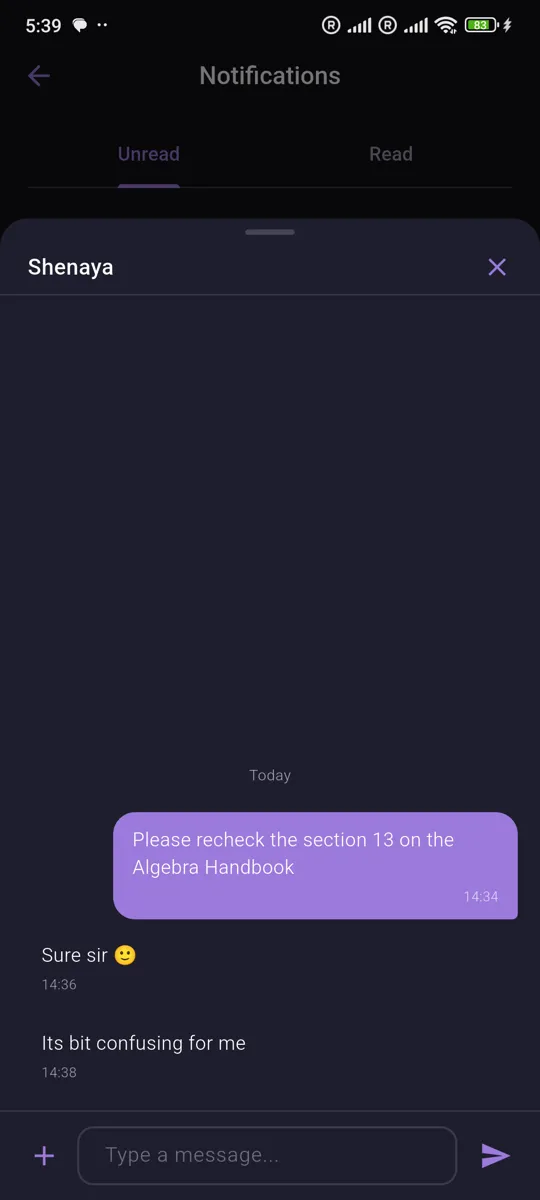
Message students one-on-one or chat with a whole classroom, with push notifications built in.
Built for Tutors
Clean, focused interface in light and dark themes, with many language support.
See Tutora in Action
Login & Onboarding
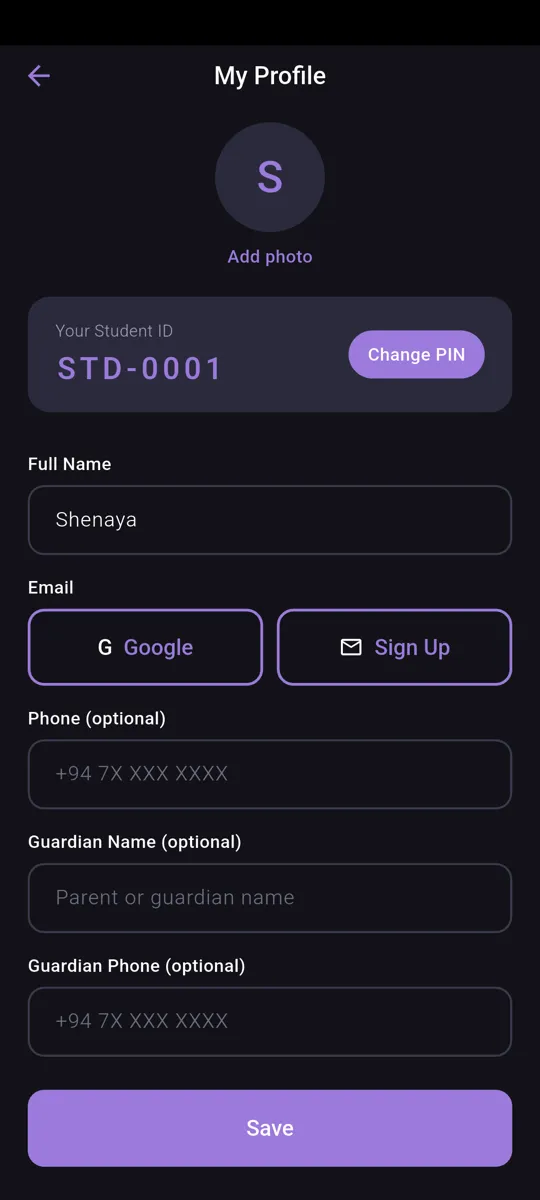
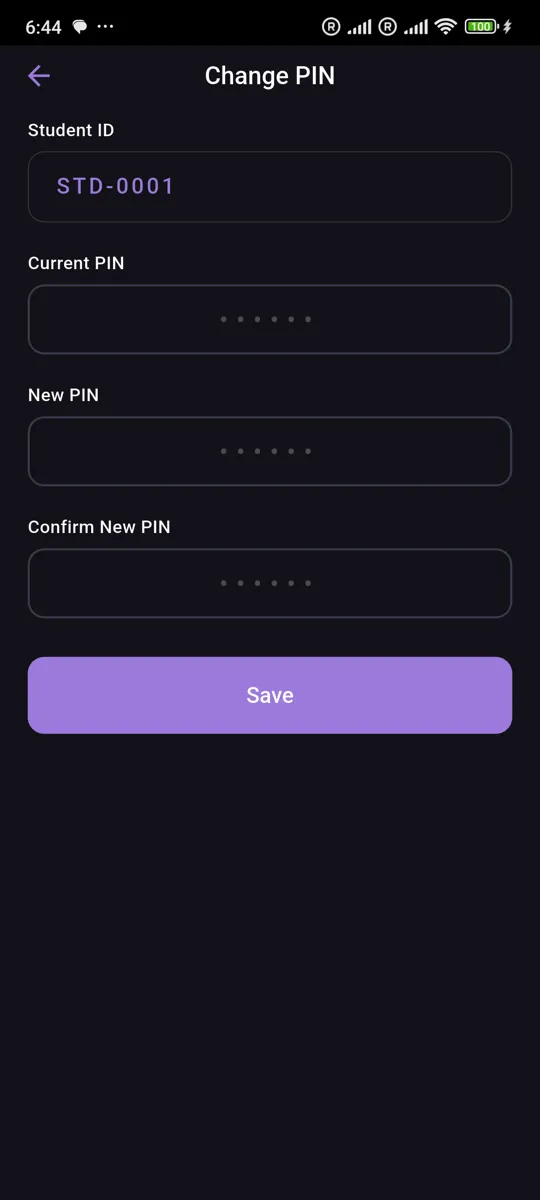
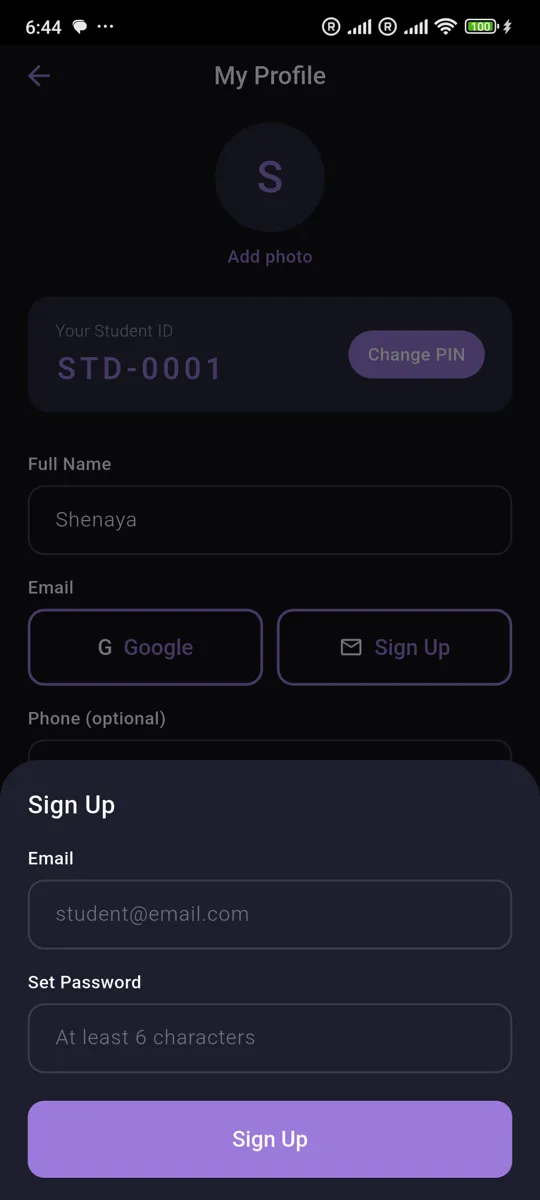
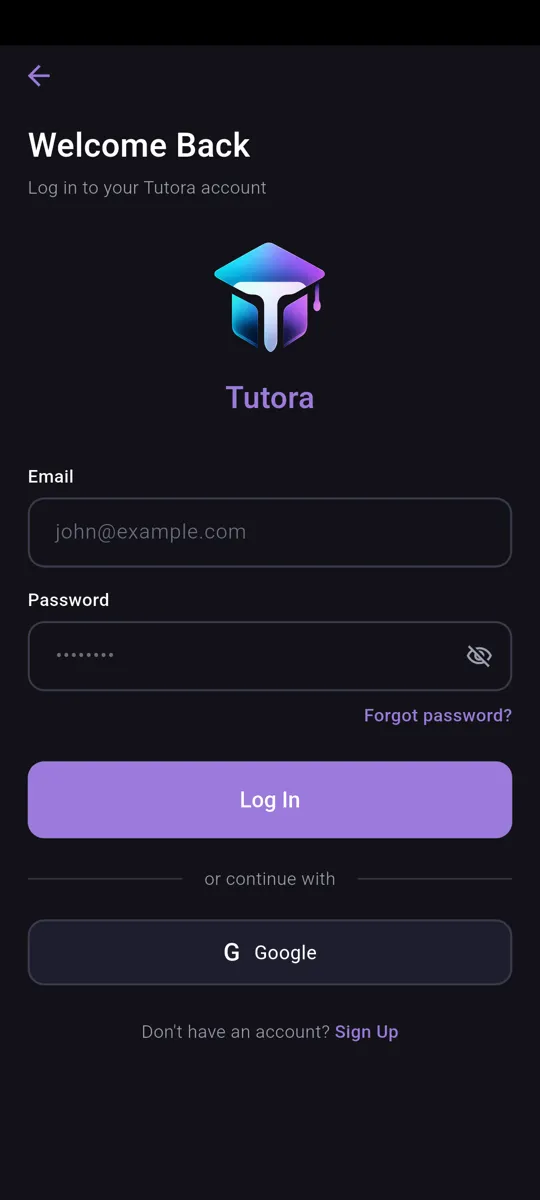
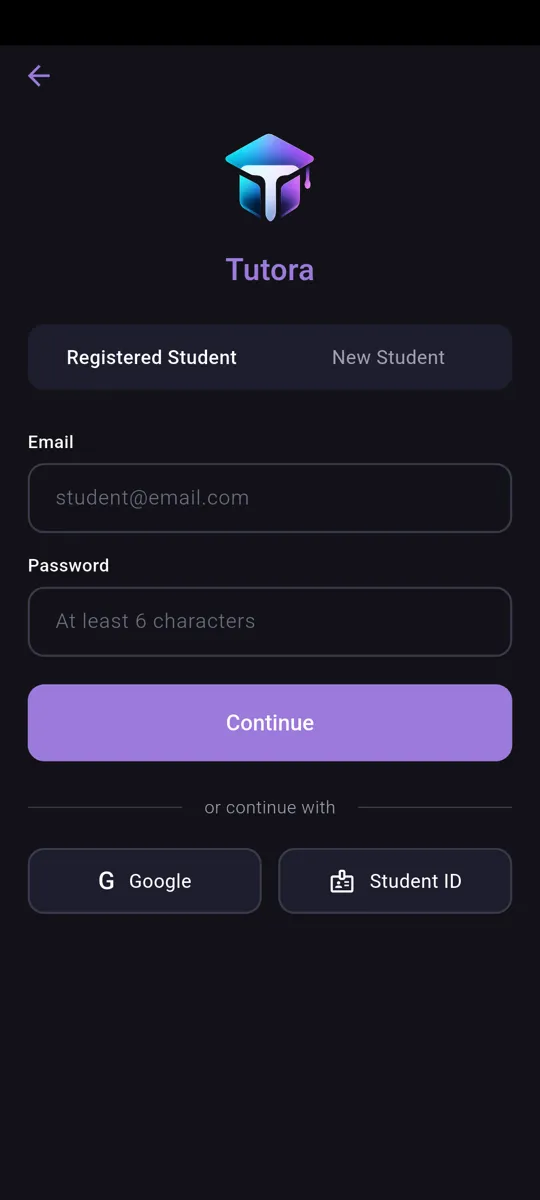
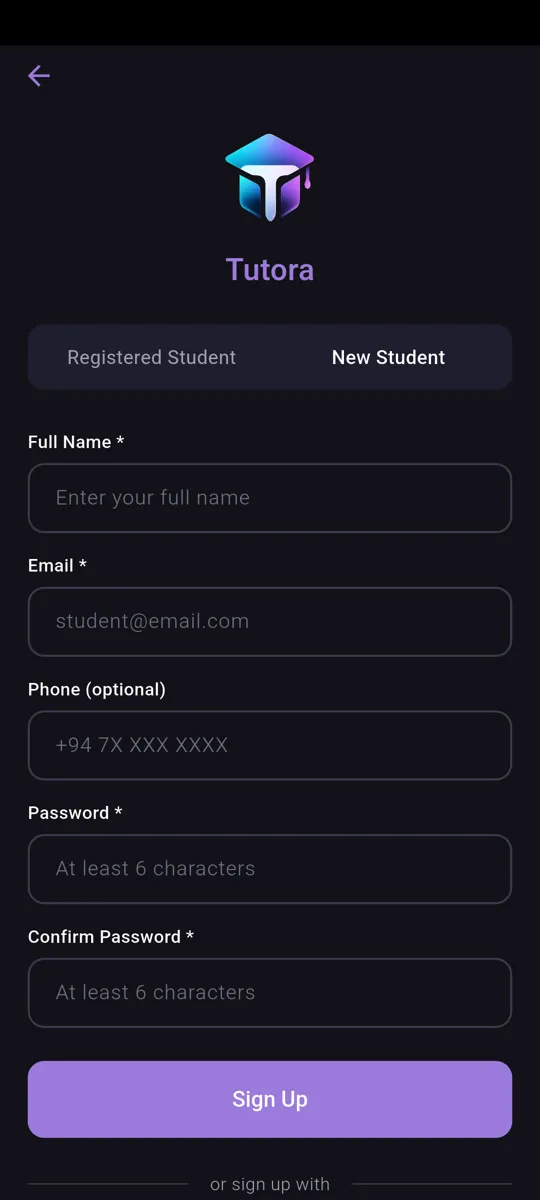
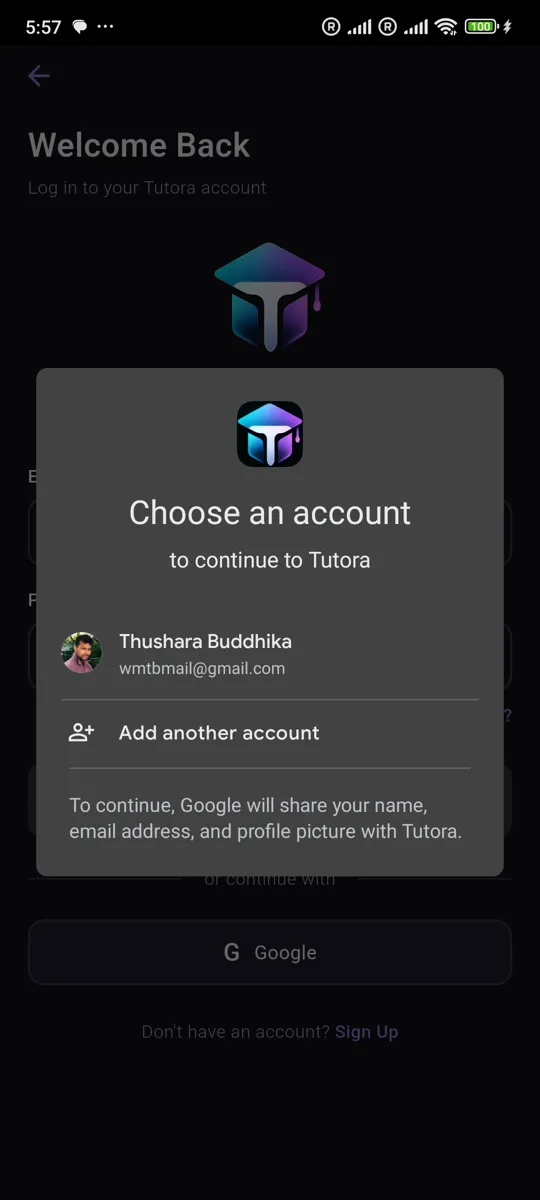
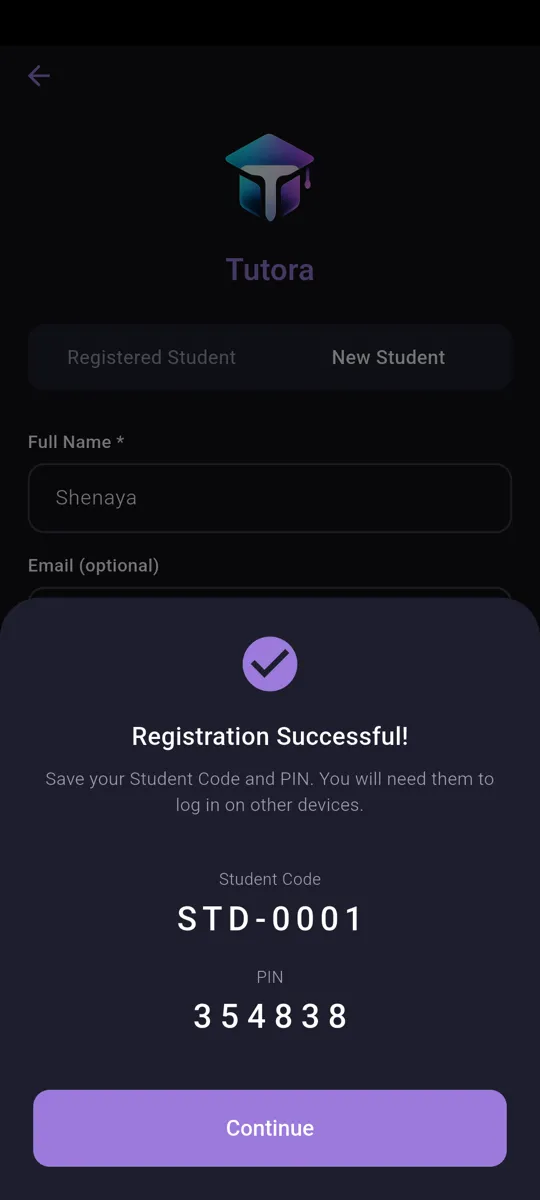
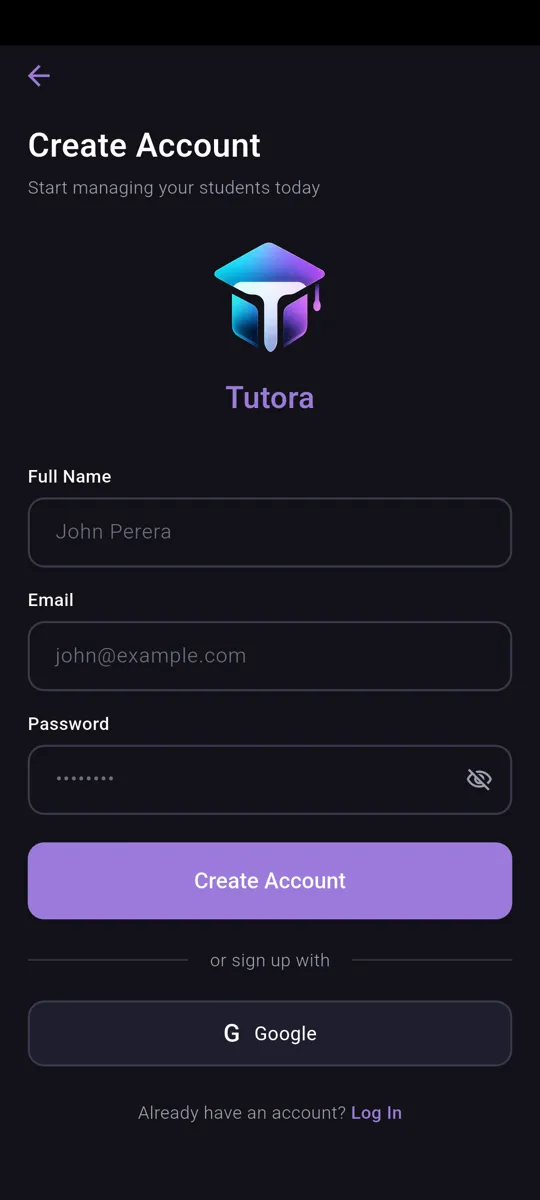
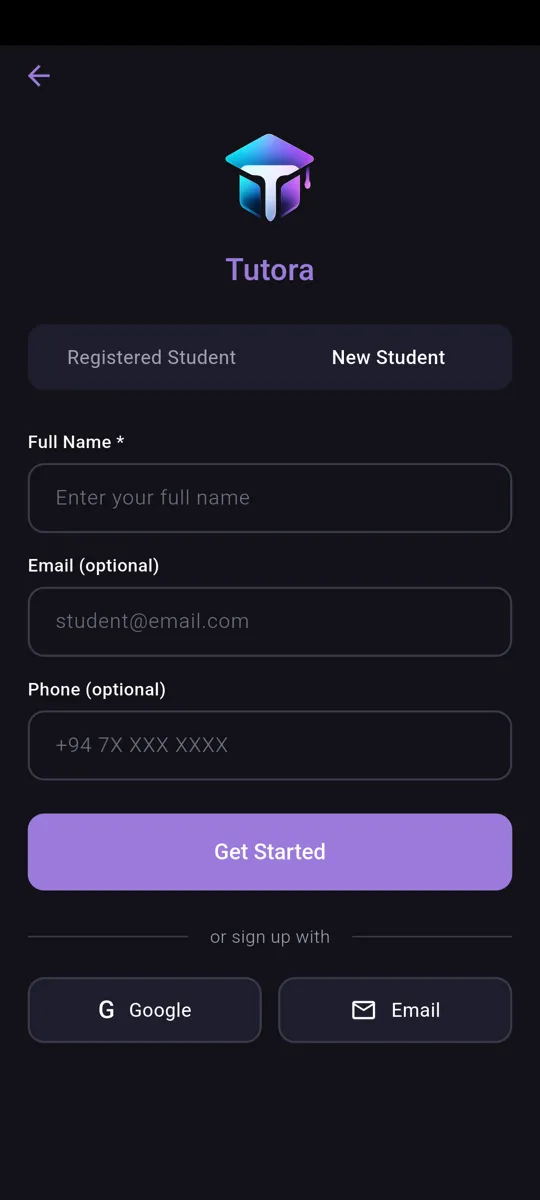
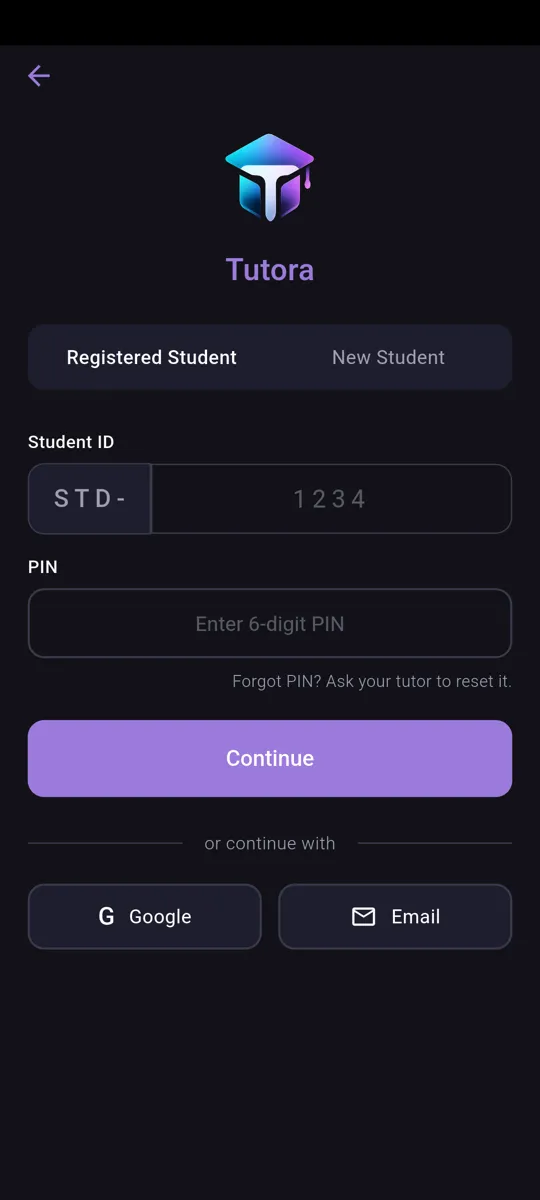
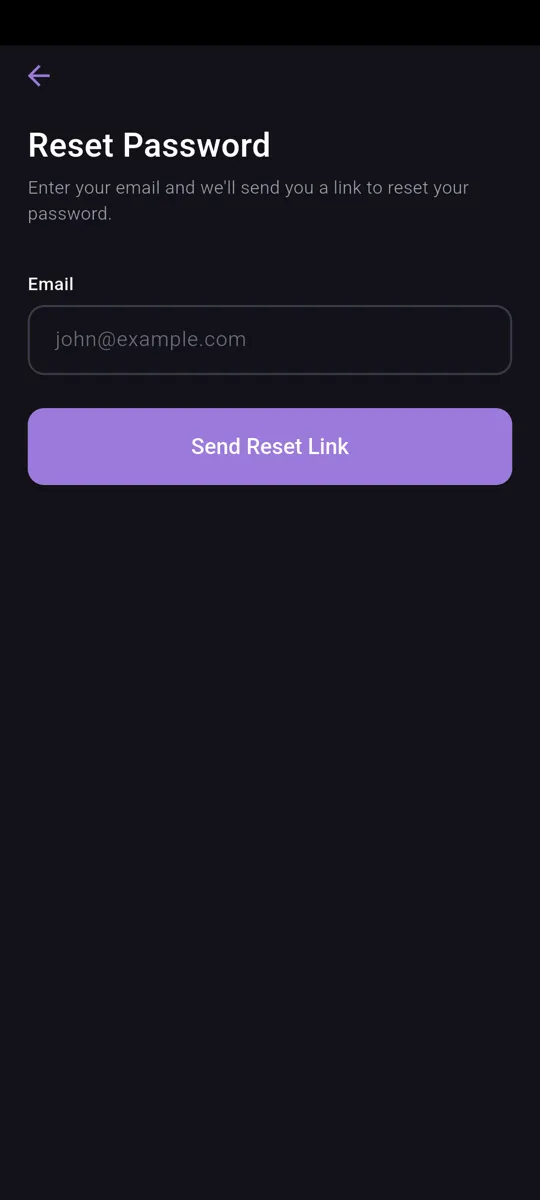
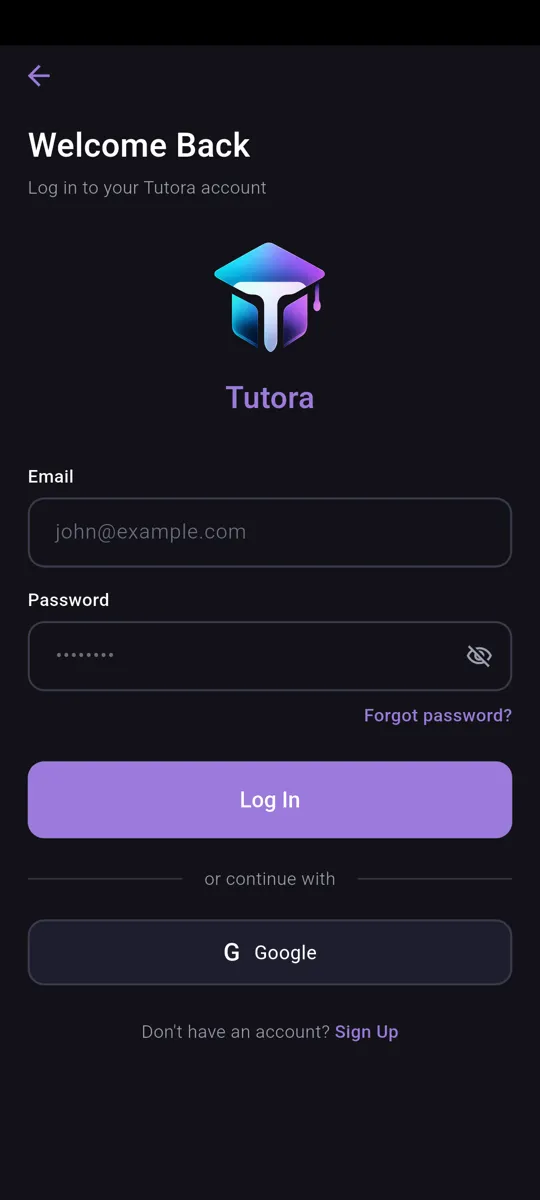
Simple sign-up and login for tutors and students. Students can join with a student ID, while tutors create an account and get started in seconds — with password reset built in.
Settings
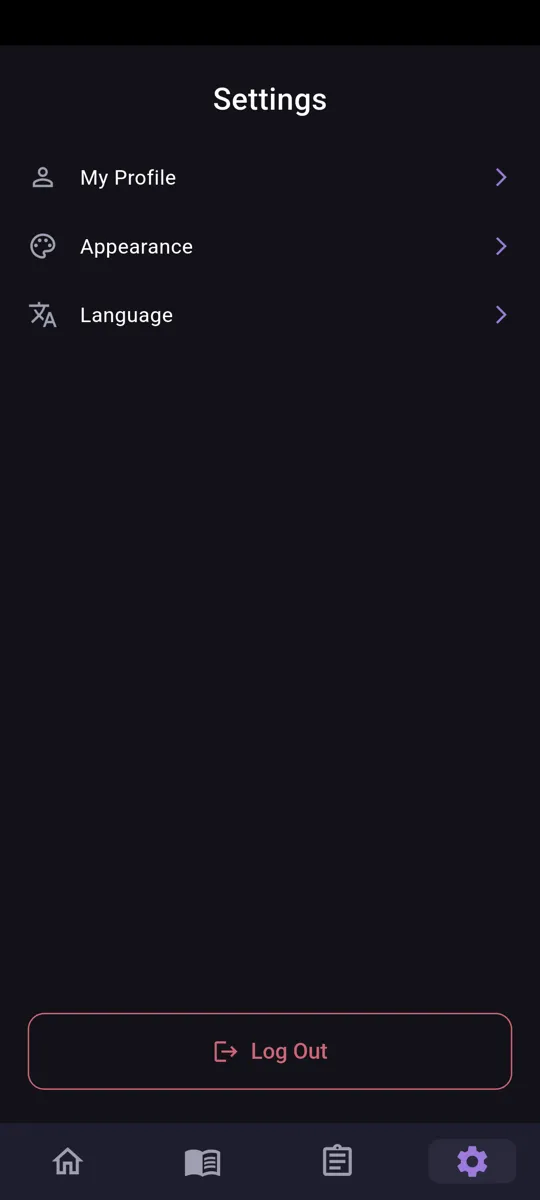
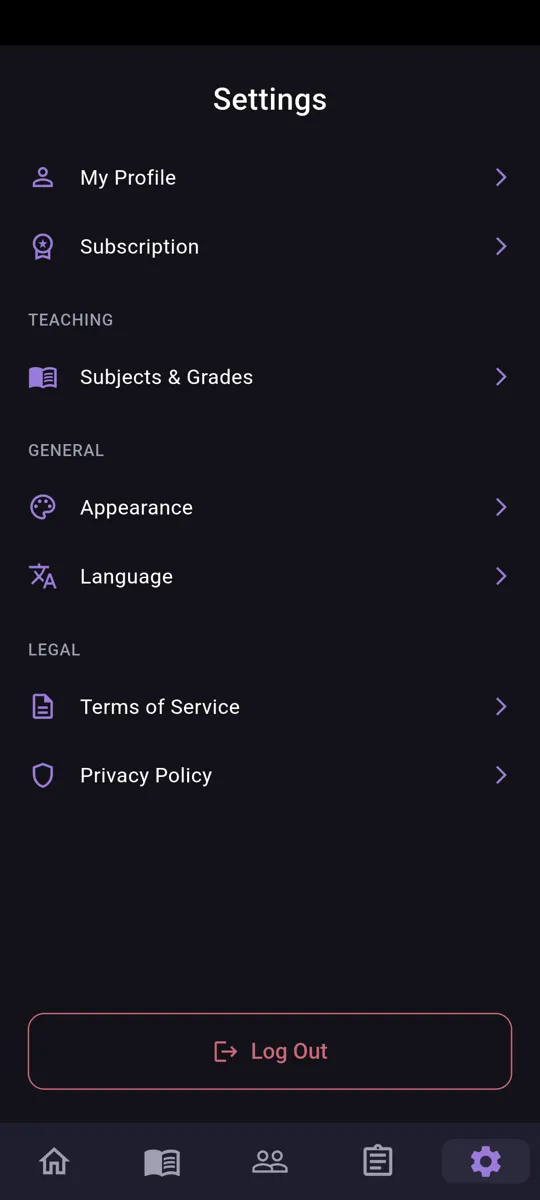
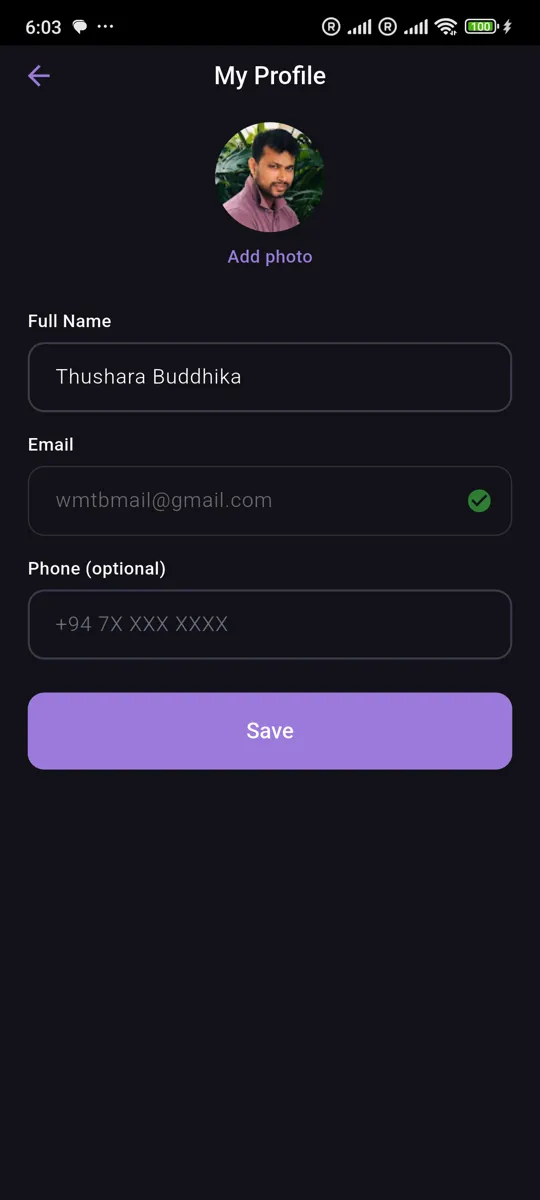
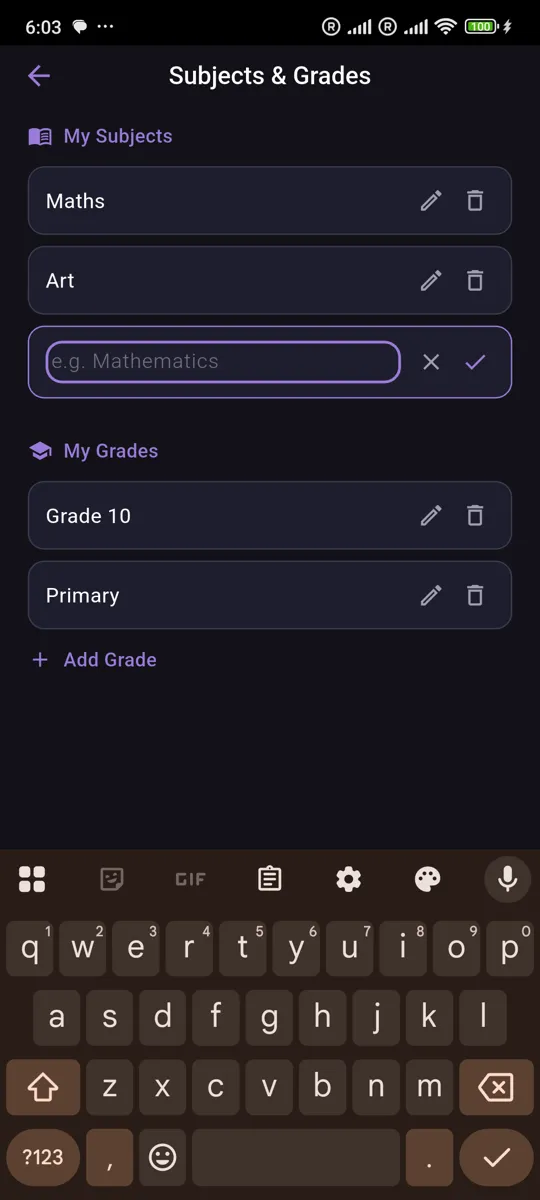
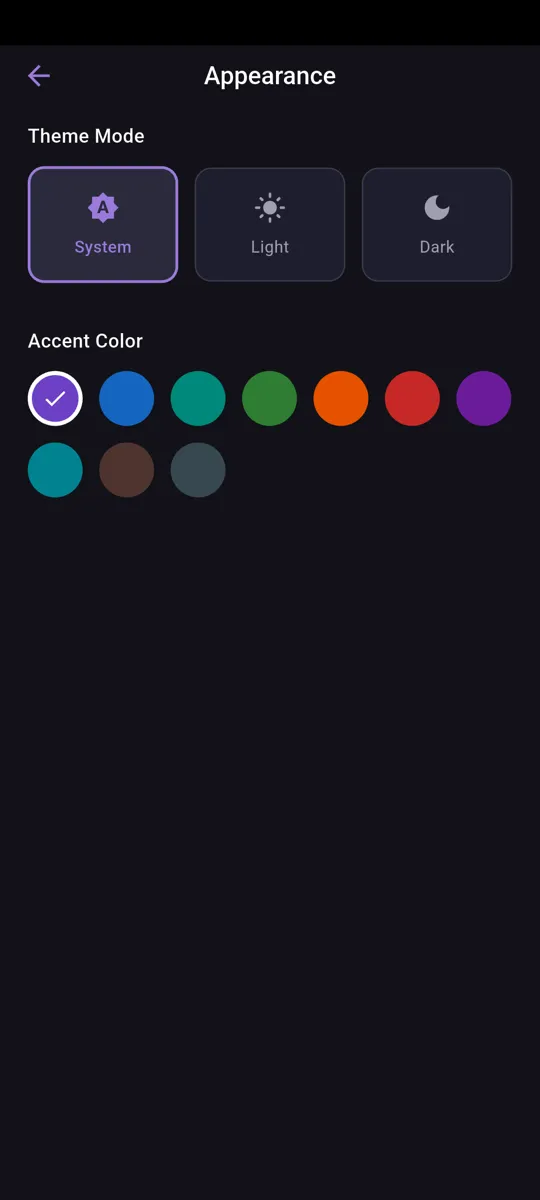
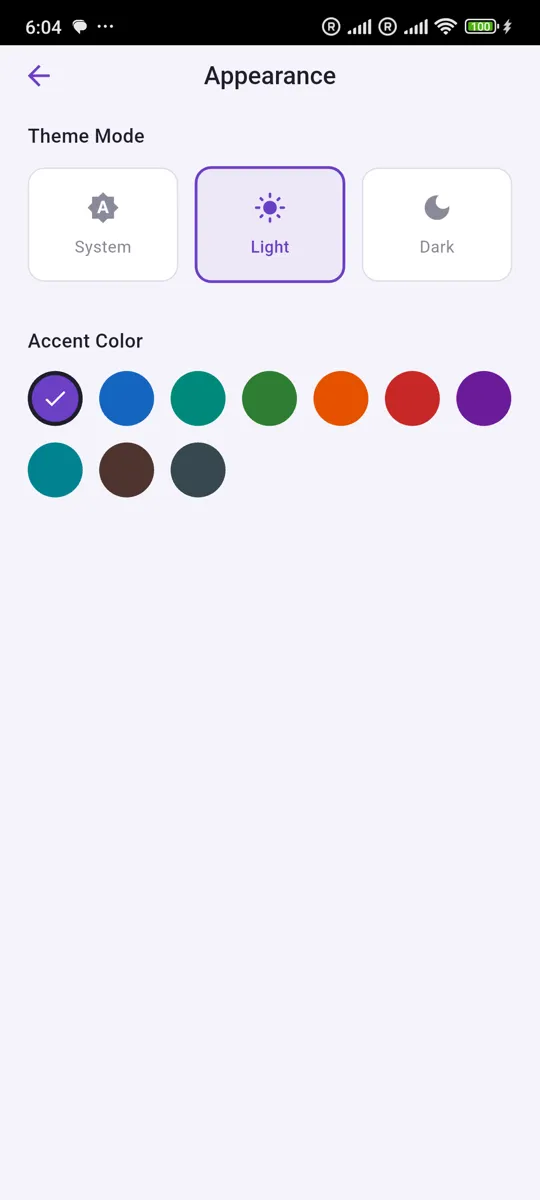
Customize your experience with light and dark themes, switch between English and Sinhala, and manage your profile and account preferences.
Classrooms
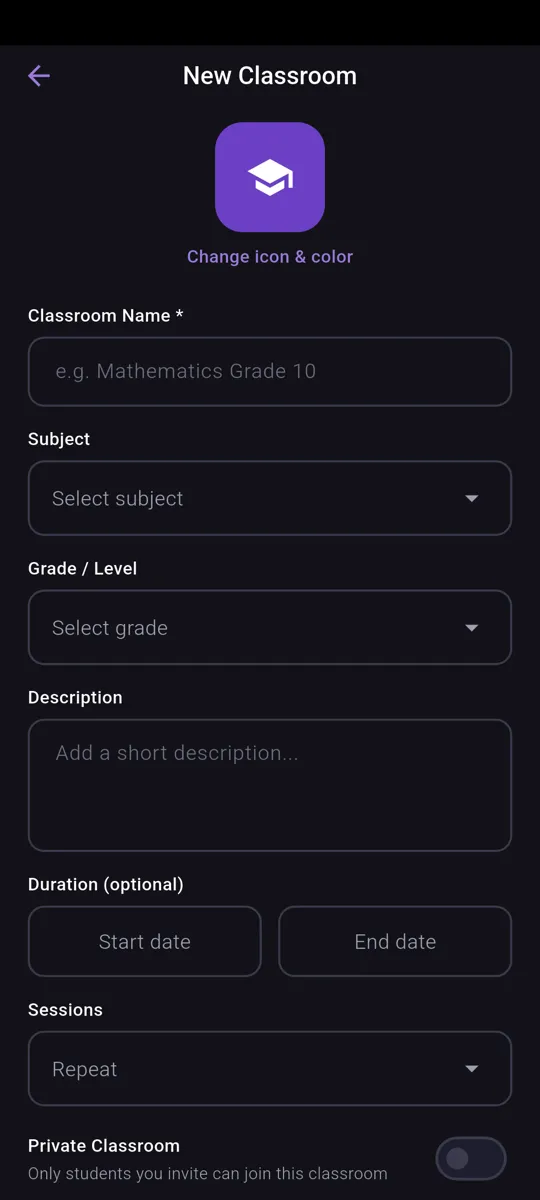
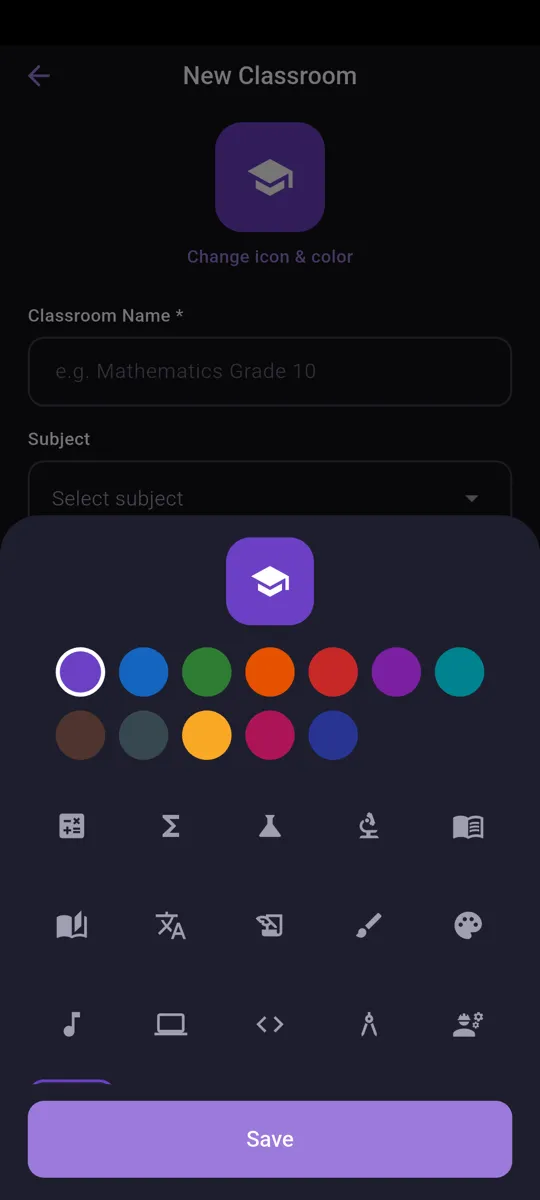
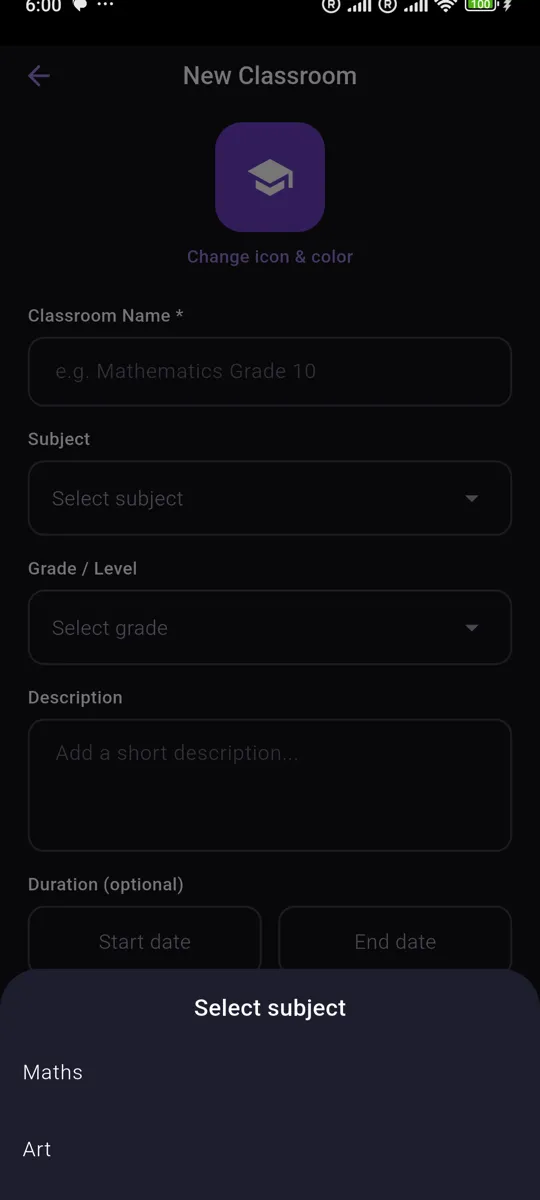
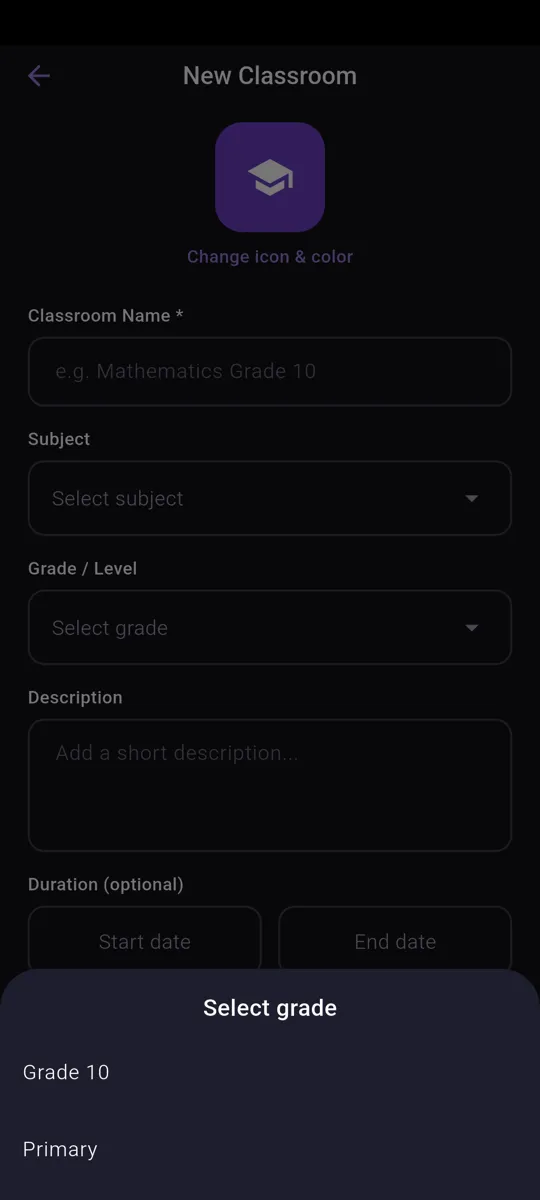
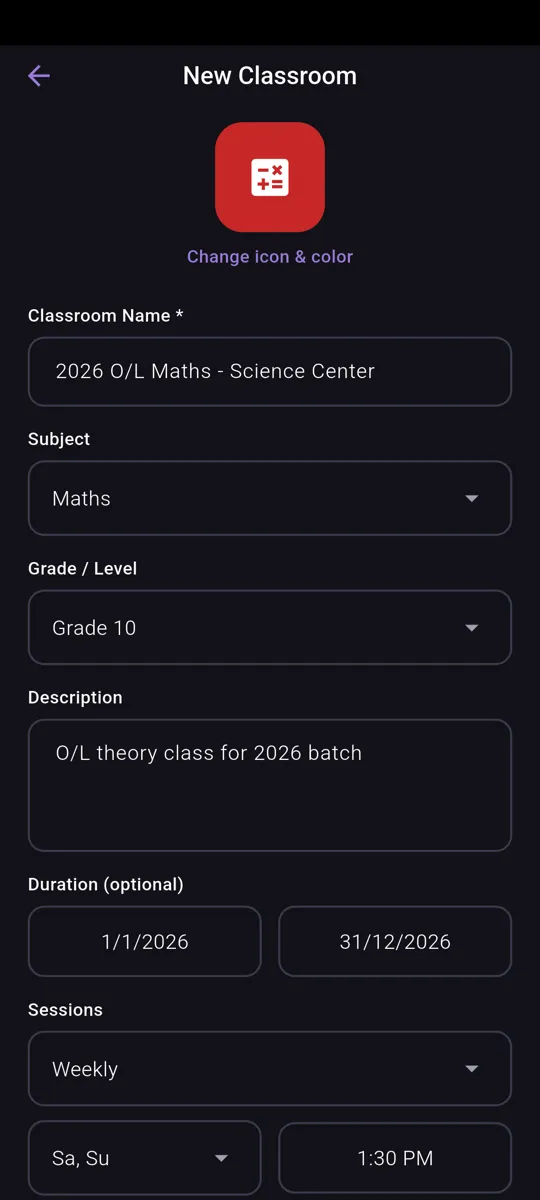
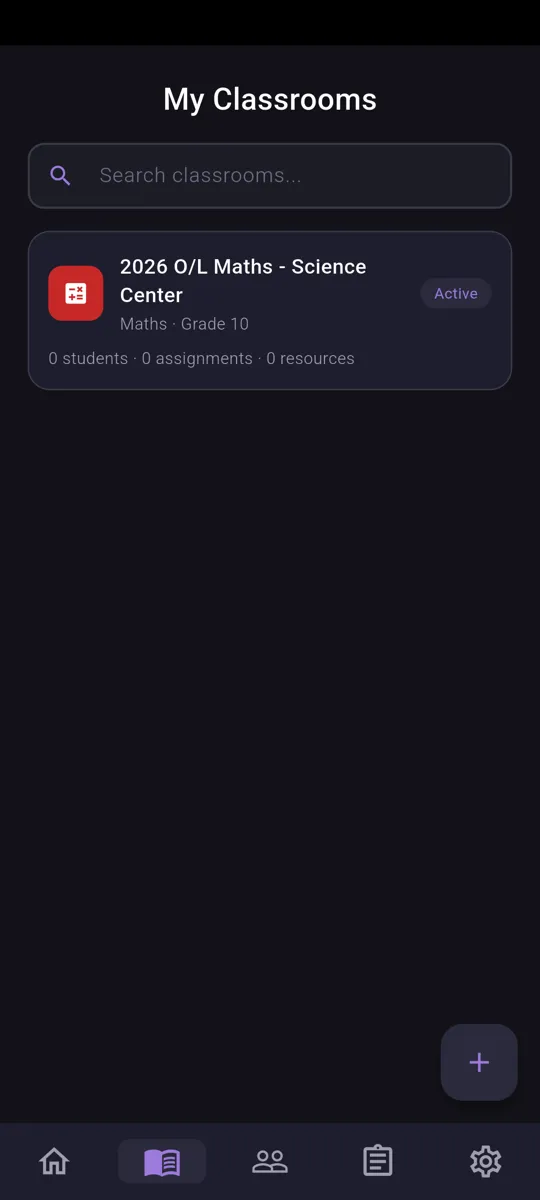
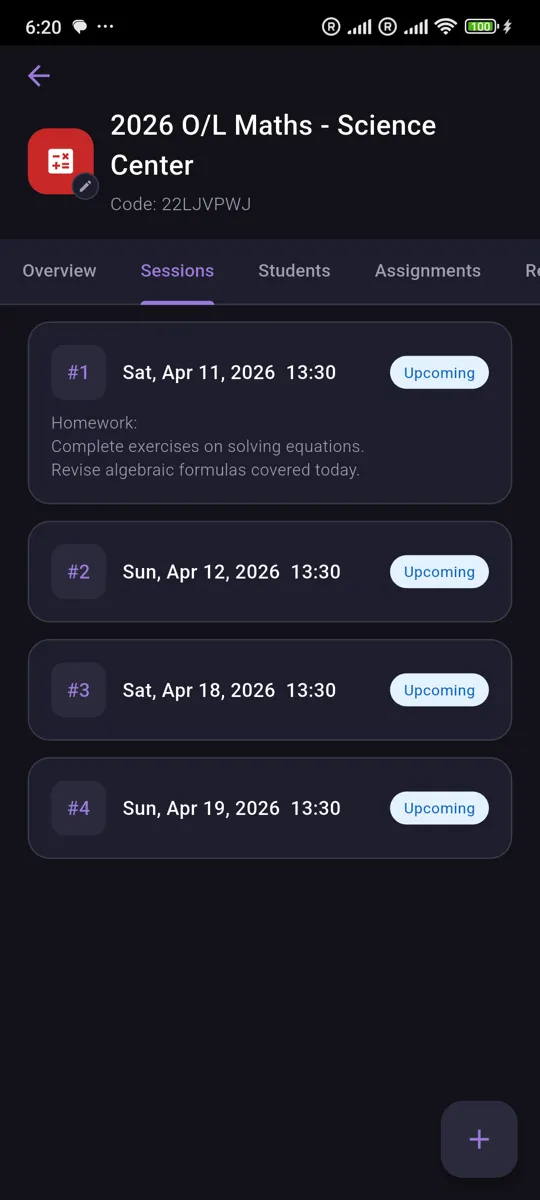
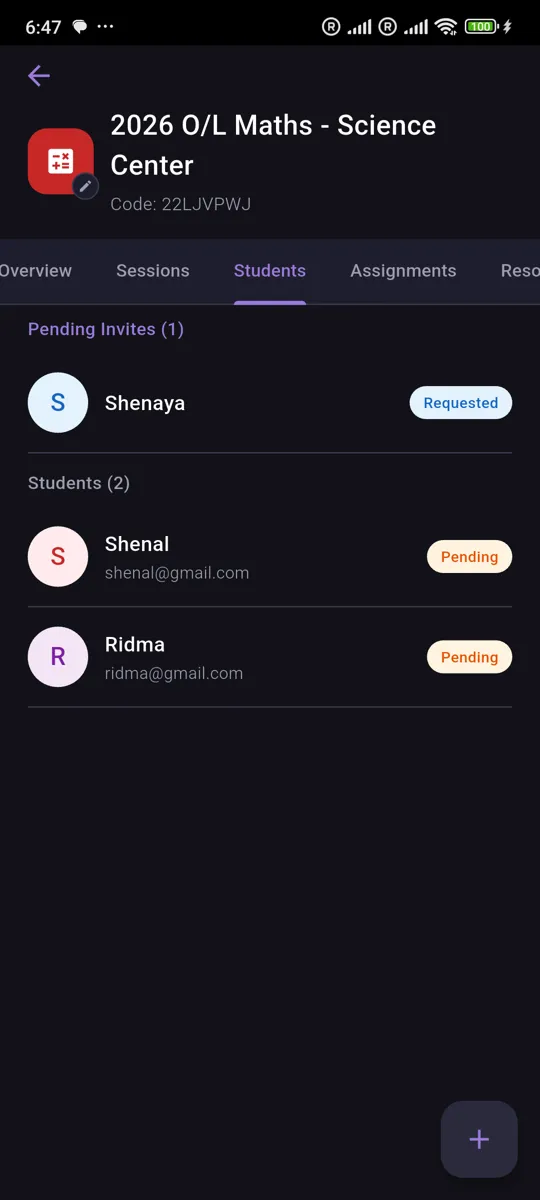
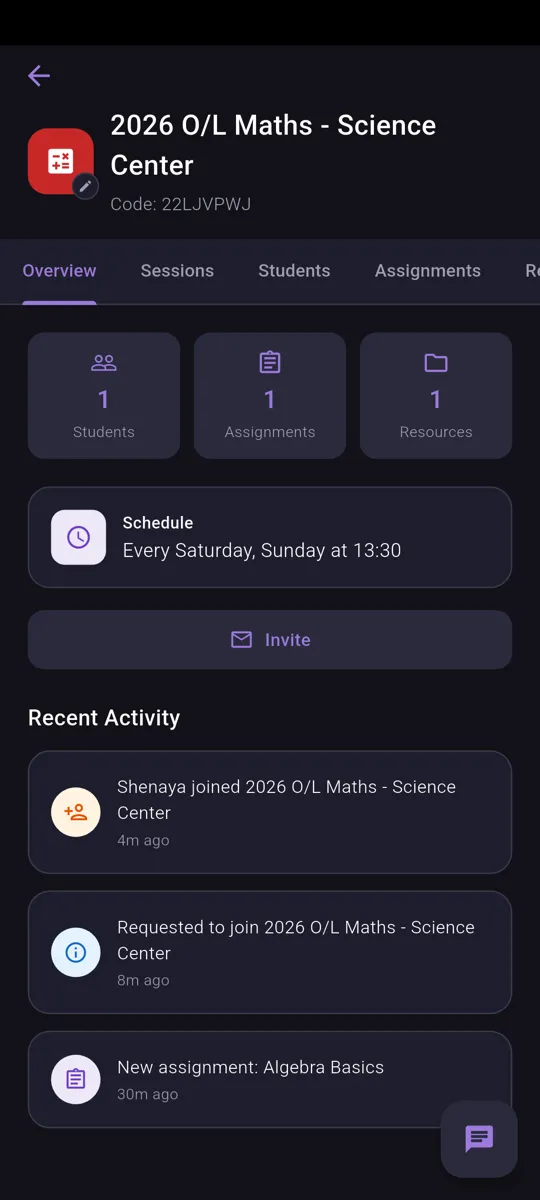
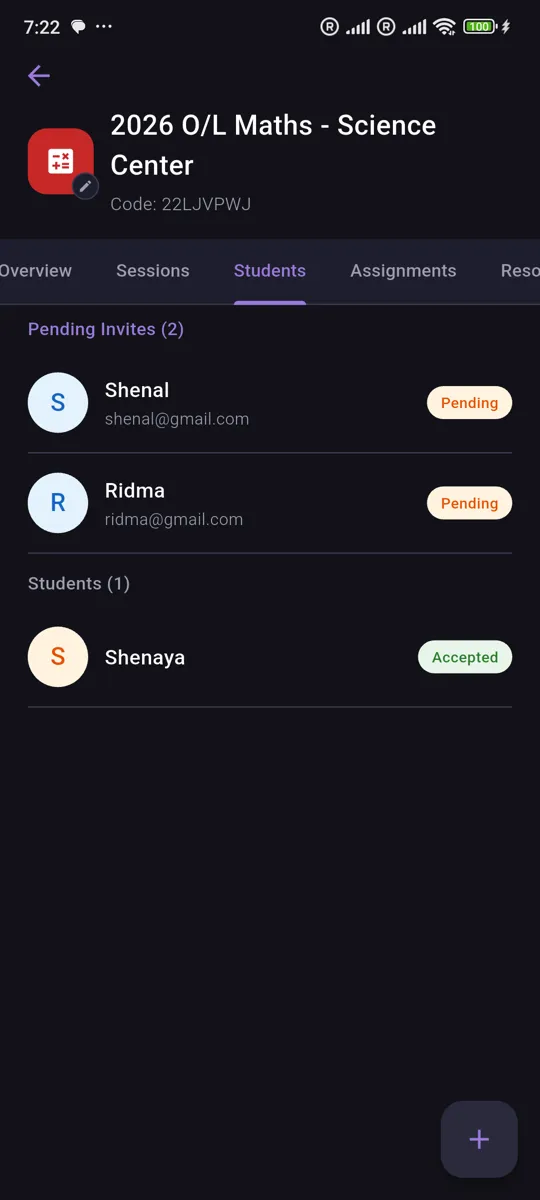
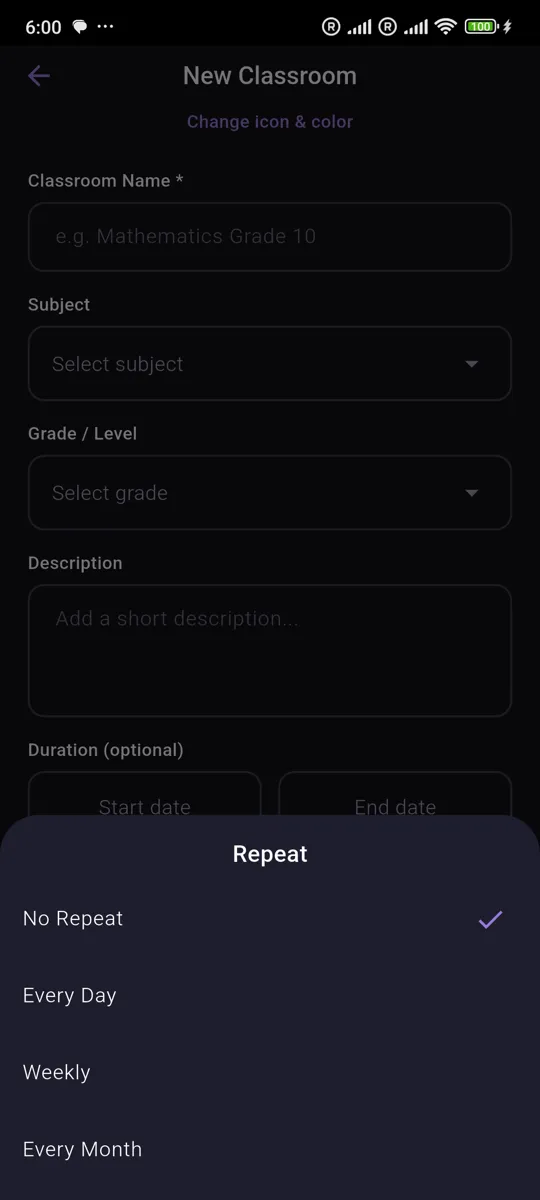
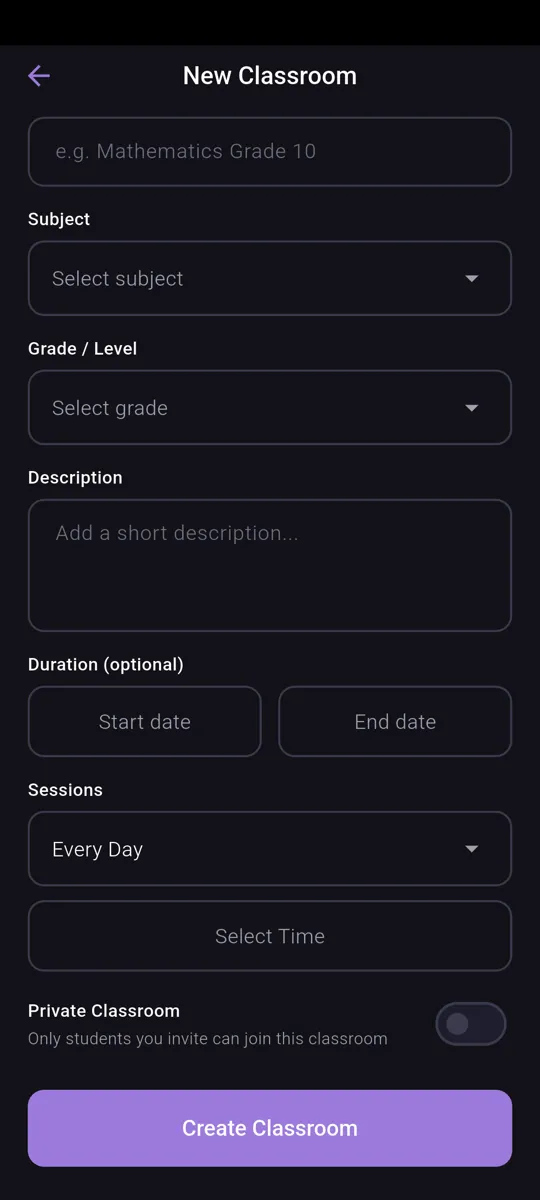
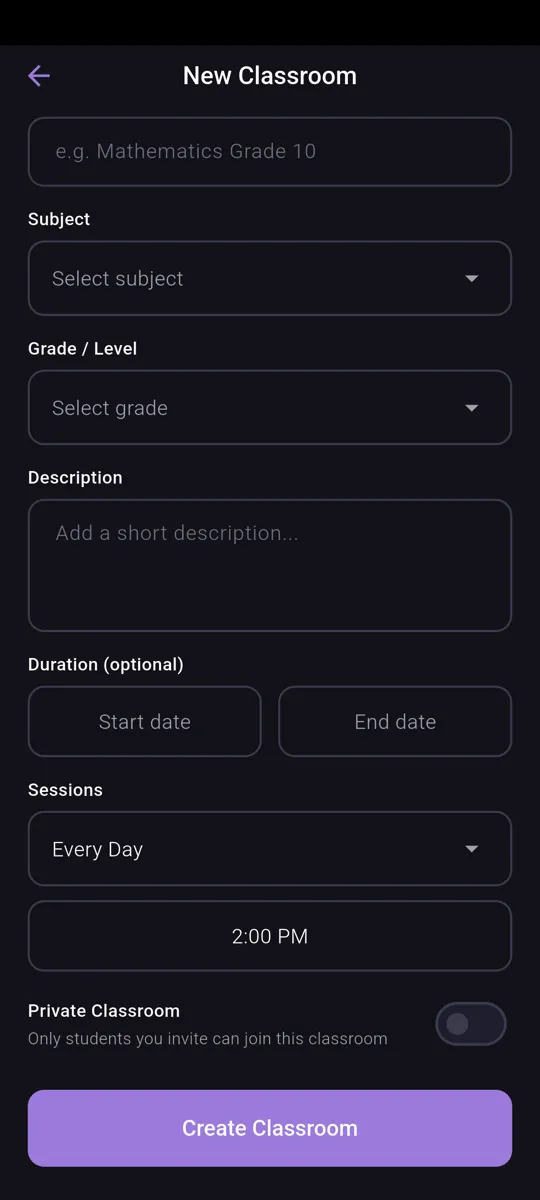
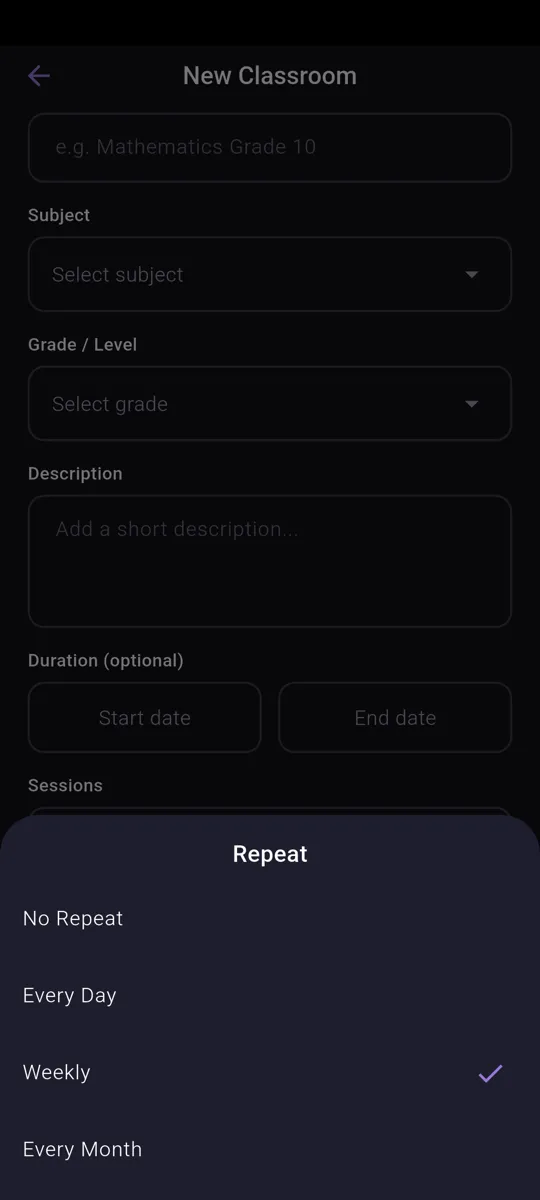
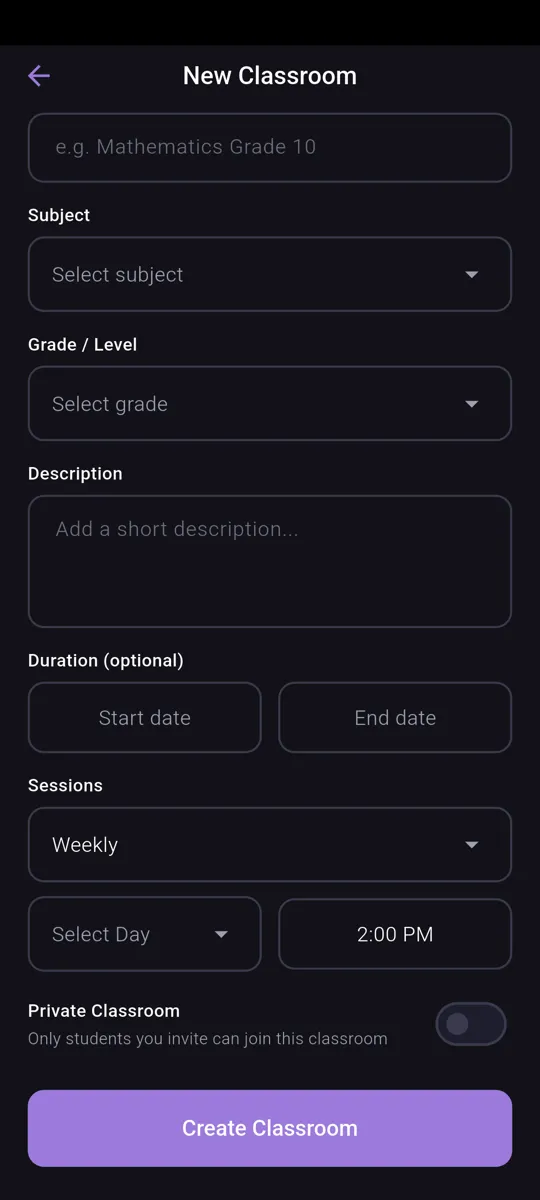
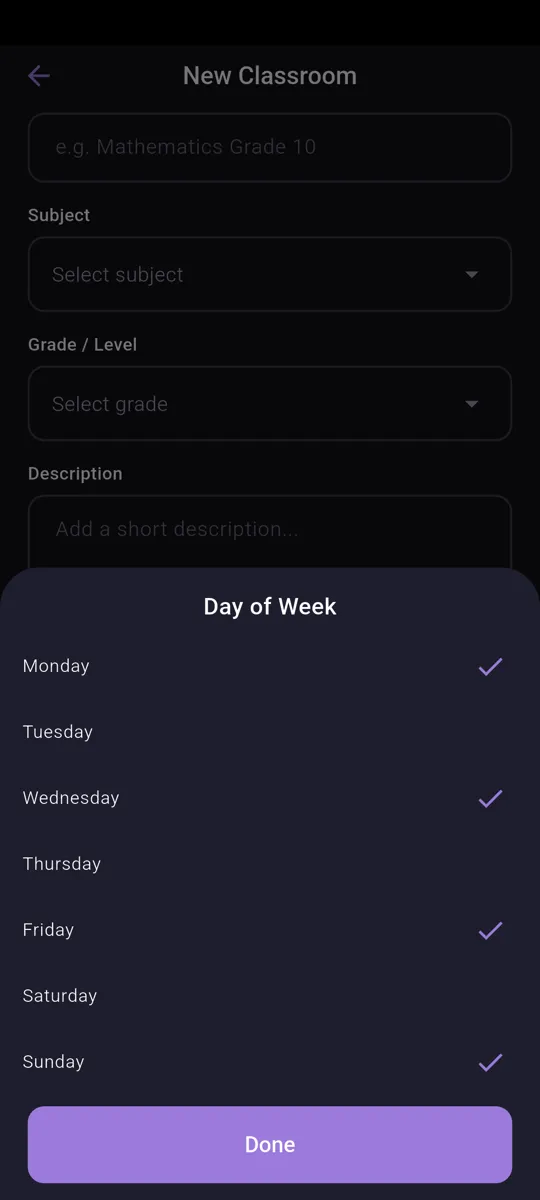
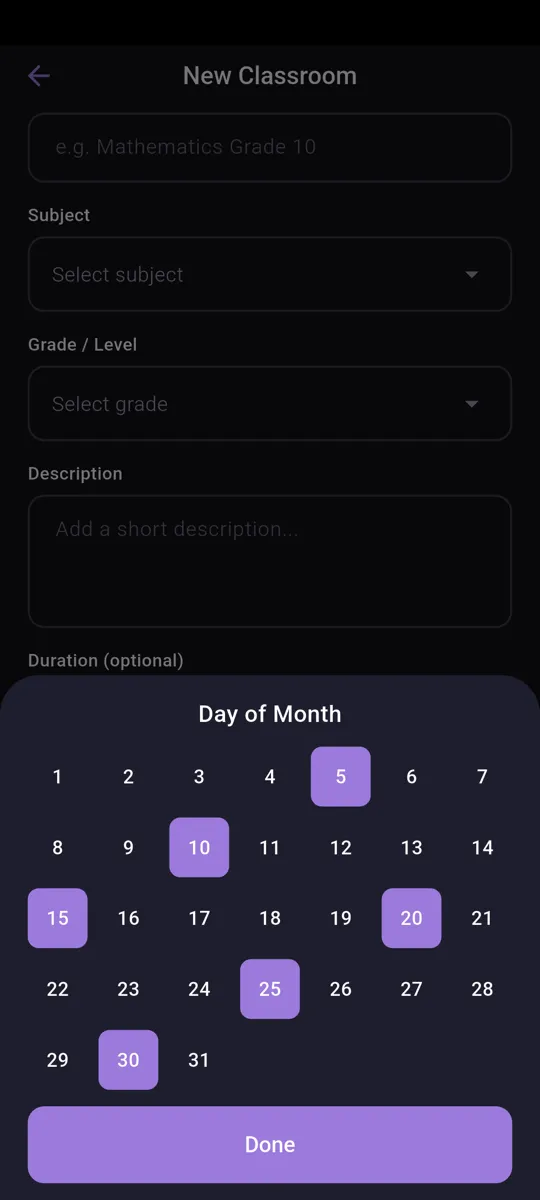
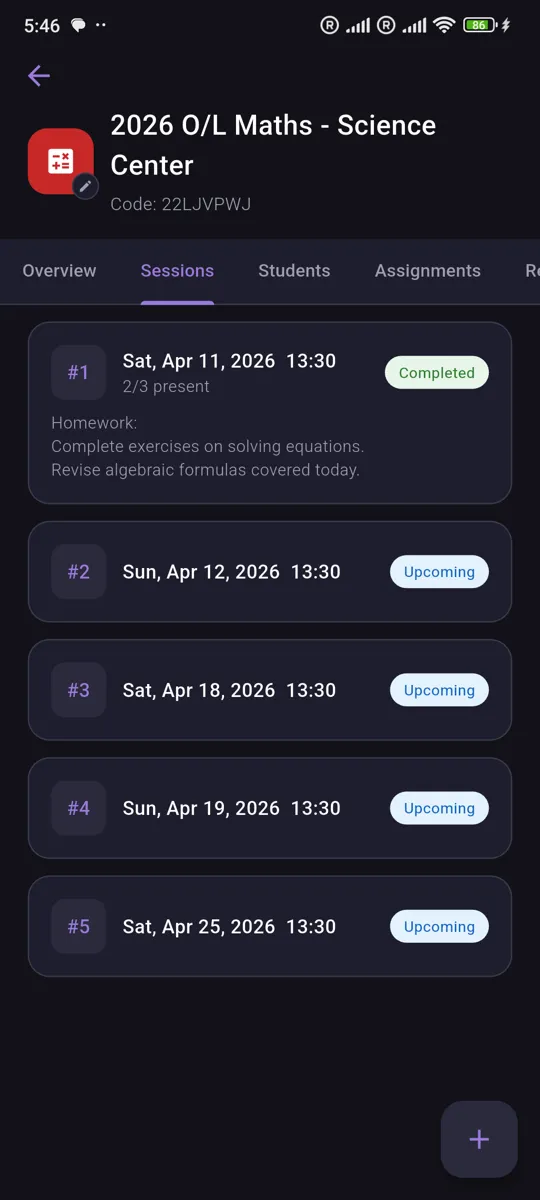
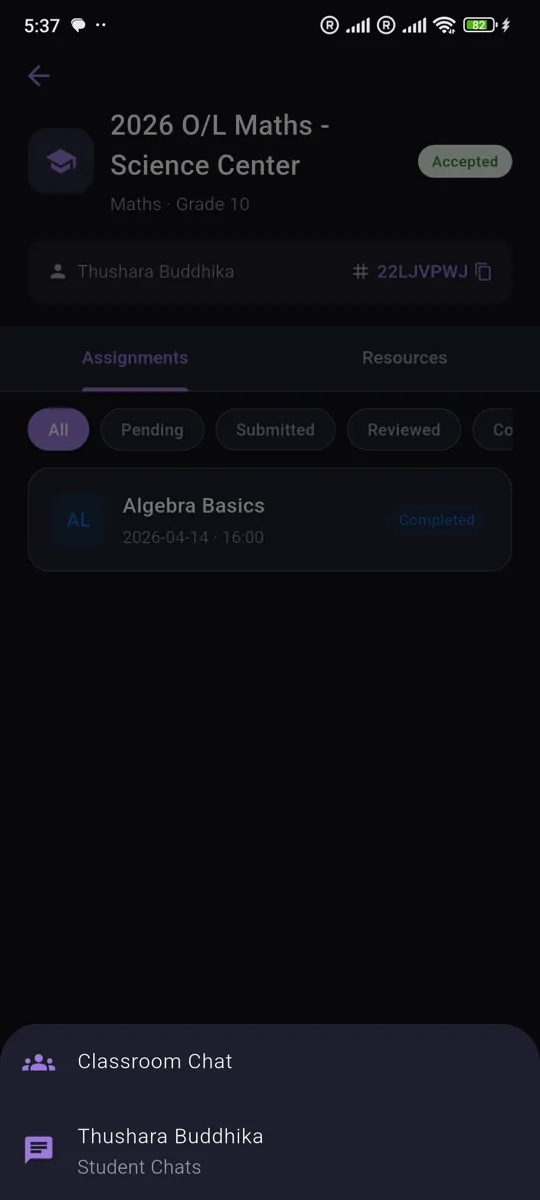
Organize your teaching into classrooms by subject and grade. Customize each with its own icon and color, set a weekly schedule, and jump into an overview that surfaces students, assignments, resources, and recent activity at a glance.
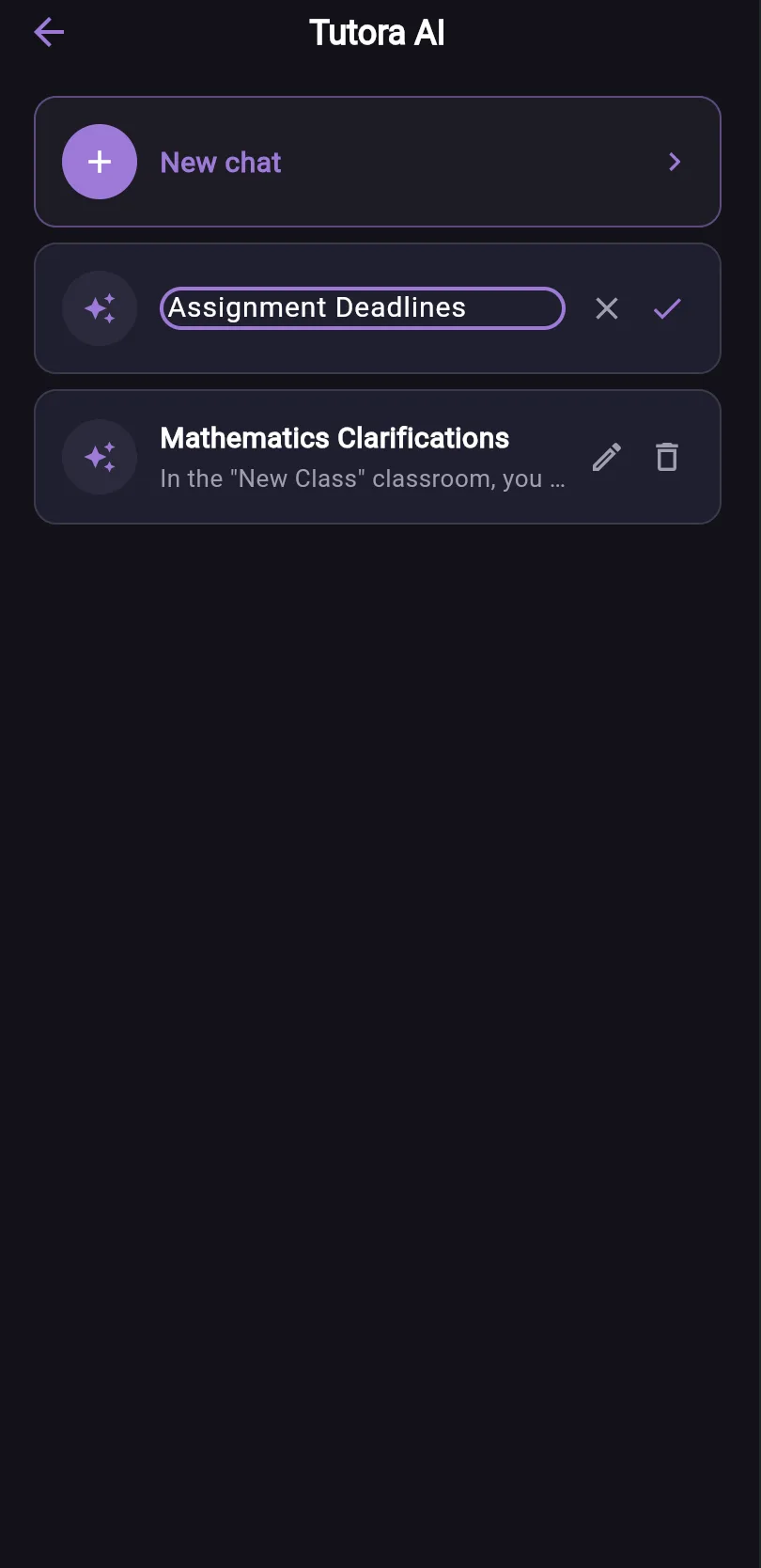
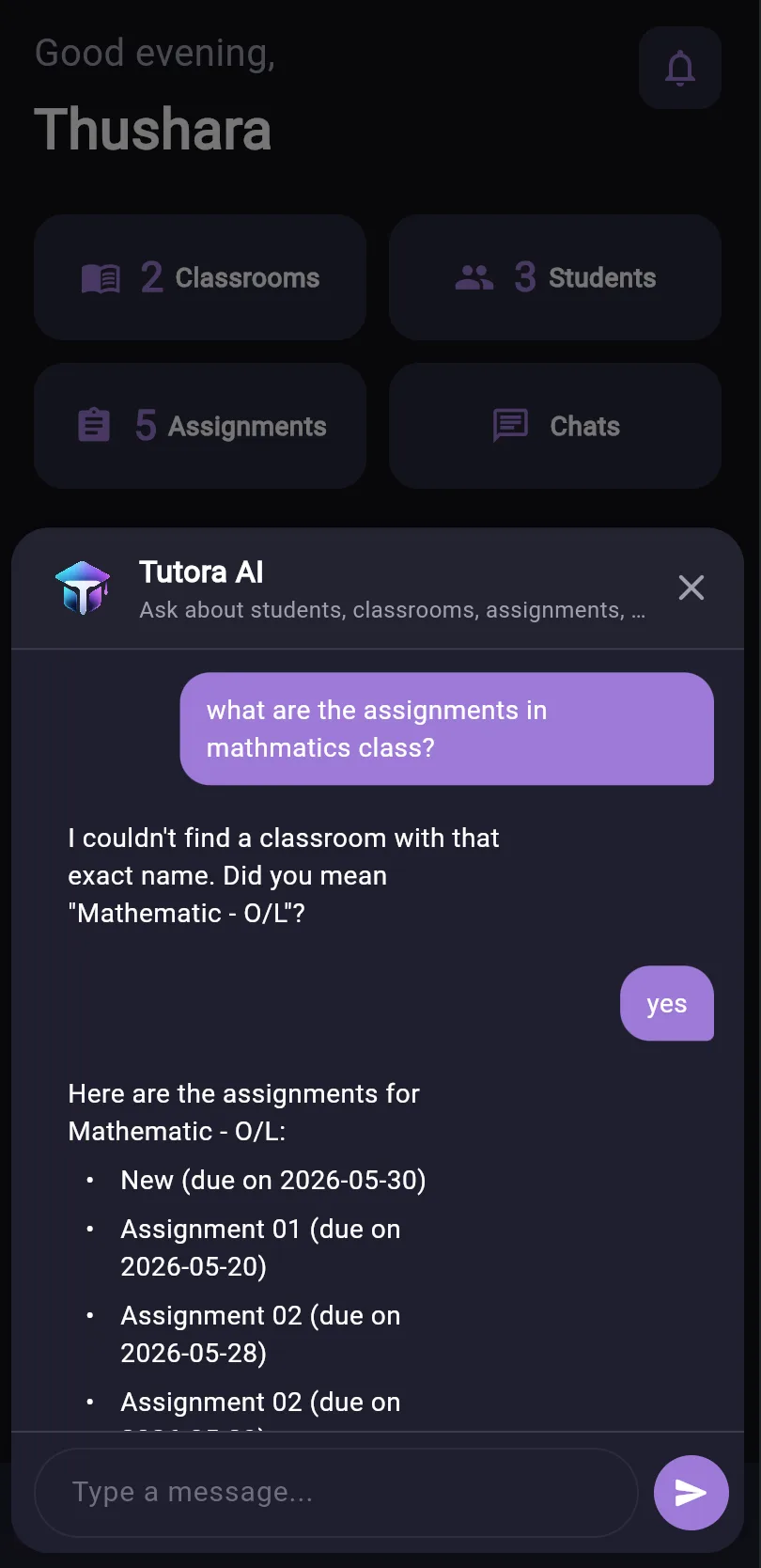
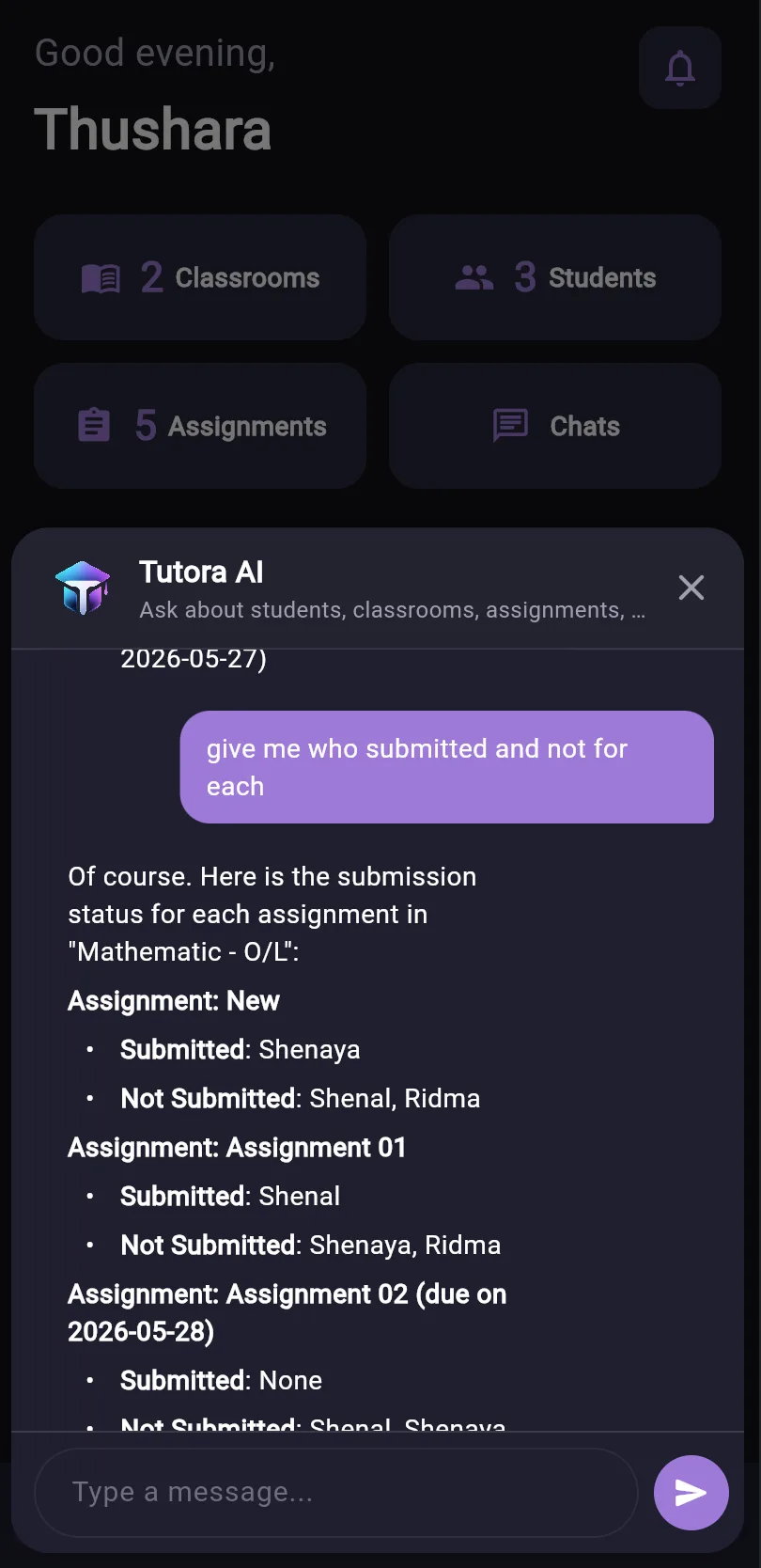
Tutora AI
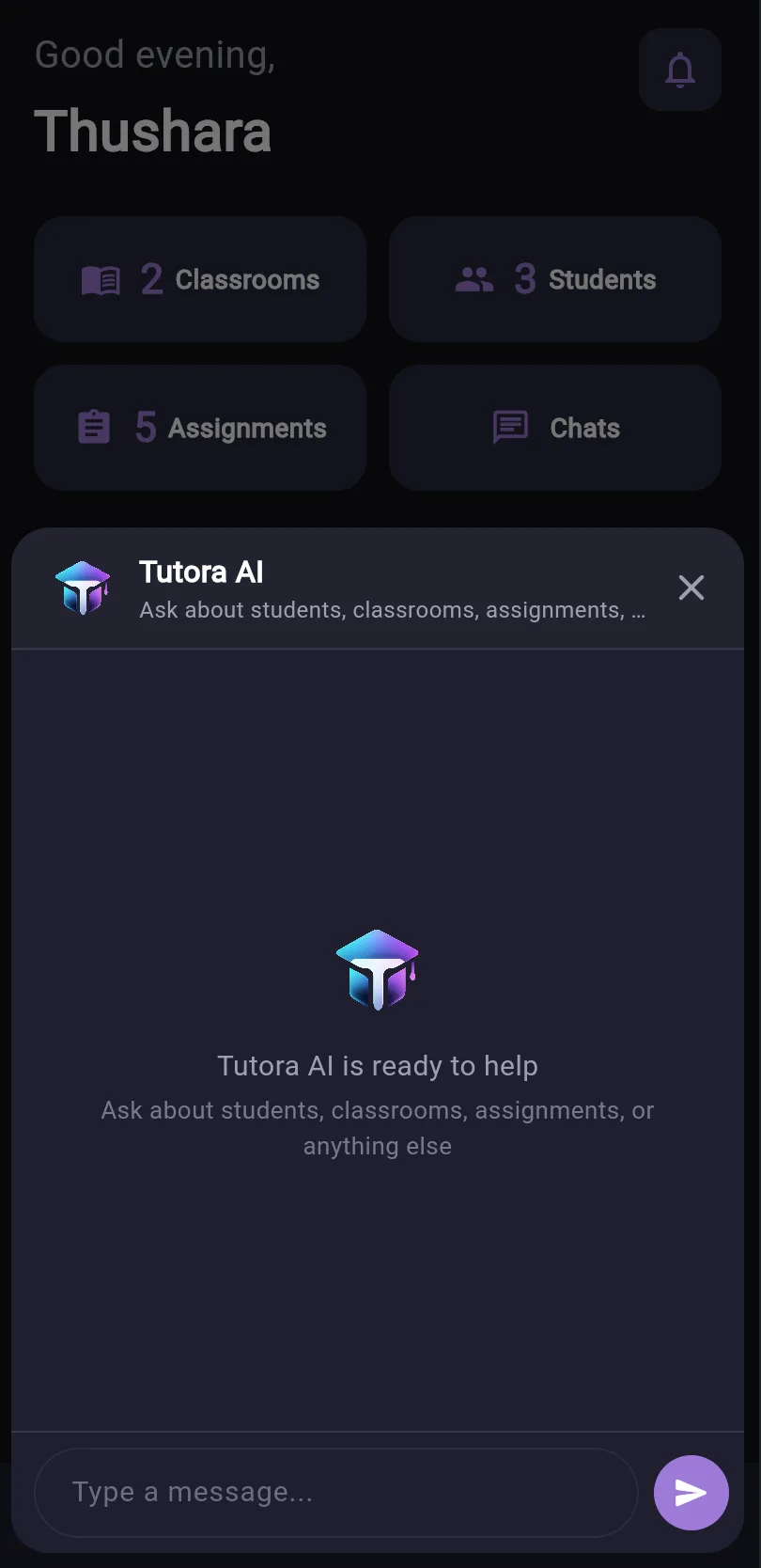
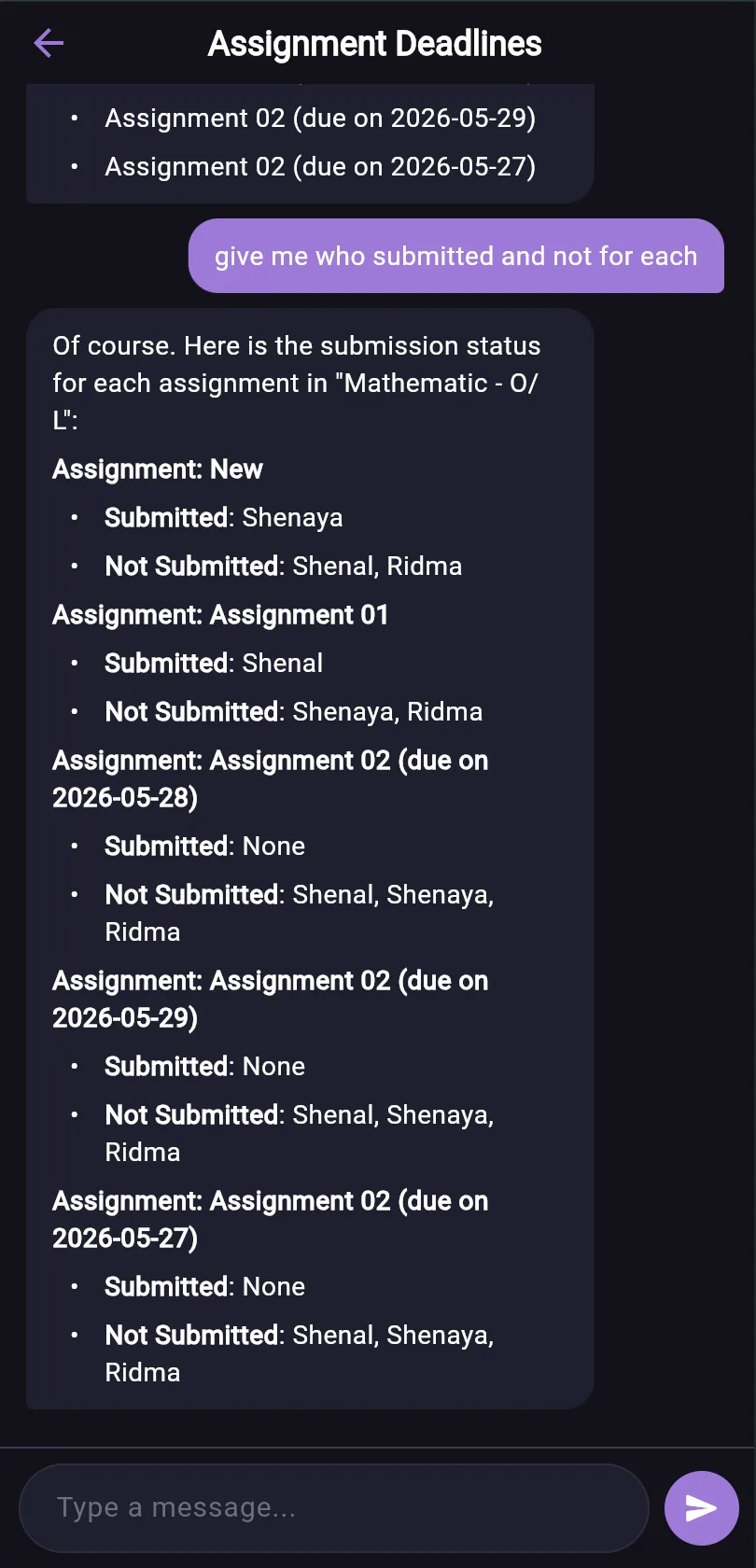
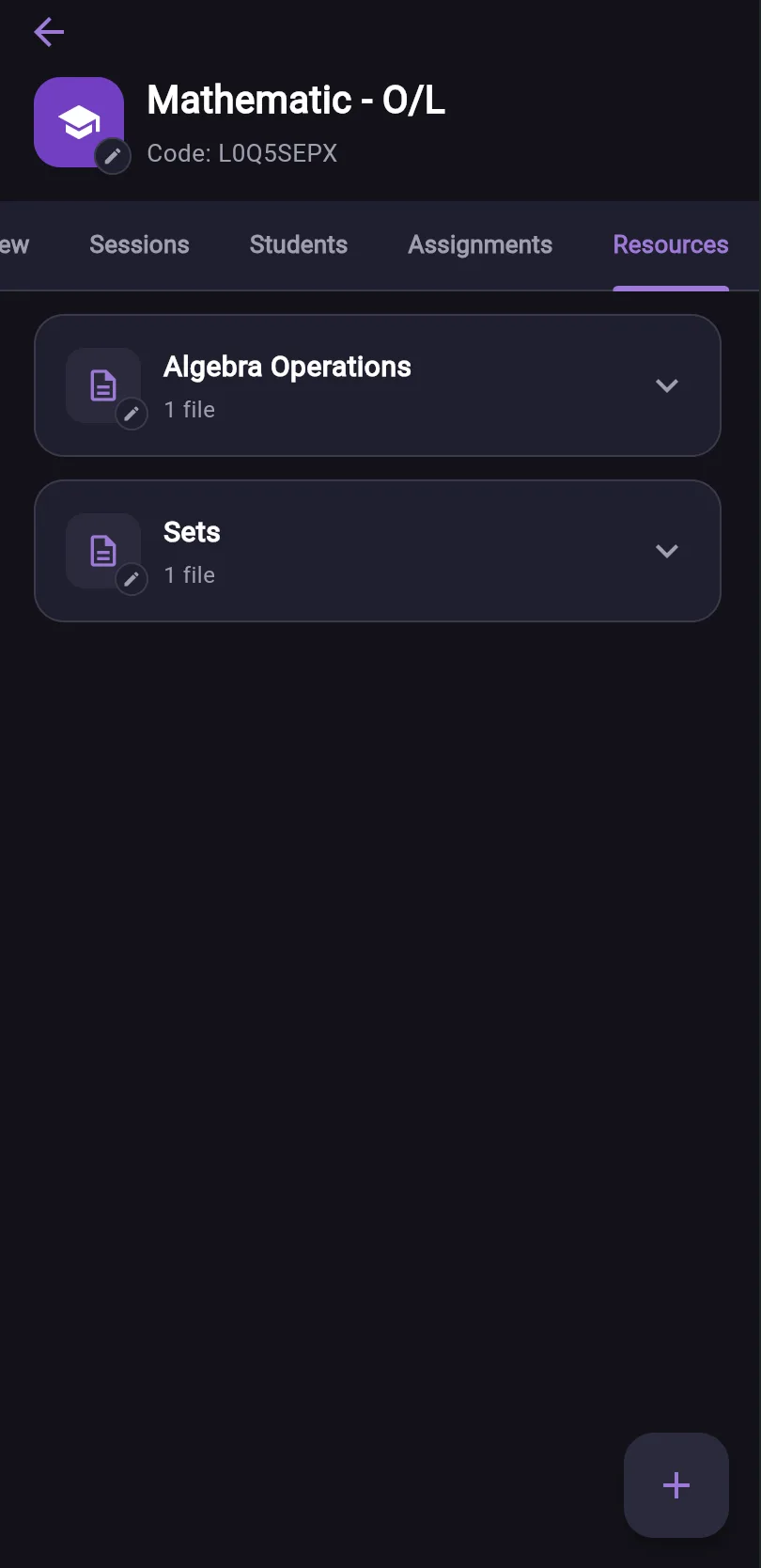
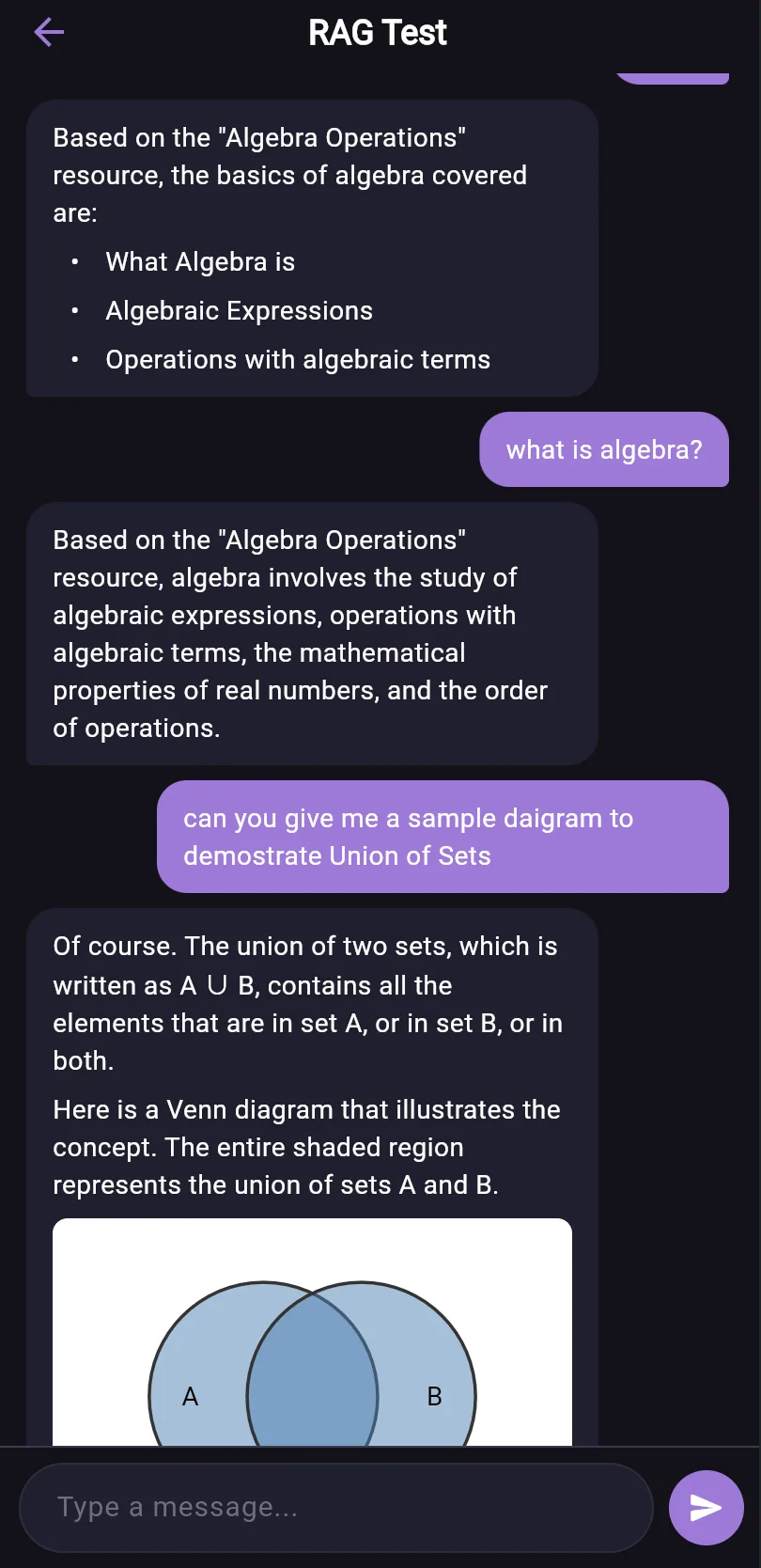
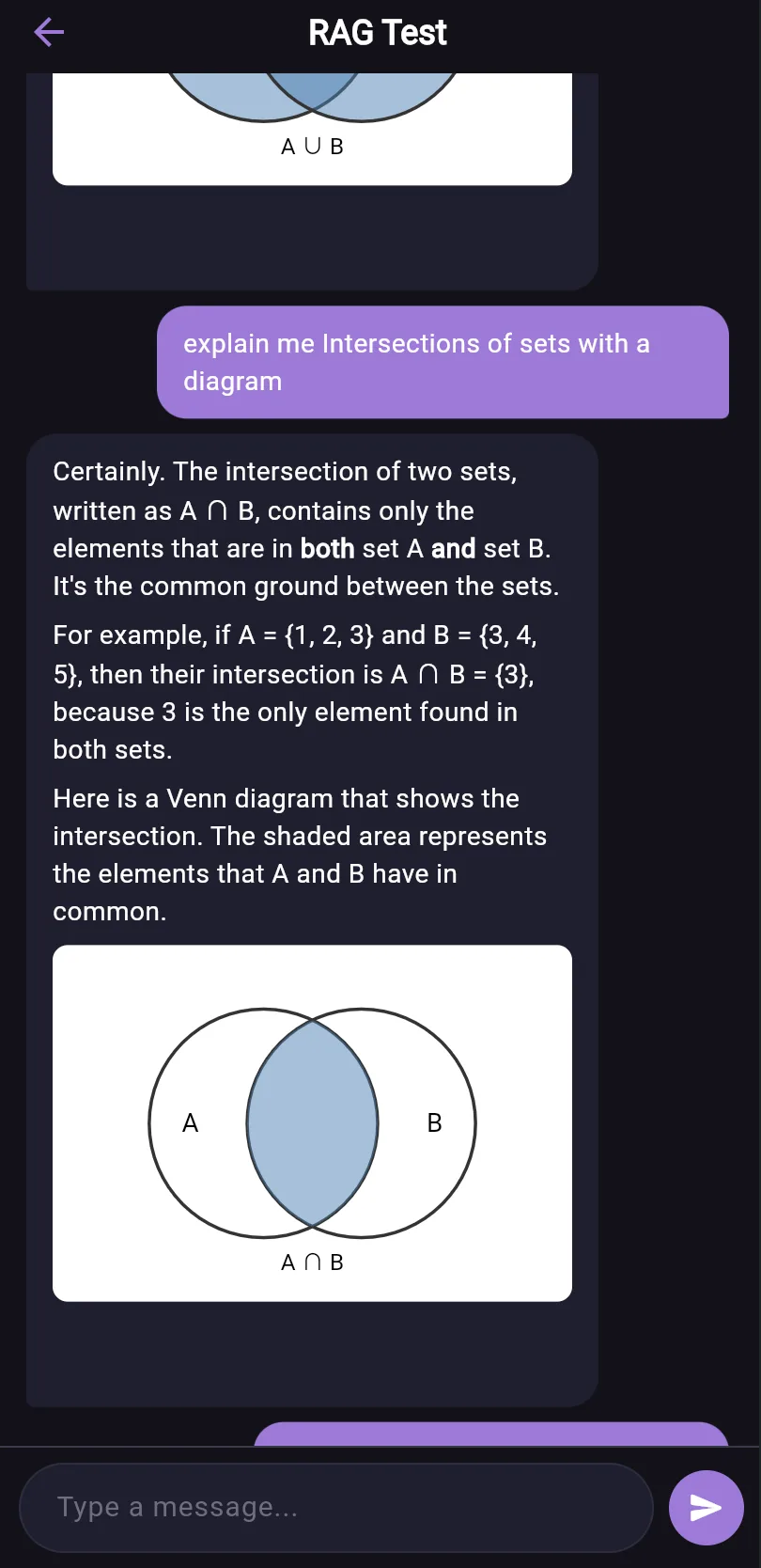
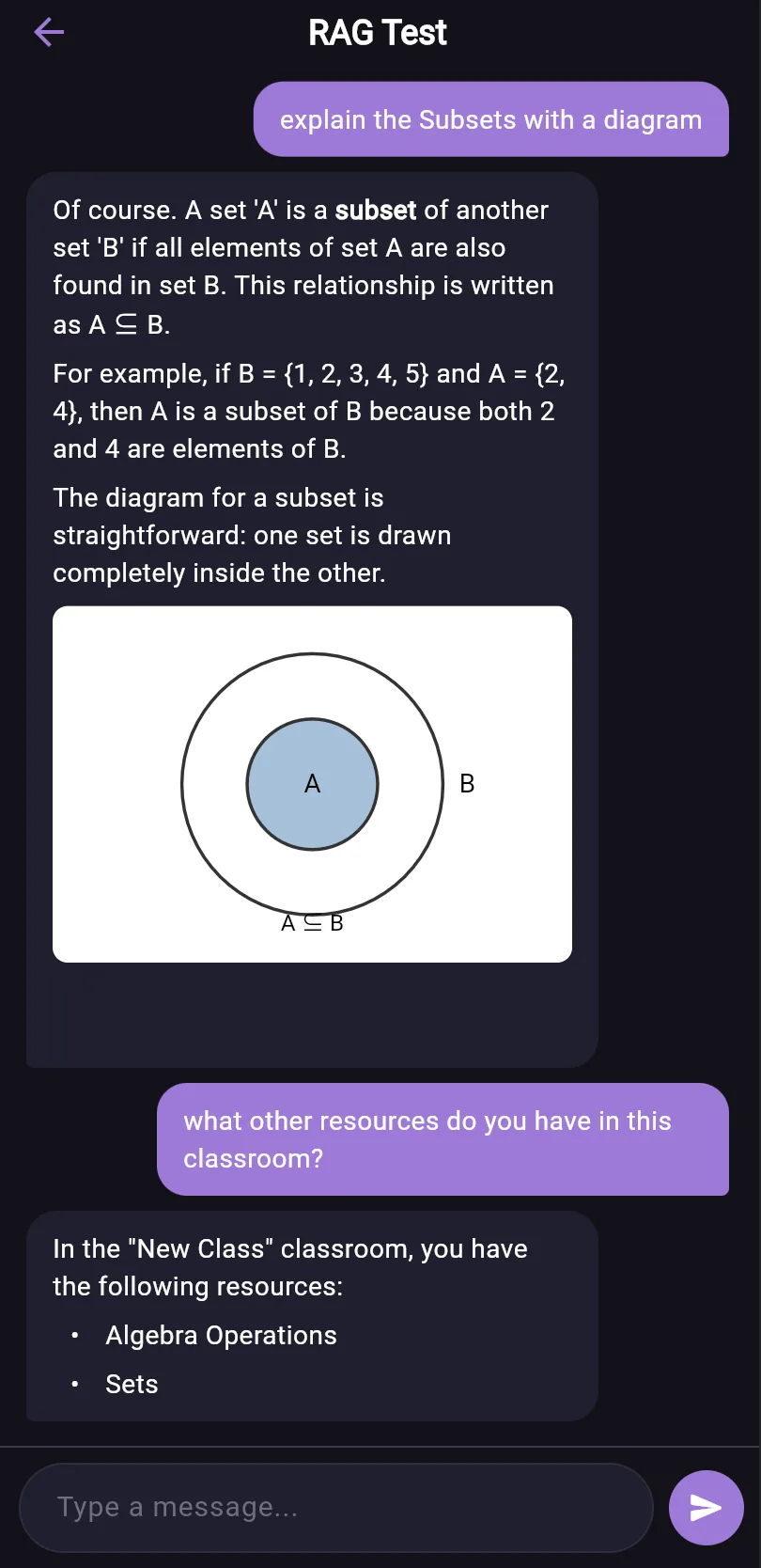
Your built-in AI assistant. Ask anything about your classrooms, students, and assignments — from submission status to upcoming deadlines — and get instant answers. Tutora AI also taps into your classroom resources to generate assignments, papers, and questions, and can explain concepts with diagrams on the spot.
Attendance
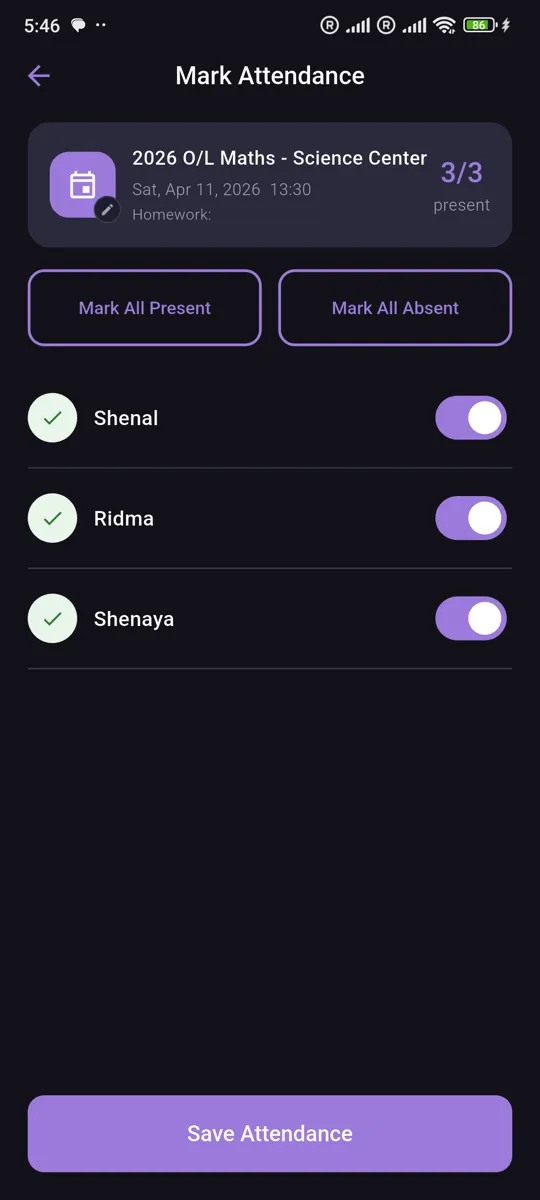
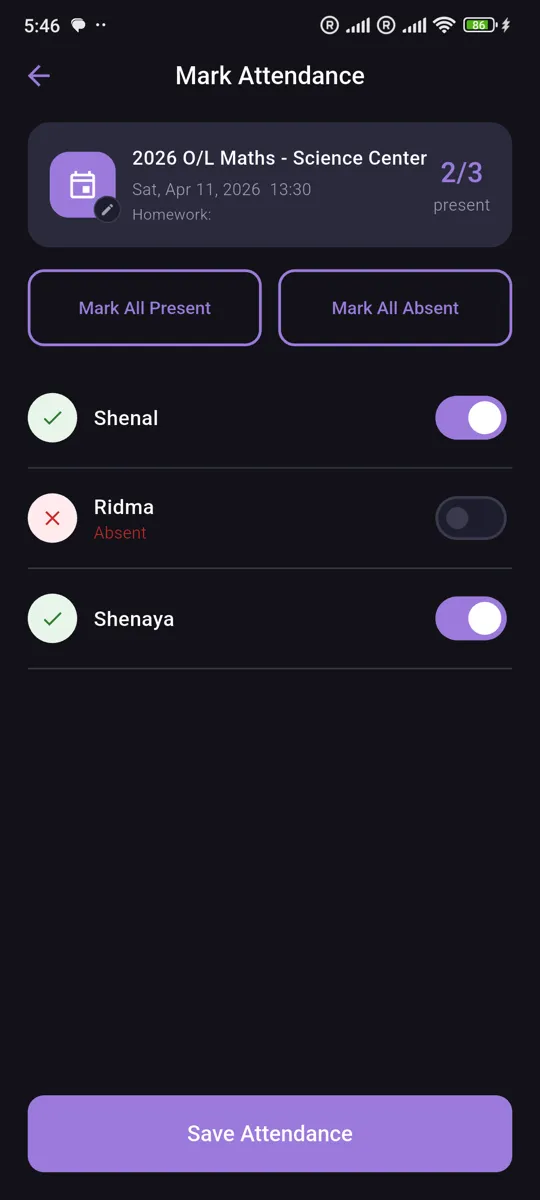
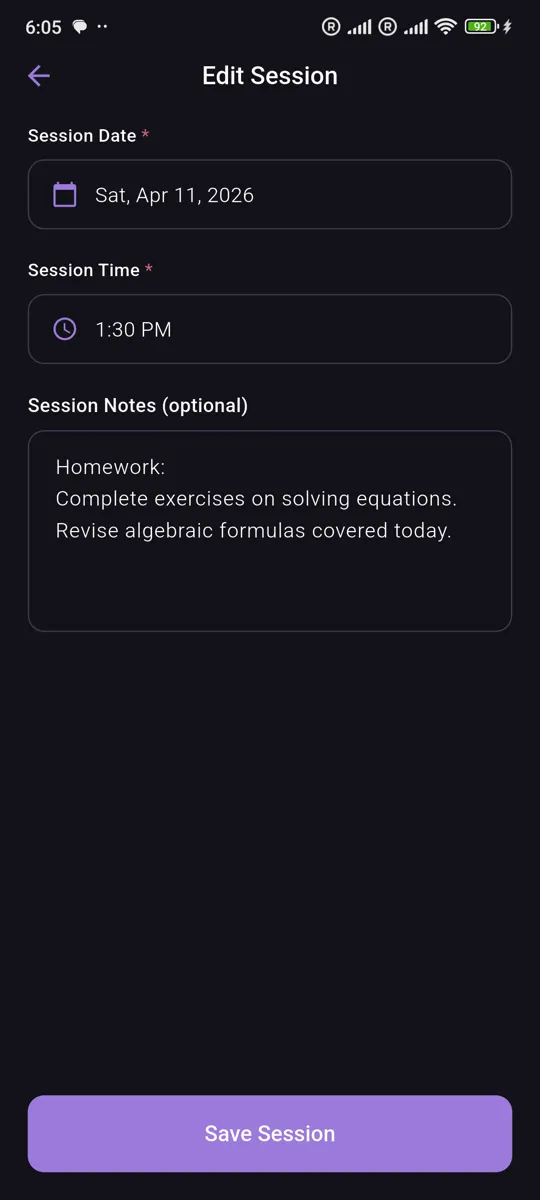
Track student attendance for each classroom session. Mark students as present, absent, or late, and review attendance history over time to spot trends at a glance.
Assignments
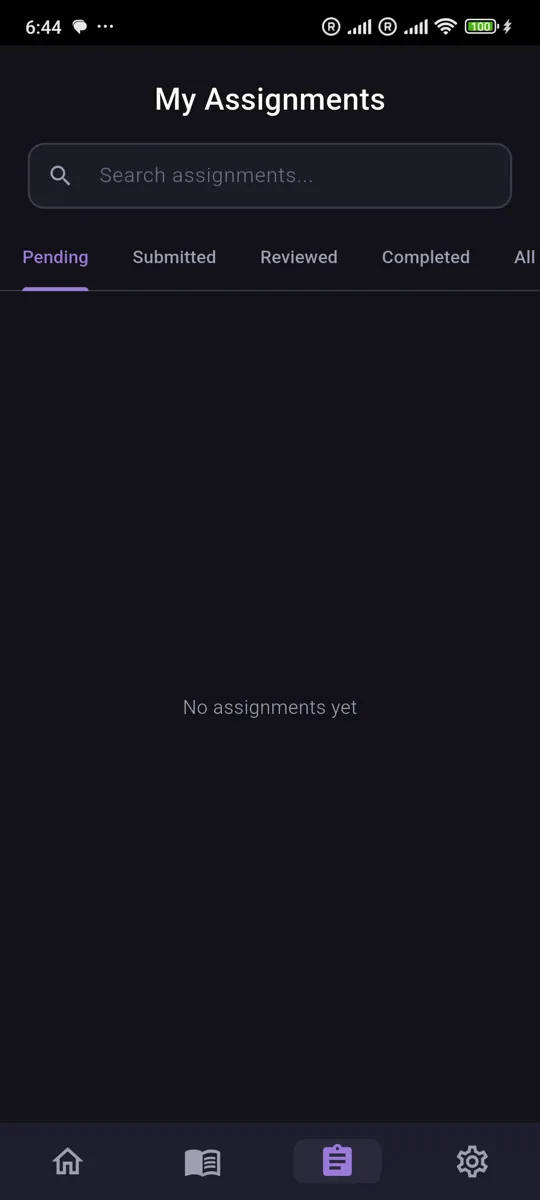
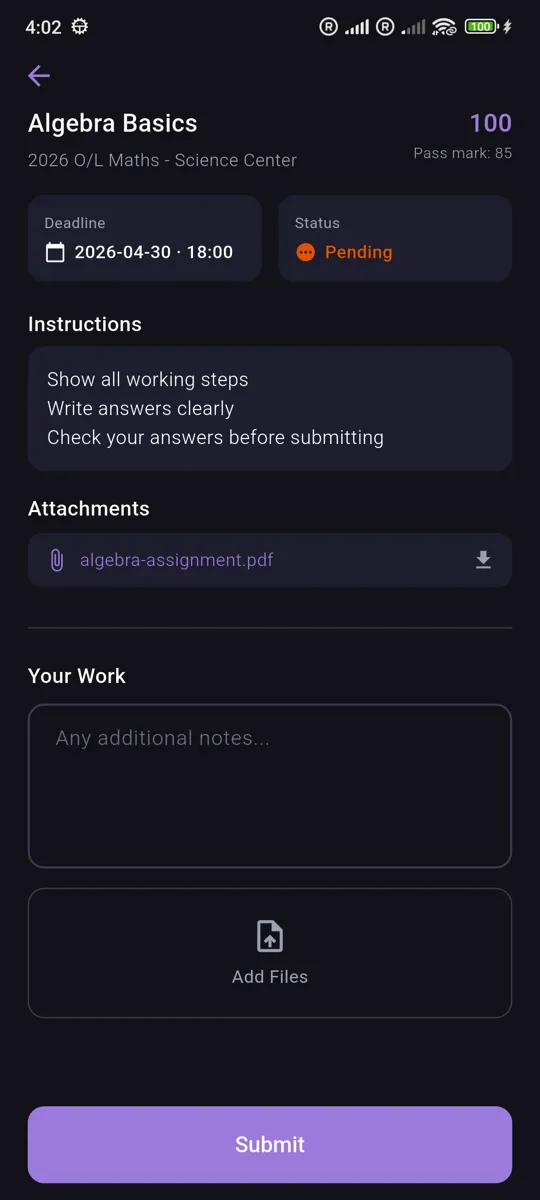
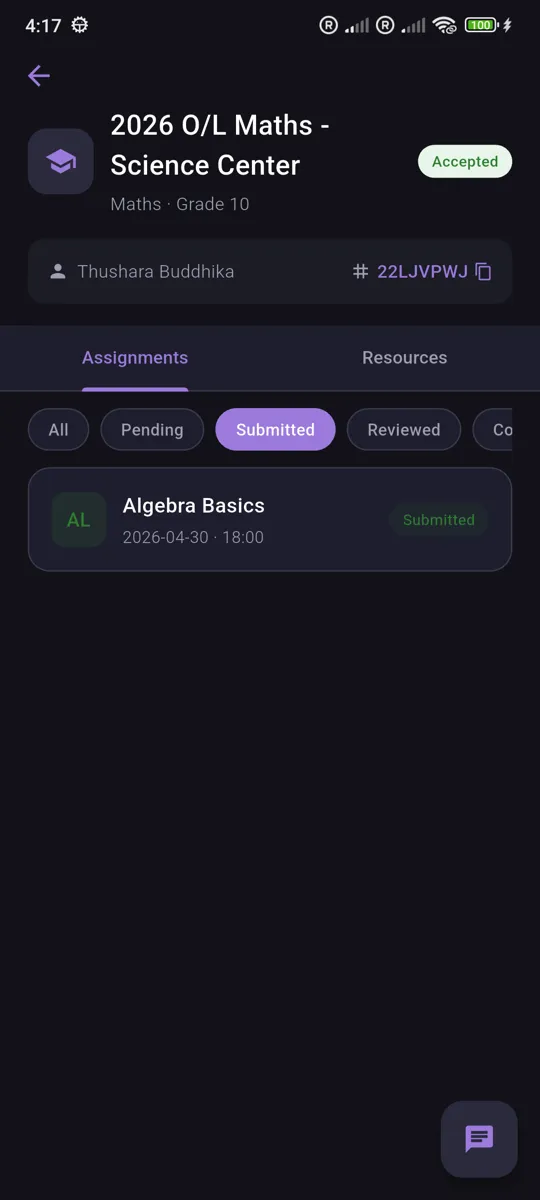
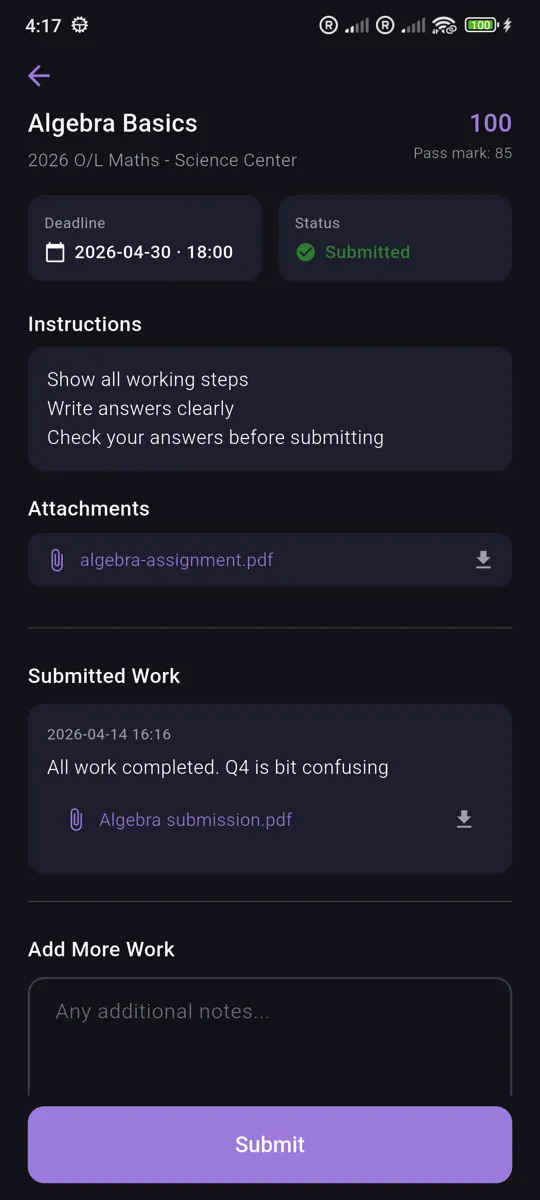
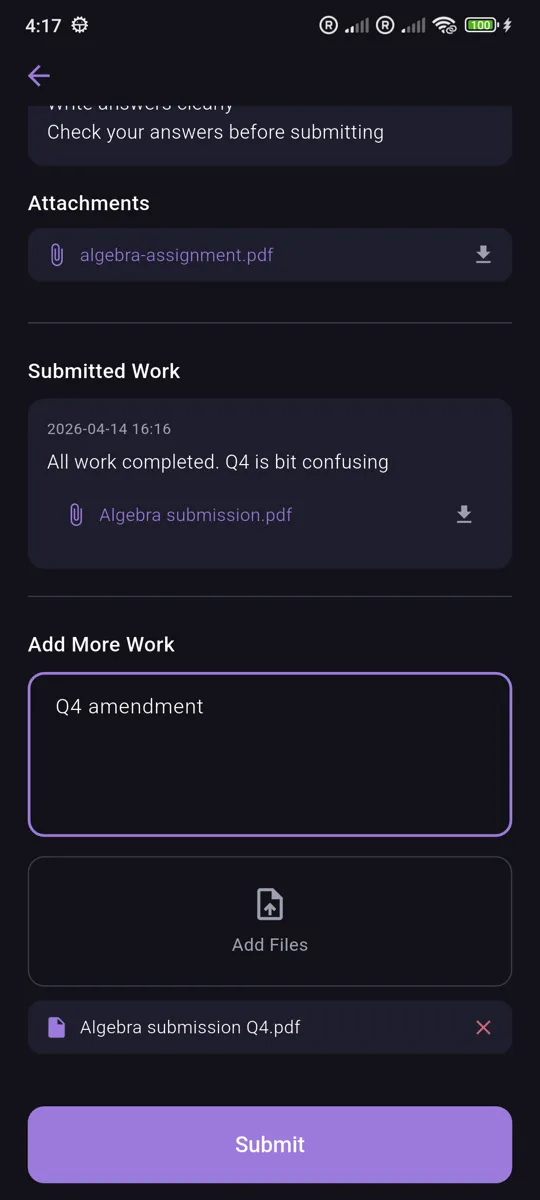
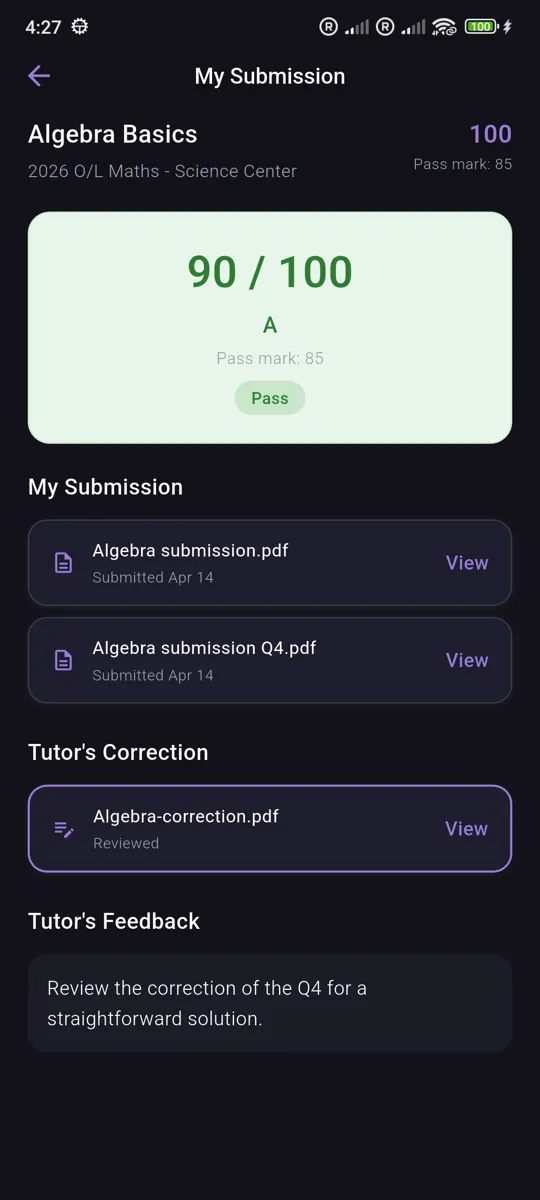
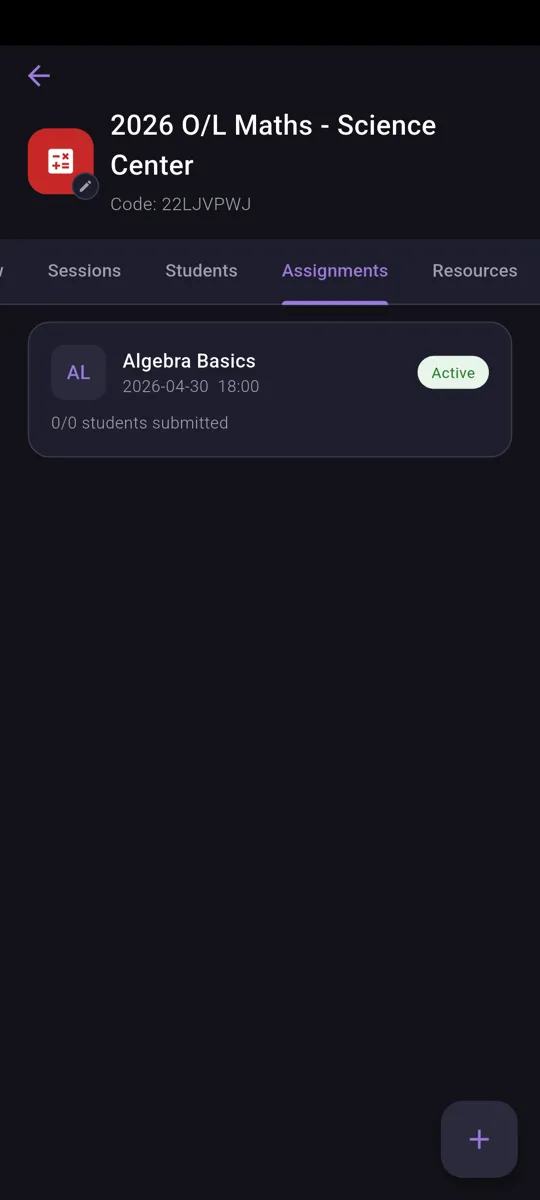
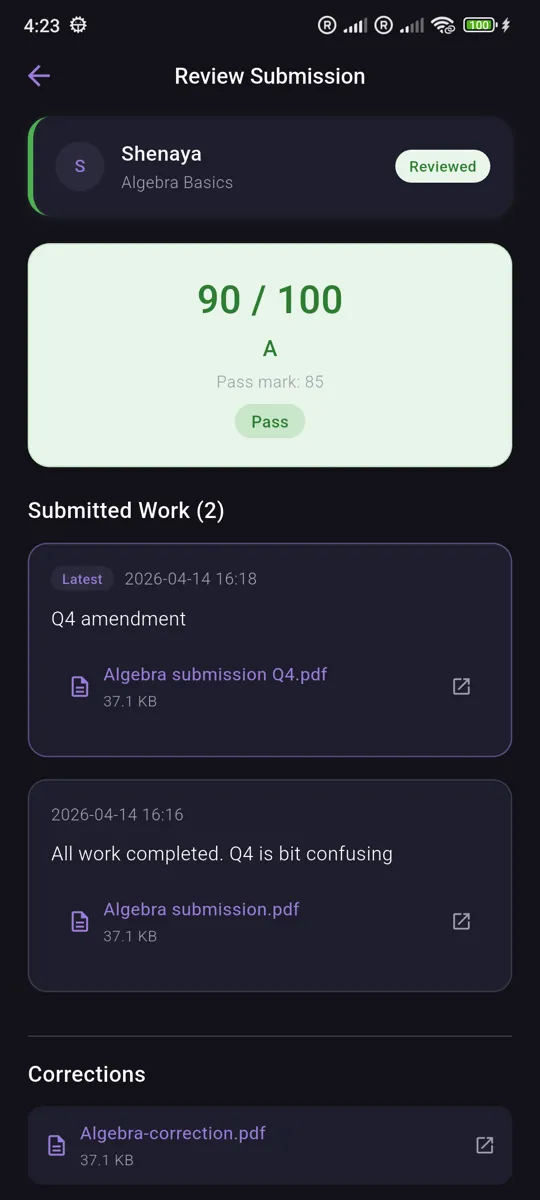
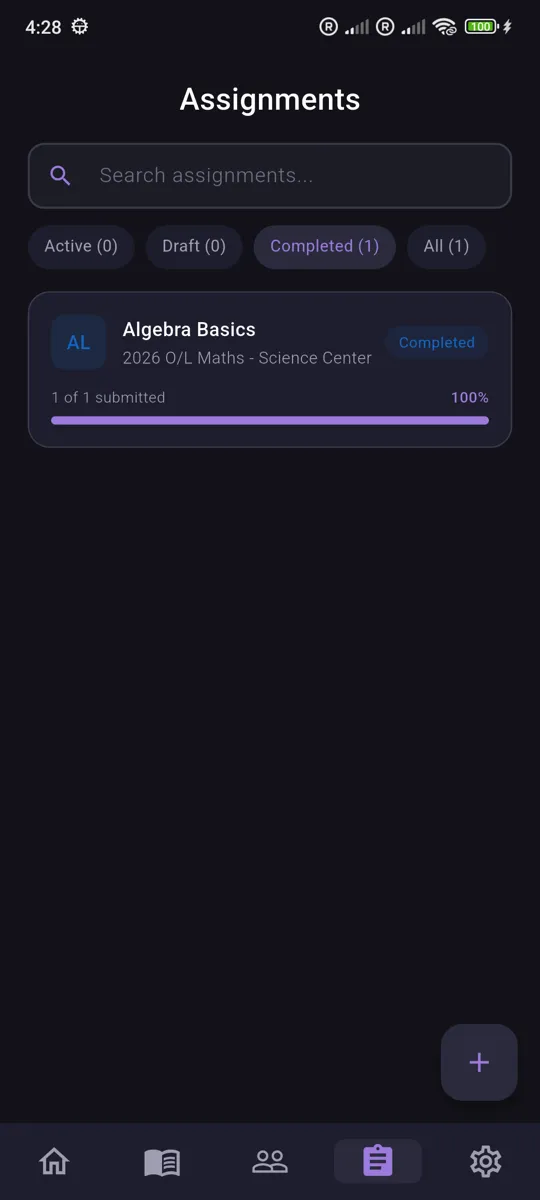
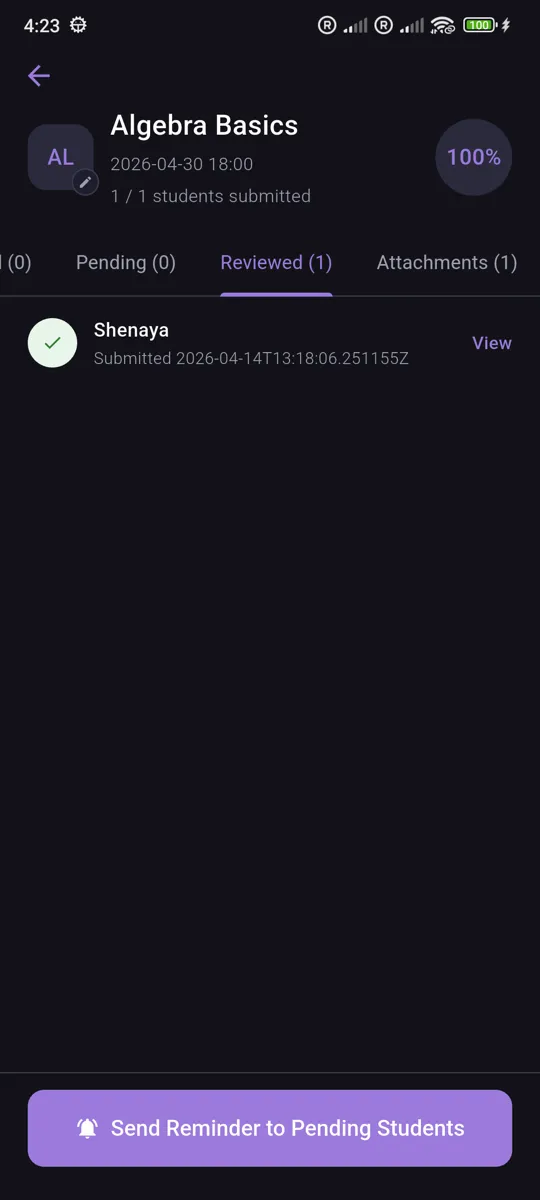
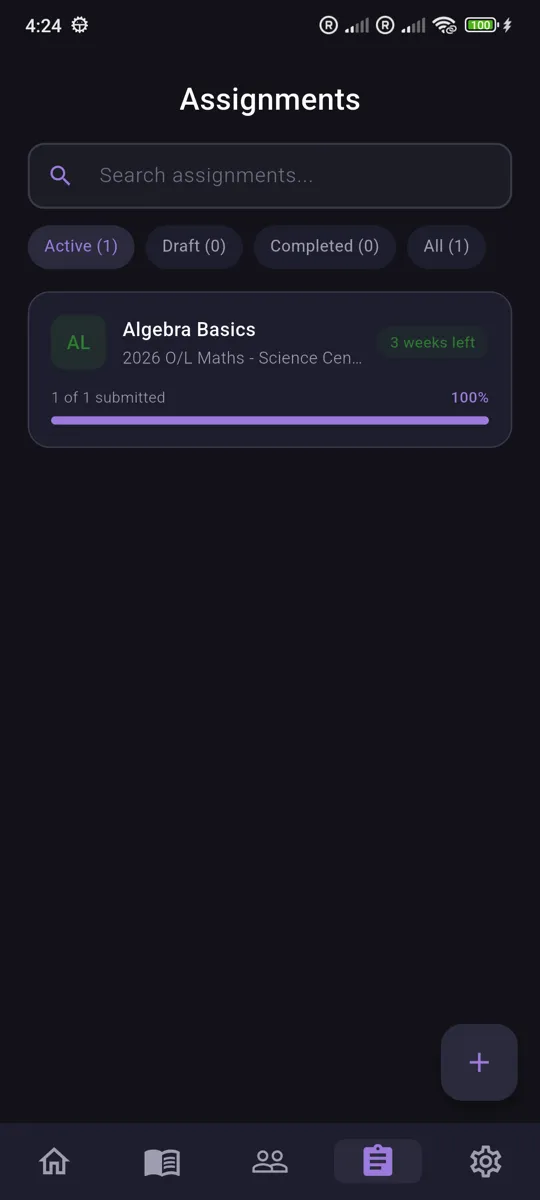
Create assignments with deadlines and attachments, track submission status across your class, and review each student's work — all from one streamlined workflow.
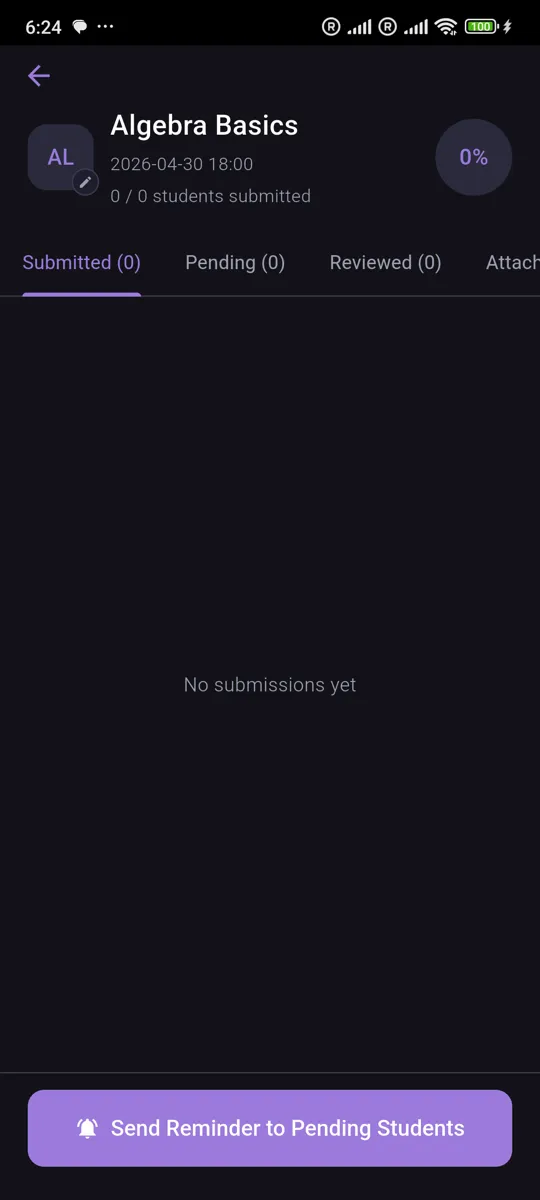
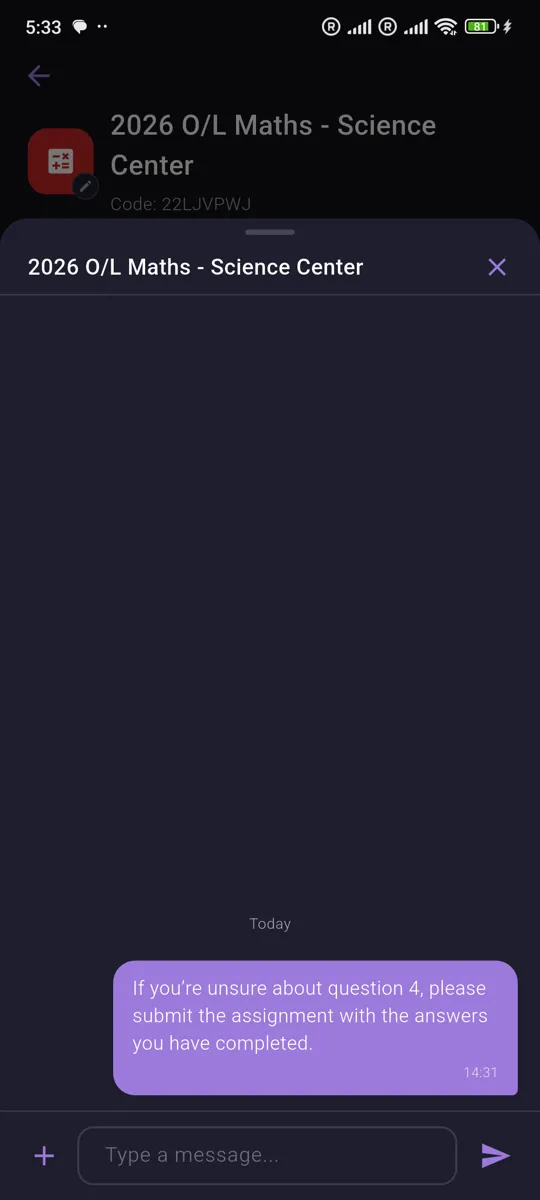
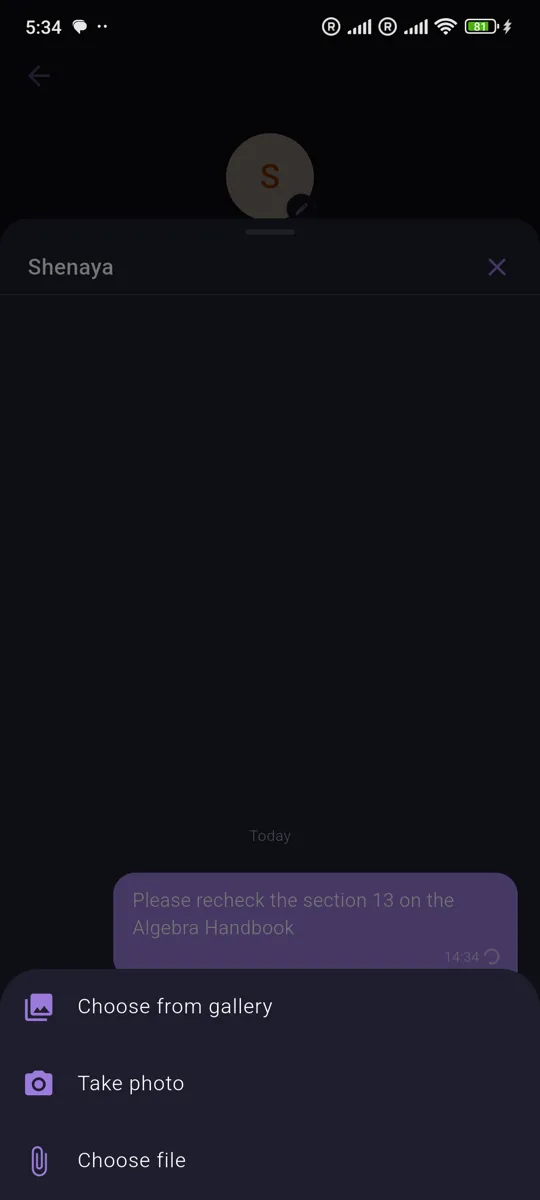
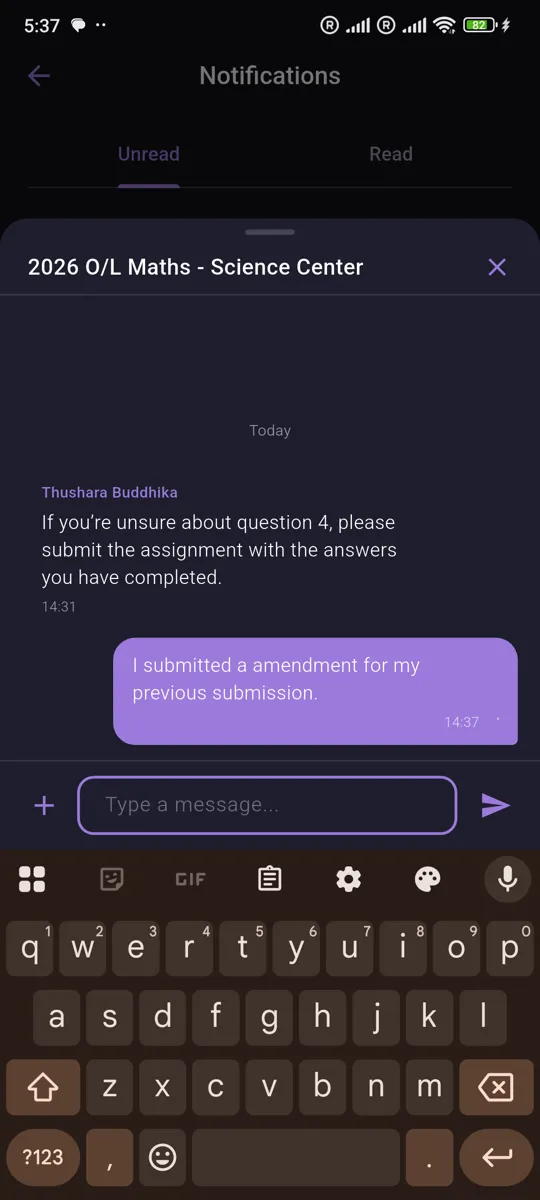
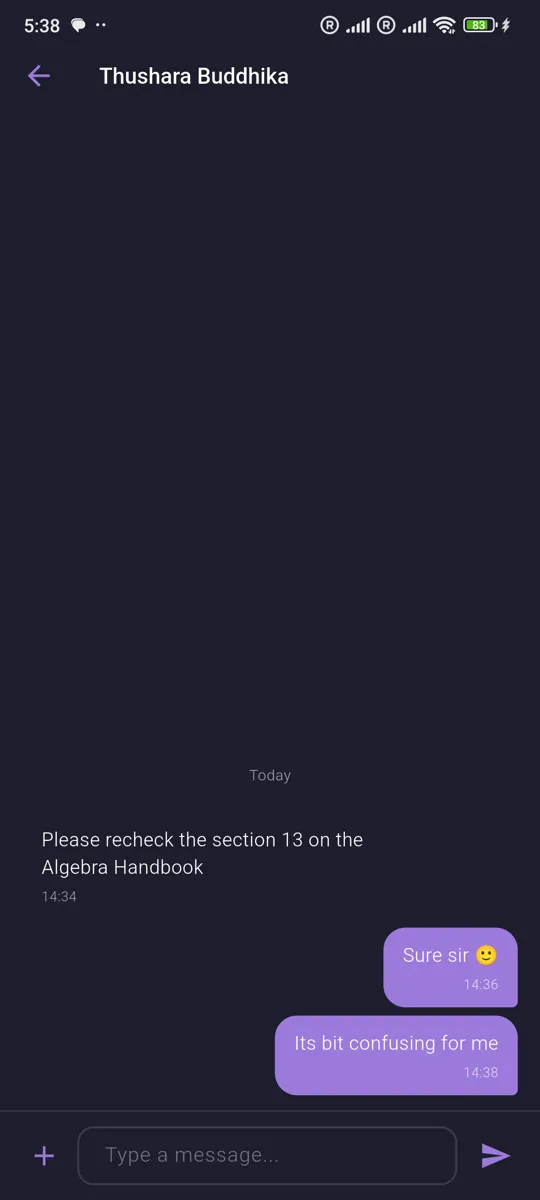
In-app Chat
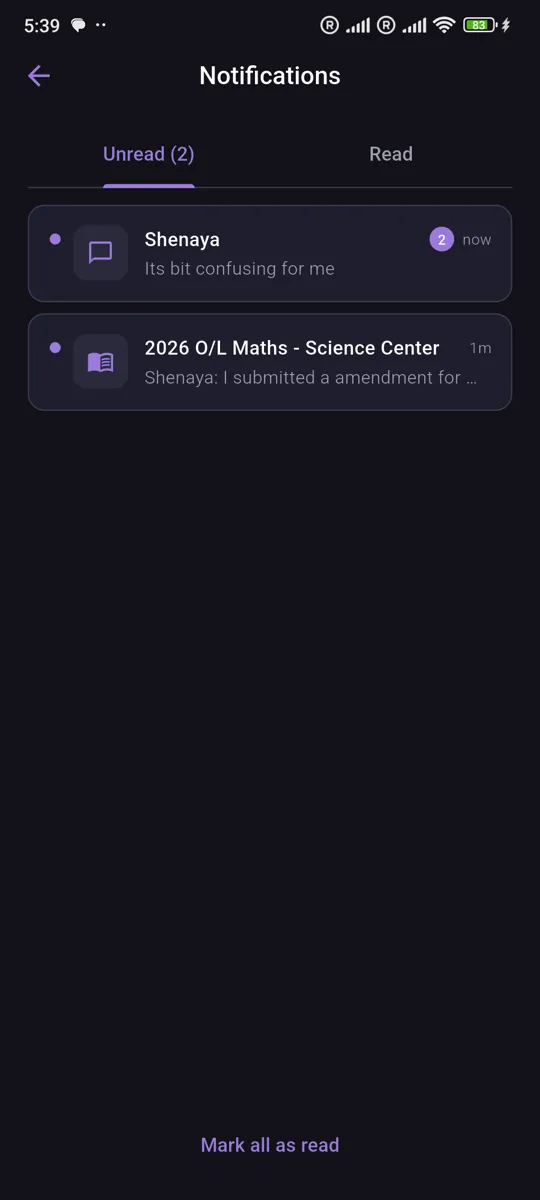
Message students one-on-one or chat with an entire classroom. Share images, files, and links with push notifications so no message goes unread.
Resource Library
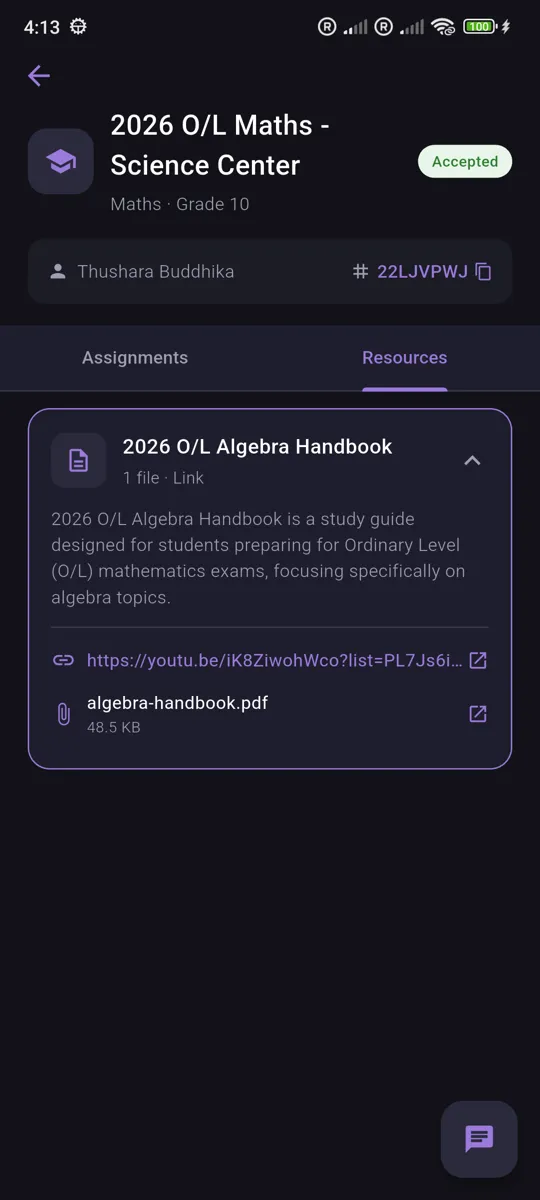
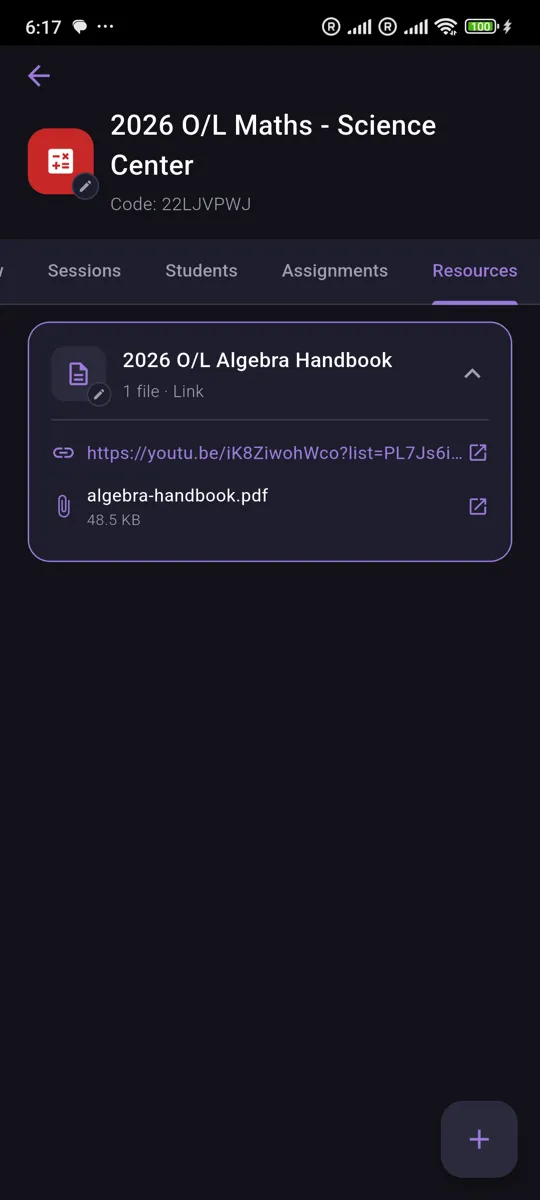
Upload and organize PDFs, images, videos, and links so students can access learning materials from any device, anytime.
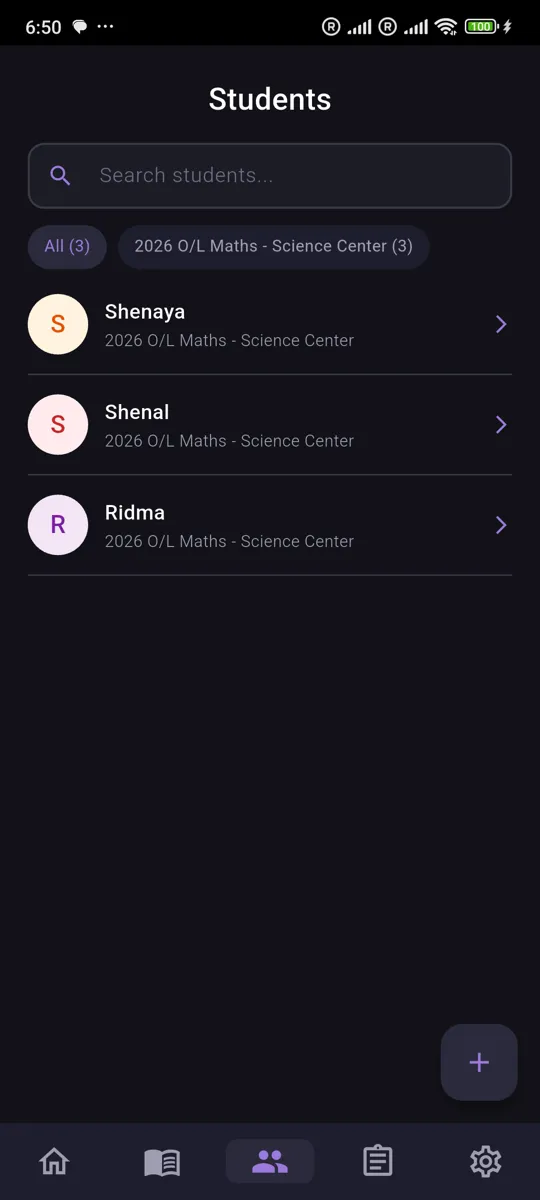
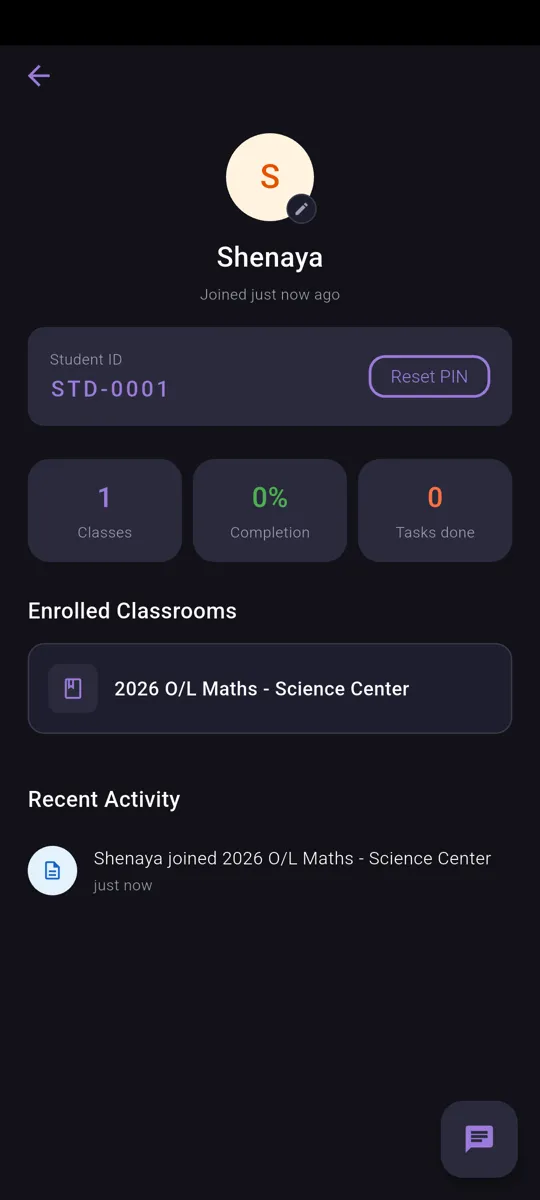
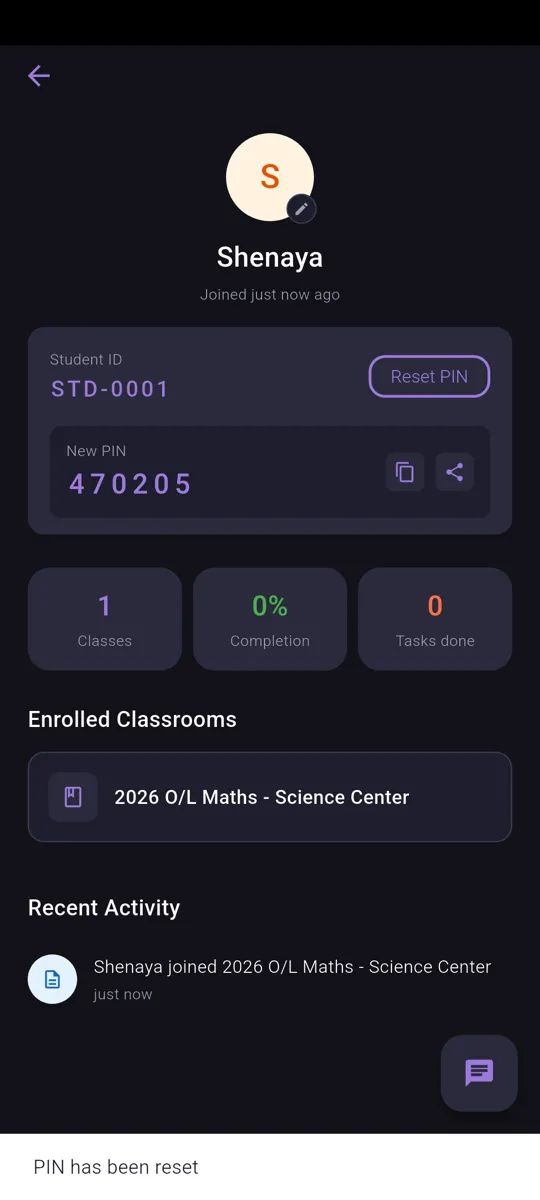
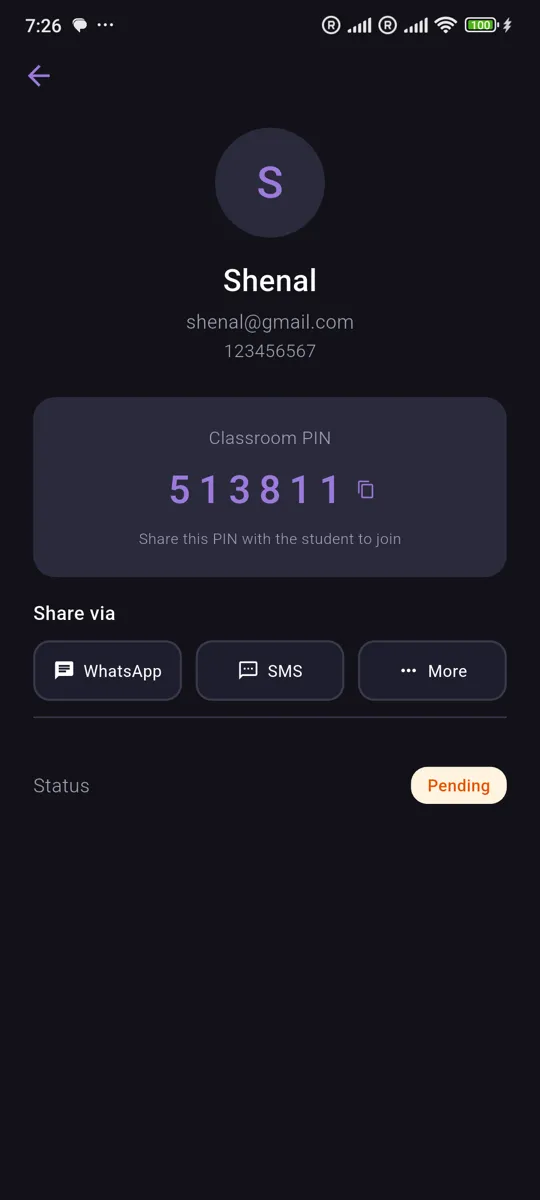
Student Management
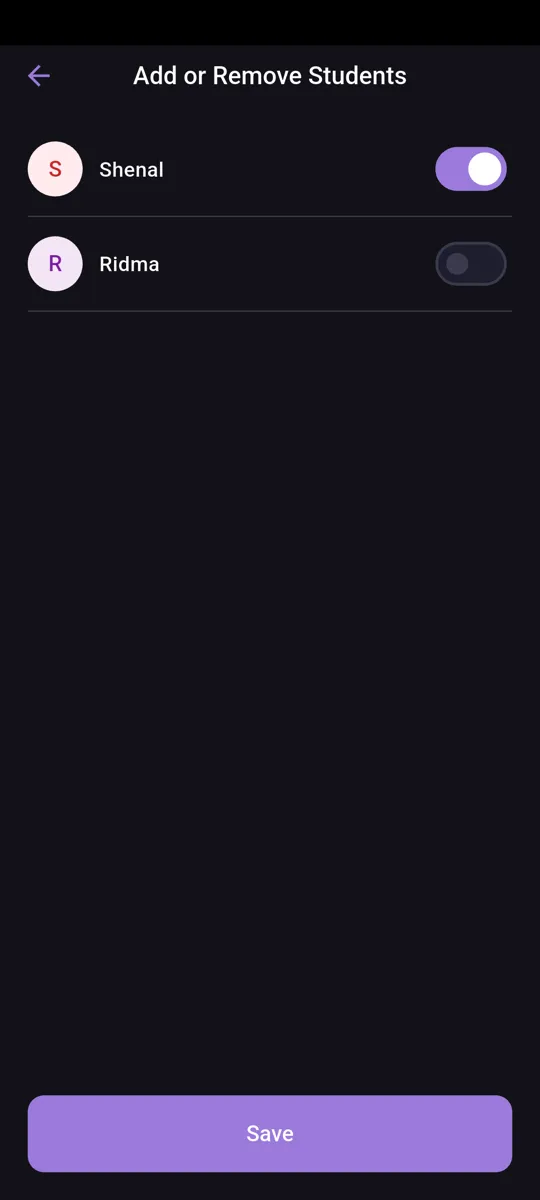
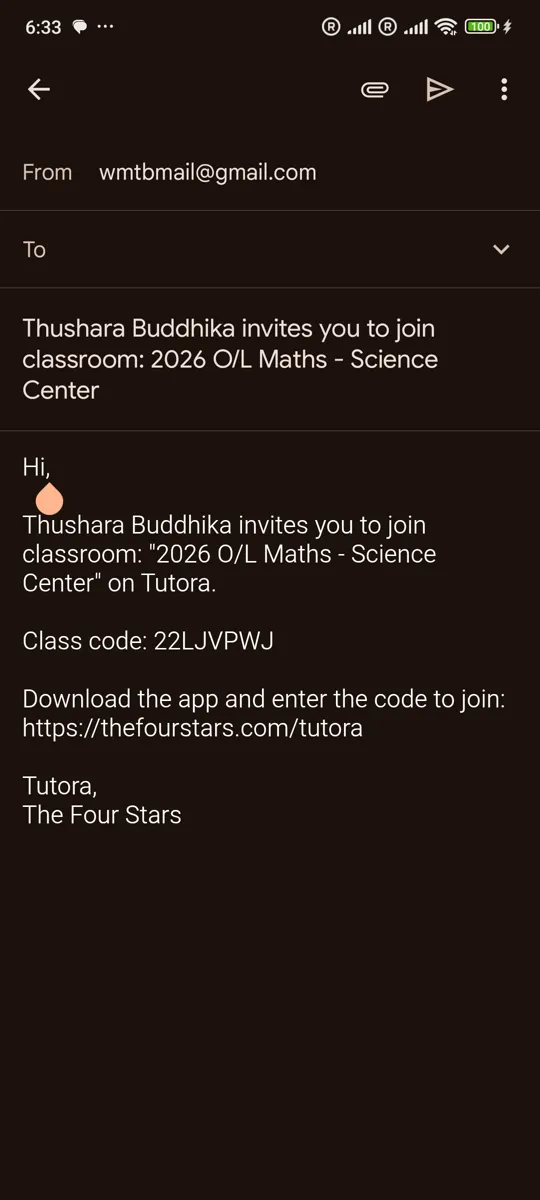
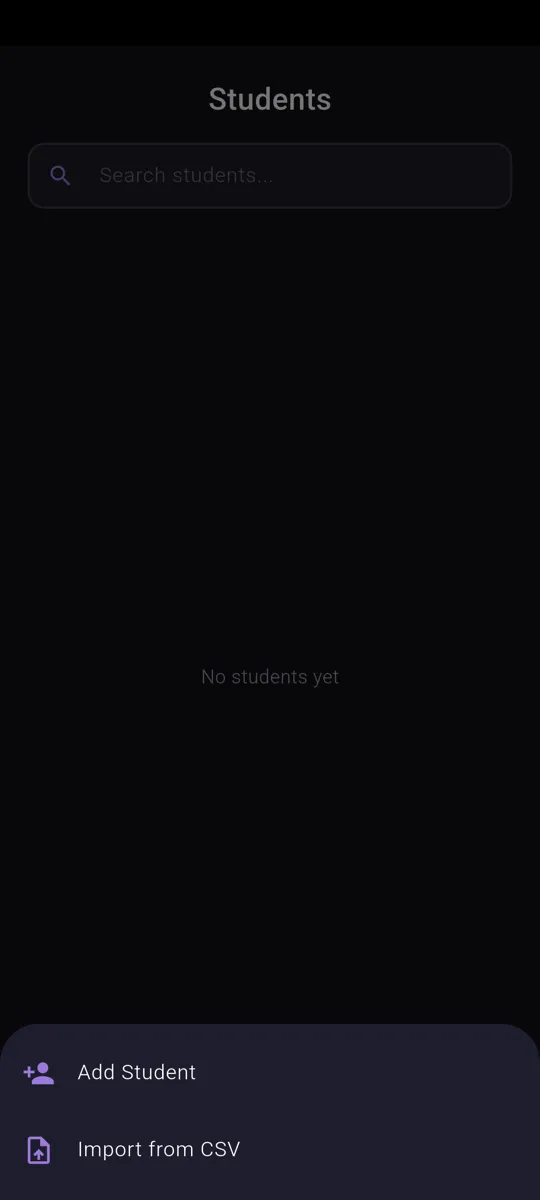
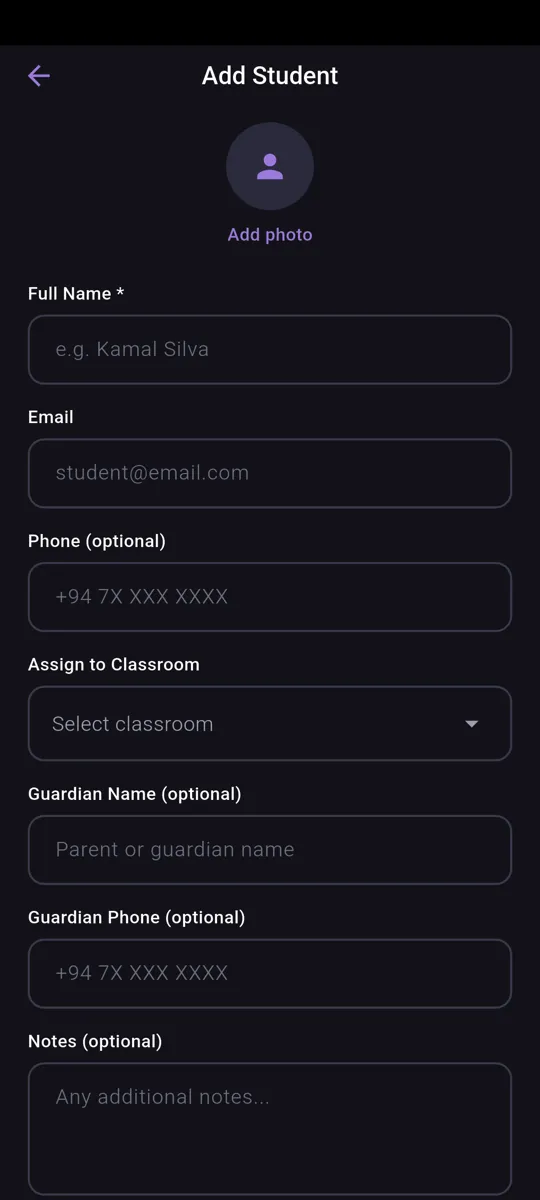
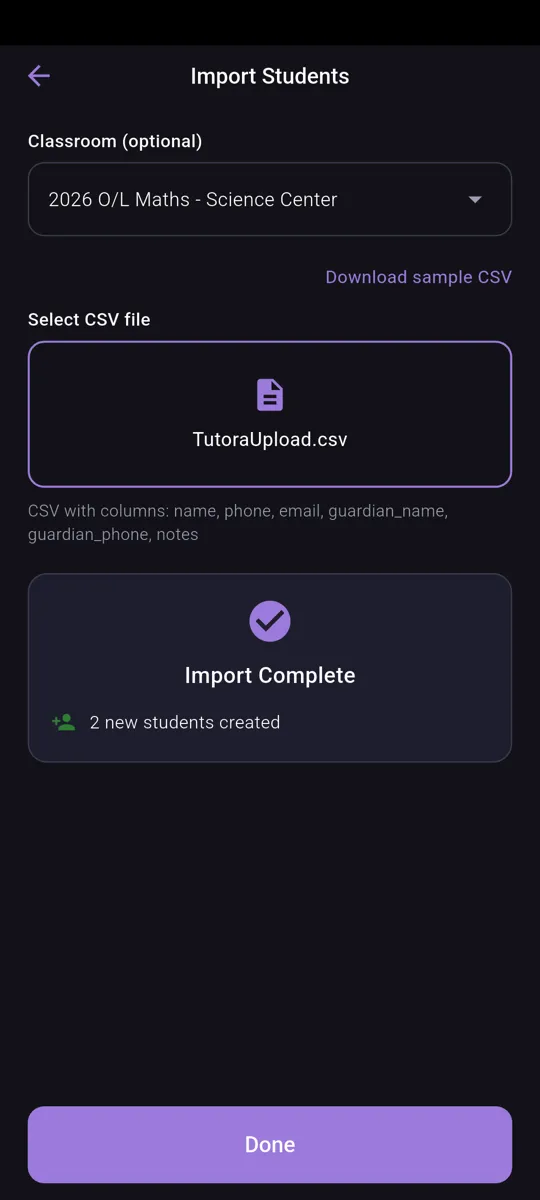
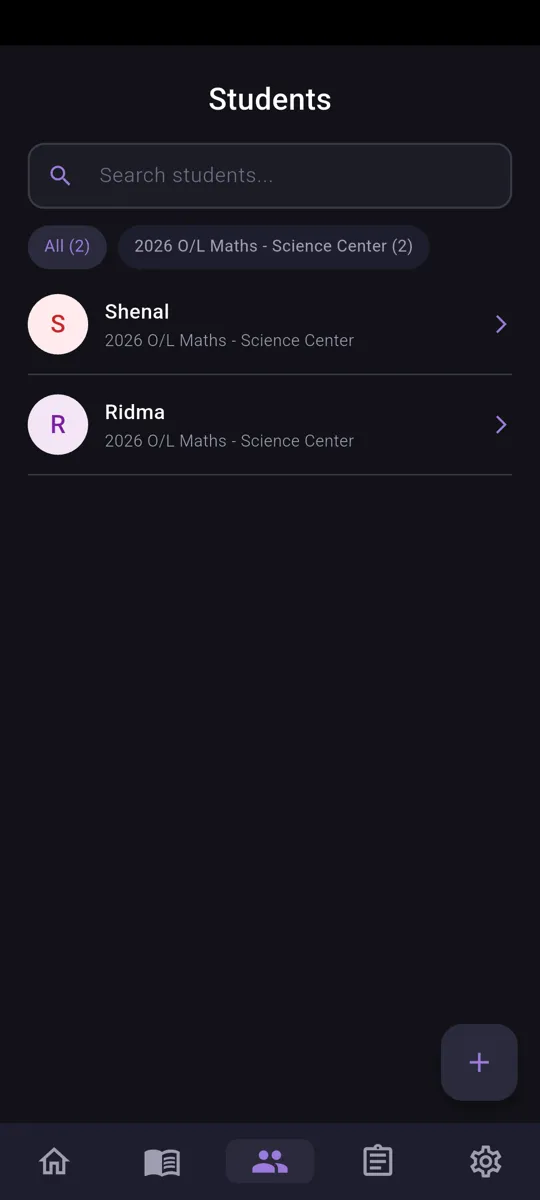
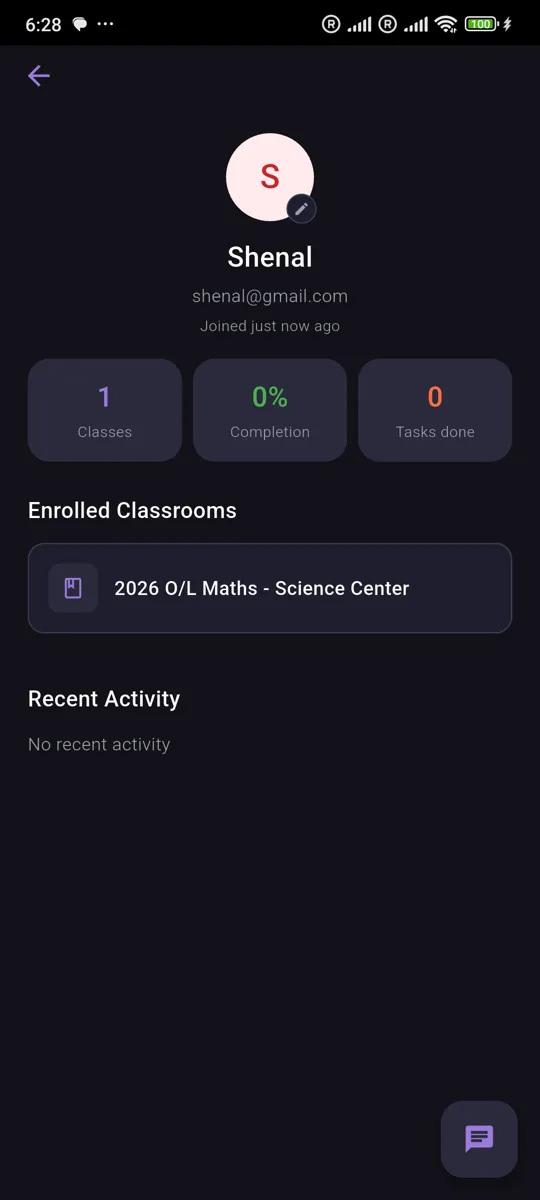
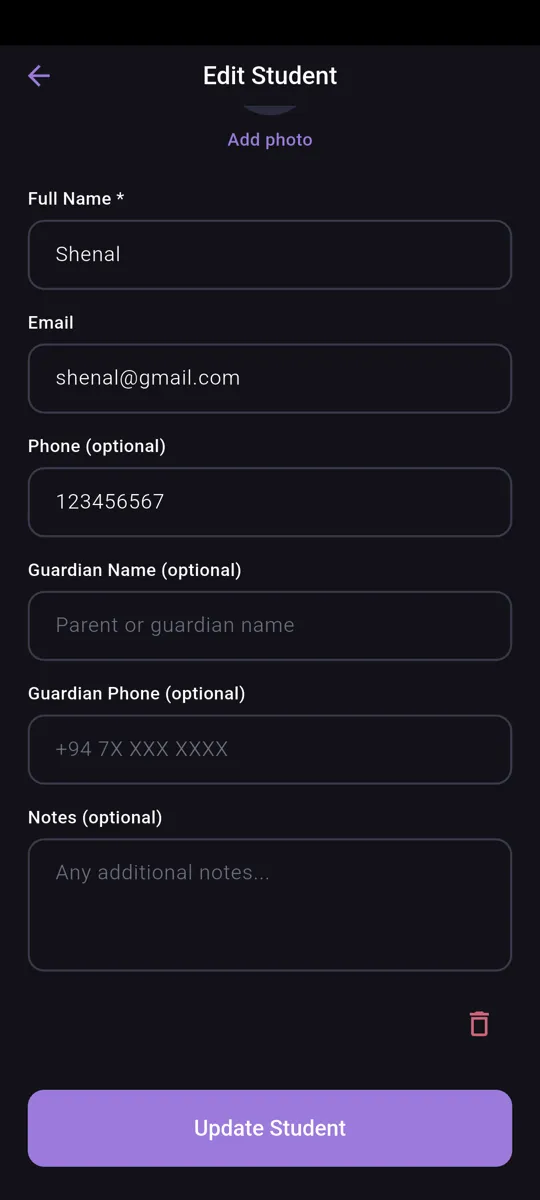
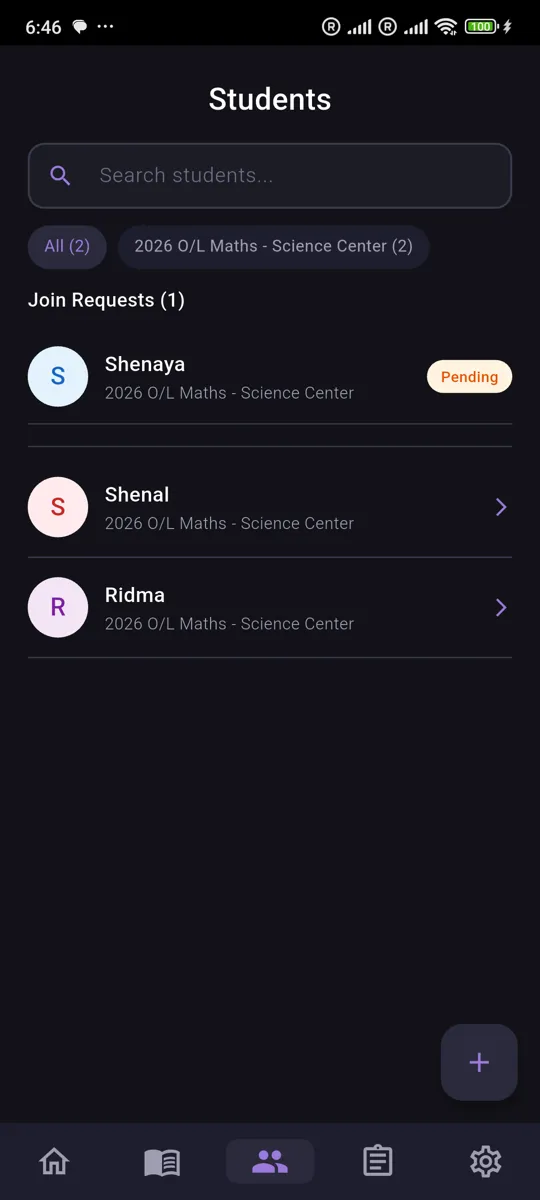
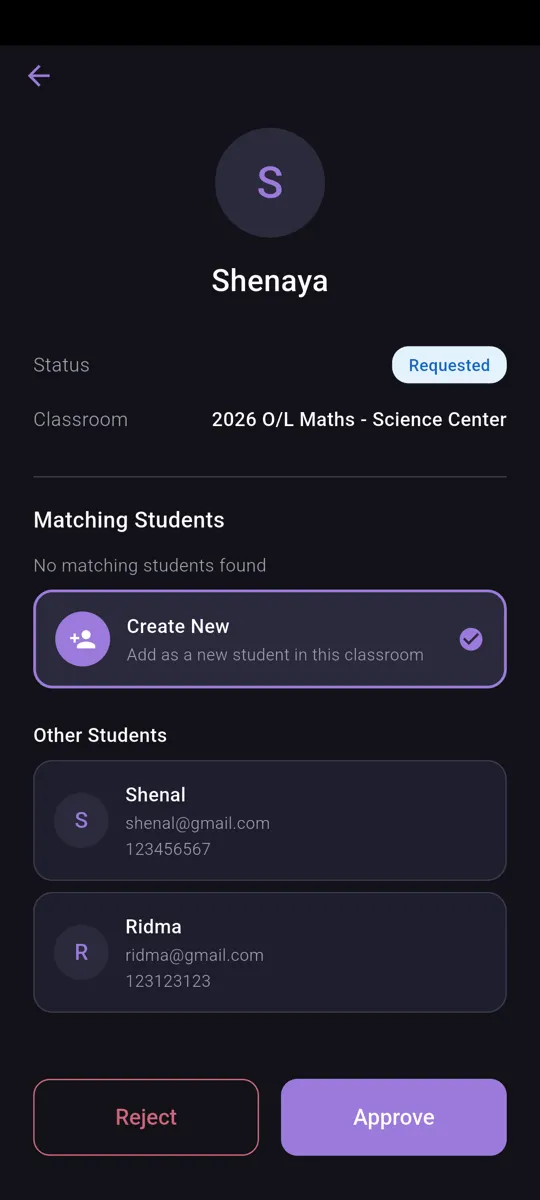
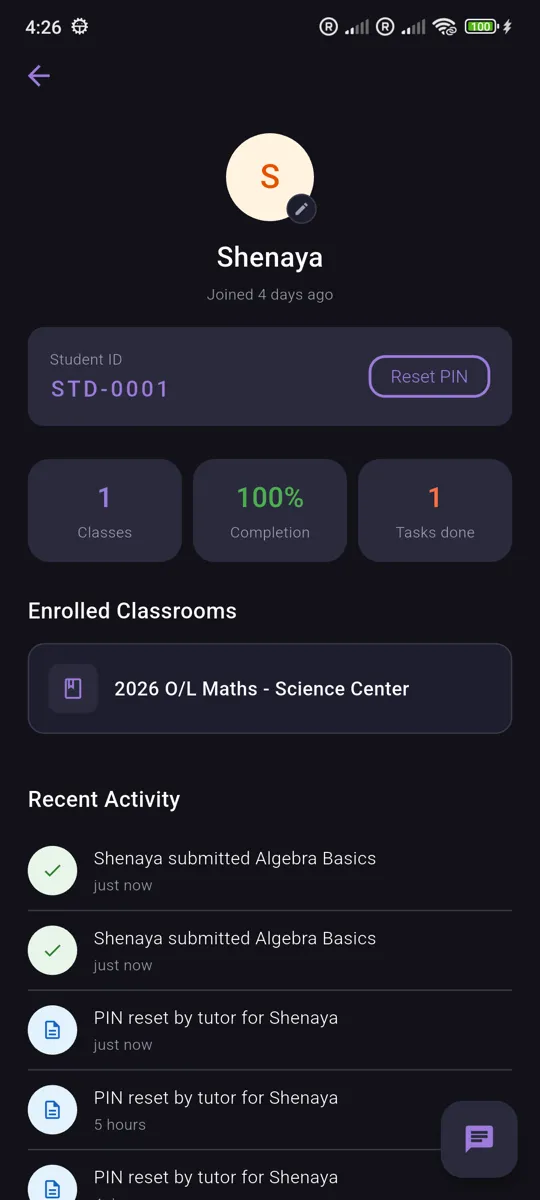
Invite students via code or link, approve join requests, and manage your class roster. View student profiles, track their progress, and keep your classrooms organized.
Student Experience
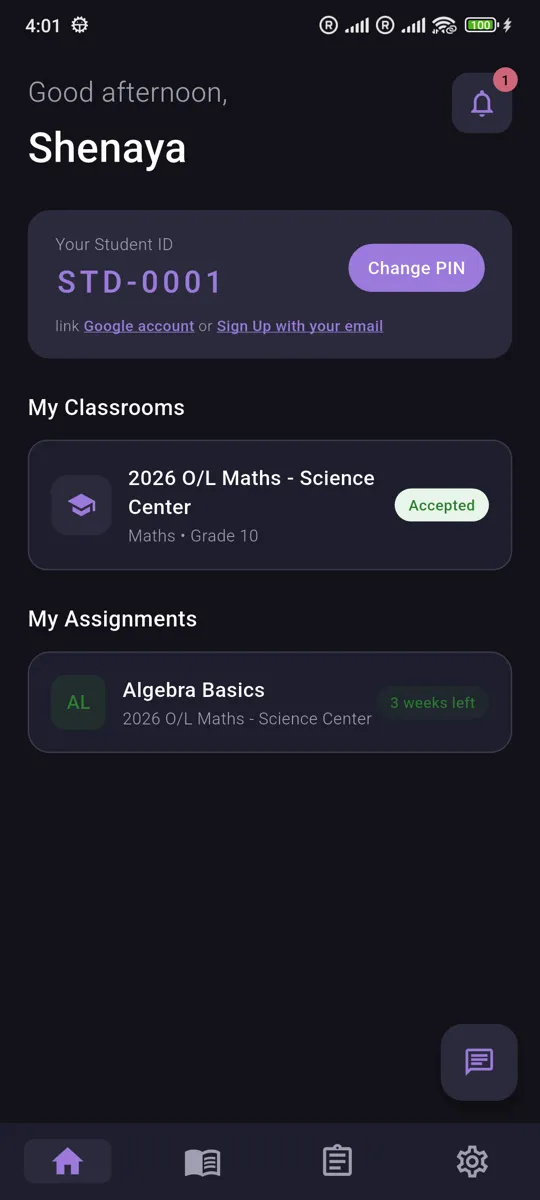
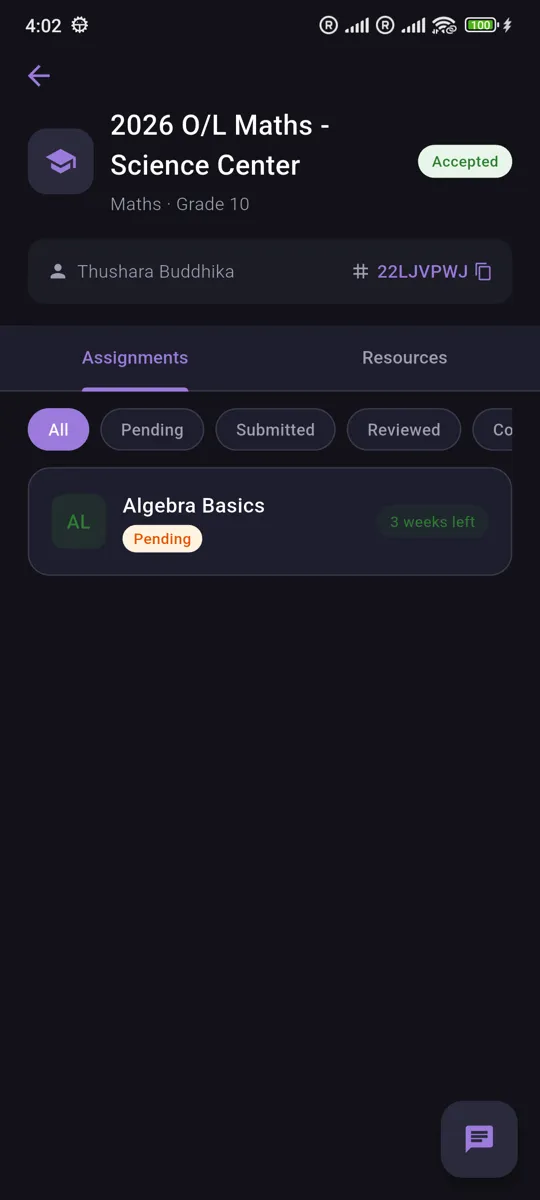
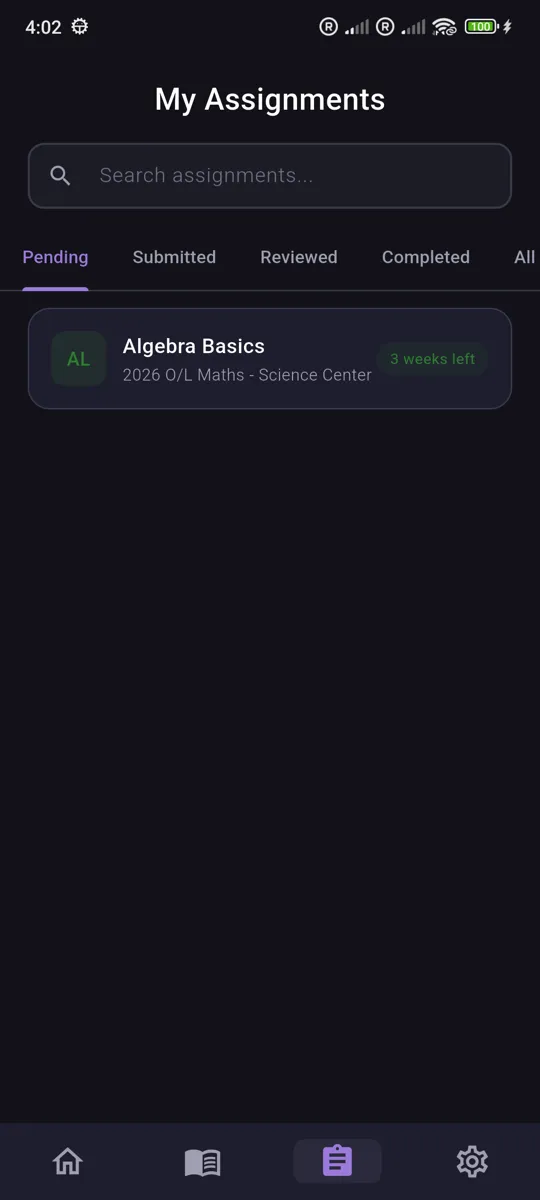
Students log in with their ID, browse joined classrooms, view assignments, access shared resources, and chat with their tutor — all from a clean, student-friendly interface.