An AI question paper generator that uses your own notes
Choose the kind of paper, pick the material it should come from, and Tora writes it. Then shape it question by question and export a clean PDF with its answer key.
Every kind of paper
Quizzes, tests, mock exams, worksheets, homework and reading papers with a passage, with multiple-choice or written answers, in sections you can rename and reorder.
- ✦Teaching documents too: lesson plans, revision guides, study notes, summaries and handouts
- ✦Start from a blank paper and write the questions yourself, no AI needed
- ✦Combine several papers into one
Written from your own material
Tora works from the files you mark for it in a class's resources: your notes, past papers and handouts. If your files don't cover a topic, it tells you, and only uses general knowledge if you agree.
Edit, brand and export
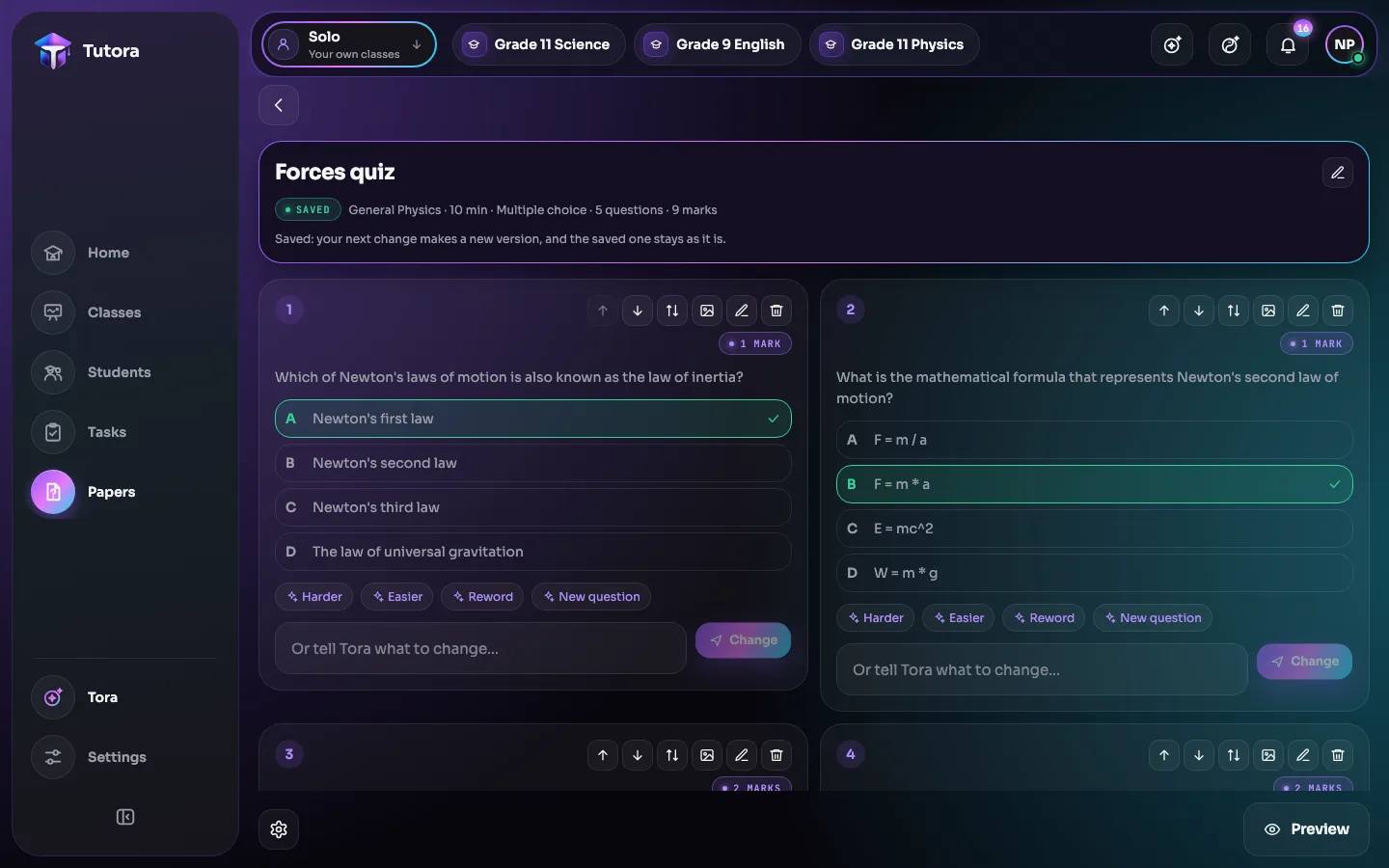
Rewrite a question with an instruction, type your own or add a picture. Add your logo, header, banner and footer, then export the paper and its answer key as PDFs, or set it as an assignment students answer in the app.
How to do it in Tutora
Questions
Yes. Upload your notes or past papers to a class's resources and turn on "Tora can use this". Tora then builds papers from that material.
Every paper exports as a PDF, and its answer key as a separate PDF.