Student management for private tutors, safe for children
Students don't sign up on their own. Every account starts from your invite, so you always know who's in your class, and a child never types their details into an empty form.
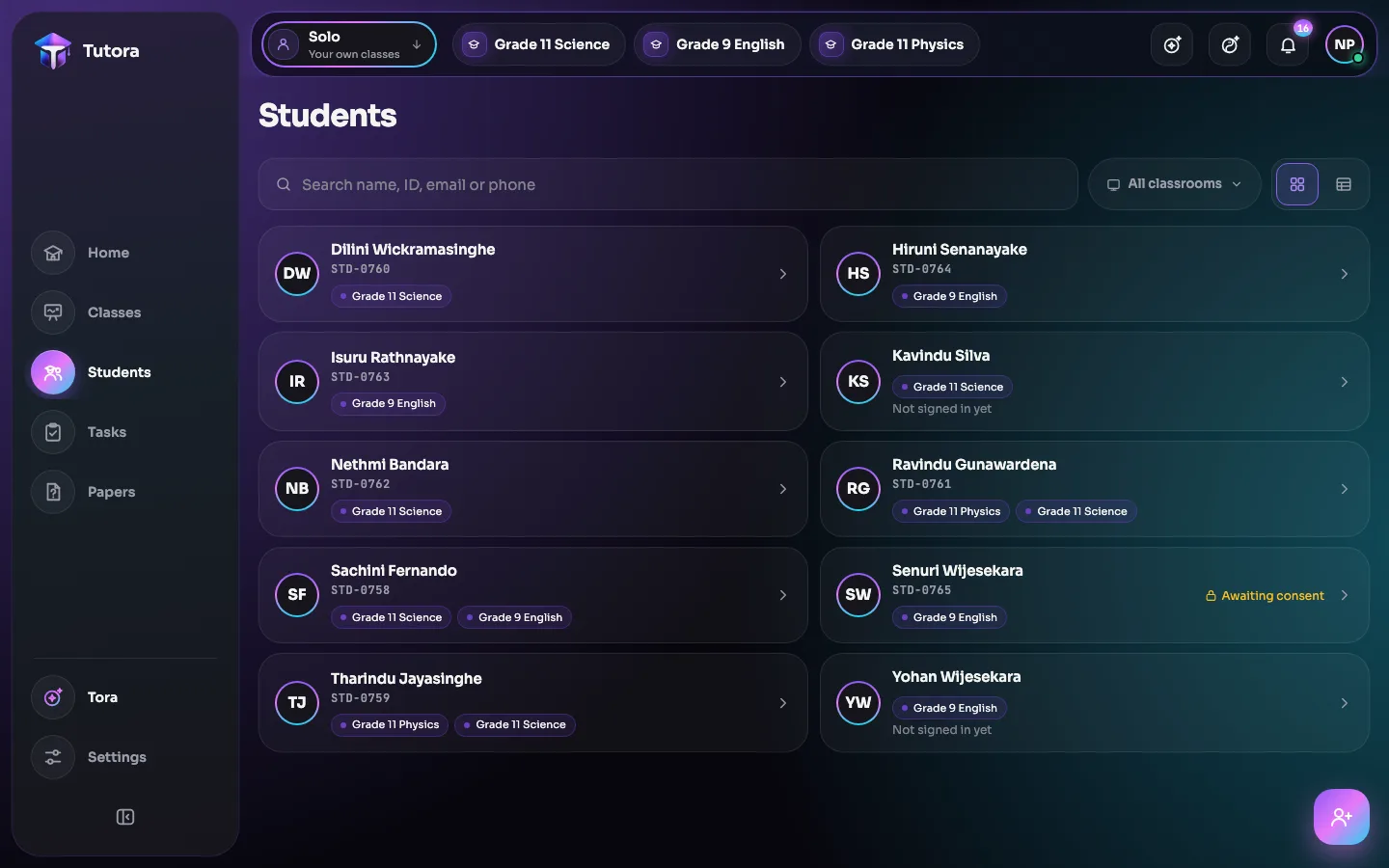
Add a whole class at once
Add students one at a time, or import a class from a CSV spreadsheet. Send each student their invite link or QR code.
Sign-in made for students
Students sign in with a Student ID and a PIN; no email needed. If they forget their PIN, they ask you for a new one from the app, or reset it by email.
Guardian consent for under-18s
For students under 18, Tutora sends their guardian a consent link. You follow its status, and the student's classes stay locked until the guardian agrees.
How to do it in Tutora
Questions
No. Students sign in with the Student ID and PIN from their invite. They can add a recovery email later if they want to.
Yes. Import a whole class from a CSV file in one go.