Online assignments, marking and feedback for tuition classes
Turn a paper into an assignment in a couple of taps, or attach your own files. Students see it in their app, and you see each hand-in as it arrives.
Set work in moments
Give it a due date and time and a pass mark, and keep it as a draft until you publish it. Close it when you're done.
Students answer in the app
Students can answer a Tutora paper right in the app, or work from the PDF. The answer key stays private until you share it, with the whole class or one student at a time.
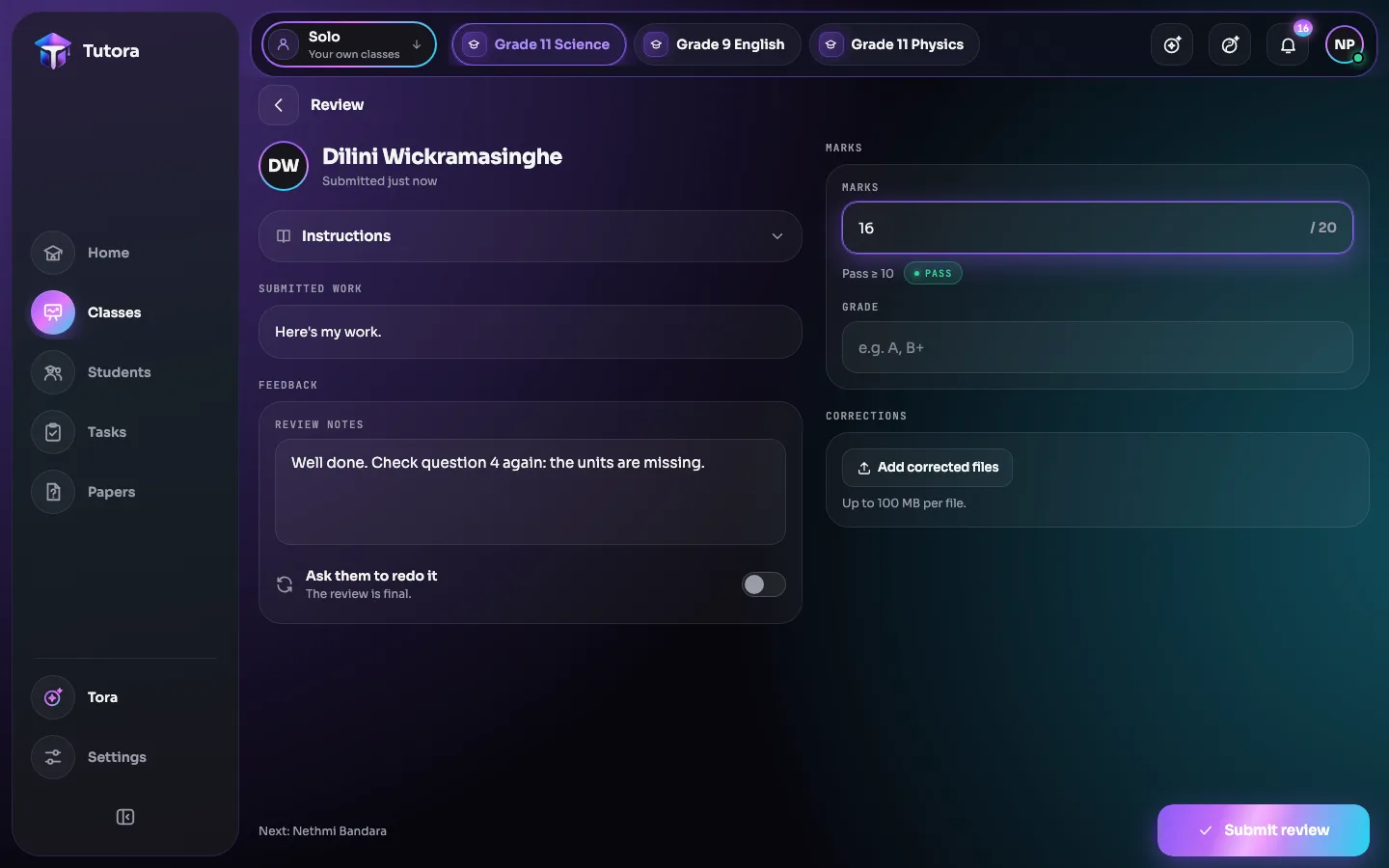
Mark and give feedback
Review each submission, add marks and feedback, or ask for a redo. The Tasks page shows every assignment across your classes, and who has and hasn't handed in.
FAQs
Questions
Yes. Students answer Tutora papers in the app on any phone, tablet or computer, and see their marks and feedback there.